
Free
$0Free plan available.
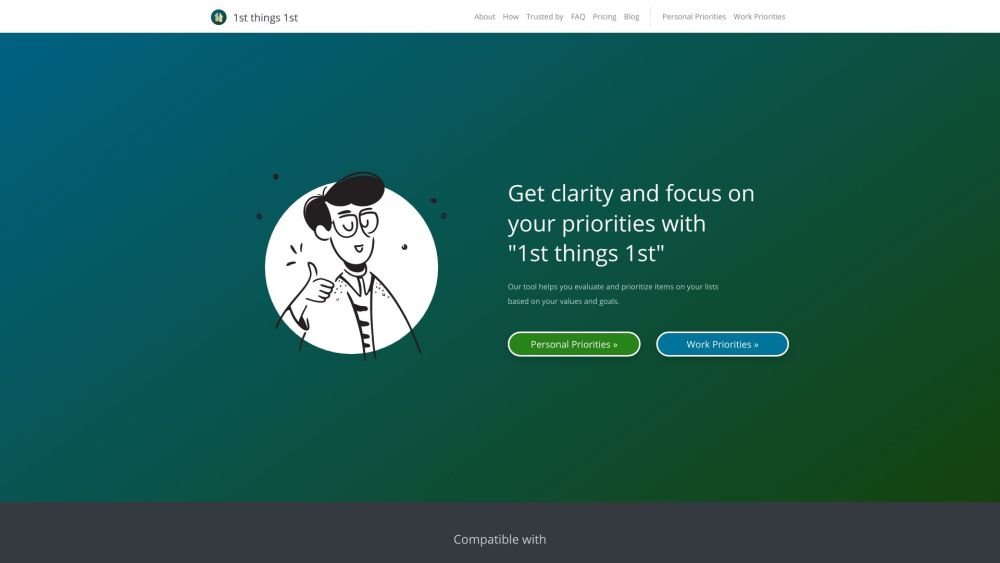
1st things 1st is a strategic prioritization tool designed to help individuals and teams make informed decisions by clarifying goals and creating actionable plans. It offers both intuitive and smart prioritization methods, leveraging AI-powered suggestions and customizable templates to evaluate options based on personal values and goals. The tool aims to combat analysis paralysis and enhance productivity by providing a clear, ranked list of priorities.
1st things 1st offers two primary prioritization tools: intuitive and smart. The intuitive tool lets you compare options in pairs based on your judgment. The smart tool allows you to assess options from multiple perspectives using customizable criteria and AI-powered autosuggestions. To get started, list your options, evaluate them, and then review your sorted priorities.
1st things 1st is a prioritization suite that helps you determine what is most important by ranking items using methods like pairwise comparison, evaluation criteria, or AI-driven suggestions.
You can use 1st things 1st to prioritize anything from daily tasks to business strategies, making it suitable for both short-term and long-term decision-making.
The ideal method depends on your decision-making needs: use the Intuitive Prioritizer for quick choices, the Smart Prioritizer for complex evaluations, or AI-Powered Autosuggestions for data-informed decisions.
Yes, you can use AI-powered prioritization to generate recommendations and then manually refine your list using drag-and-drop or by editing criteria scores.
Yes, you can create separate prioritizations for different areas of your life and share your results via email or a public link.
Yes, you can export your lists in various formats, including PDF, Excel, Notion checklists, or integrate them with task management apps via Zapier.
Yes, 1st things 1st provides a free version with core features, with paid plans available for access to advanced functionality.
No, you can use the smart prioritization tool immediately without an account. However, you must sign up for a free account to save your projects.
You can submit questions through the feedback form, and support typically responds within two business days.
Free plan available.

Similar AI tool in the AI Assistant category.
Similar AI tool in the AI Assistant category.
Similar AI tool in the AI Productivity Tools category.
Similar AI tool in the AI Assistant category.
Similar AI tool in the AI Assistant category.
Similar AI tool in the AI Assistant category.
Similar AI tool in the AI Chatbot category.
Similar AI tool in the AI Chatbot category.
Similar AI tool in the AI Productivity Tools category.
Similar AI tool in the AI Assistant category.
Similar AI tool in the AI Assistant category.
Similar AI tool in the AI Assistant category.