
Free
$0Free plan available.
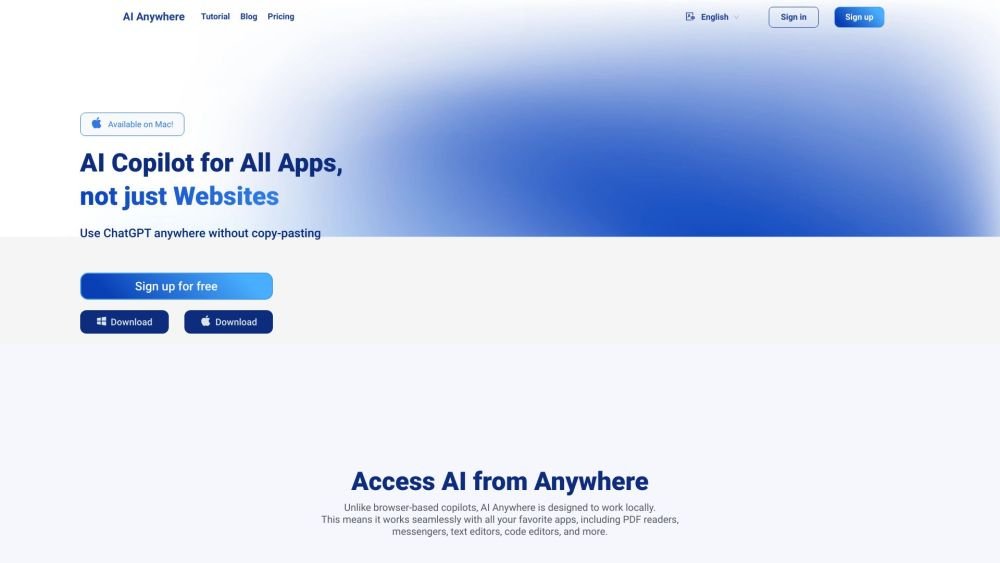
AI Anywhere is a desktop AI assistant that enhances productivity by integrating ChatGPT functionality into all applications, eliminating the need for copy-pasting. It offers quick actions, universal chat, and an AI launcher with customizable commands, making it an AI Copilot for all apps, docs, emails, and websites.
Press Option+Space (or Alt+Space on Windows) to open the universal chat, or highlight text in any application to trigger quick actions such as summarizing, translating, or improving text. You can also manage and customize your AI commands through the AI Launcher.
AI Anywhere provides a free version with limited functionality, while paid subscriptions offer access to more advanced features.
Use the Option + Space (or Alt + Space) shortcut to open the chat interface. You can also select text in any application to access quick actions or configure commands via the AI Launcher.
The provided information does not specify how to modify shortcut keys.
The provided information does not specify how to change the interface language.
The provided information does not specify why the application requires accessibility permissions.
The provided information does not specify the privacy and security measures used by AI Anywhere.
Free plan available.
Use these comparison pages to understand the trade-offs between the models most relevant to AI Anywhere.
Compare GPT 5.4 and GPT 5.4 Pro across pricing, context window, capabilities, benchmarks, and API access to choose the better fit for long-context workloads versus long-context workloads.
Compare GPT 5.5 and GPT 5.4 across pricing, context window, capabilities, benchmarks, and API access to choose the better fit for long-context workloads versus long-context workloads.
Compare GPT 5.5 and Claude 4.6 Opus across pricing, context window, capabilities, benchmarks, and API access to choose the better fit for long-context workloads versus long-context workloads.
Compare GPT 5.5 and Claude 4.6 Sonnet across pricing, context window, capabilities, benchmarks, and API access to choose the better fit for long-context workloads versus long-context workloads.

Similar AI tool in the AI Assistant category.
Similar AI tool in the AI Assistant category.
Similar AI tool in the AI Writing Assistants category.
Similar AI tool in the AI Assistant category.
Similar AI tool in the AI Writing Assistants category.
Similar AI tool in the AI Writing Assistants category.
Similar AI tool in the AI Assistant category.
Similar AI tool in the AI Chatbot category.
Similar AI tool in the AI Chatbot category.
Similar AI tool in the AI Assistant category.
Similar AI tool in the AI Assistant category.
Similar AI tool in the AI Assistant category.