0
5 0 Reviews 0 Saved
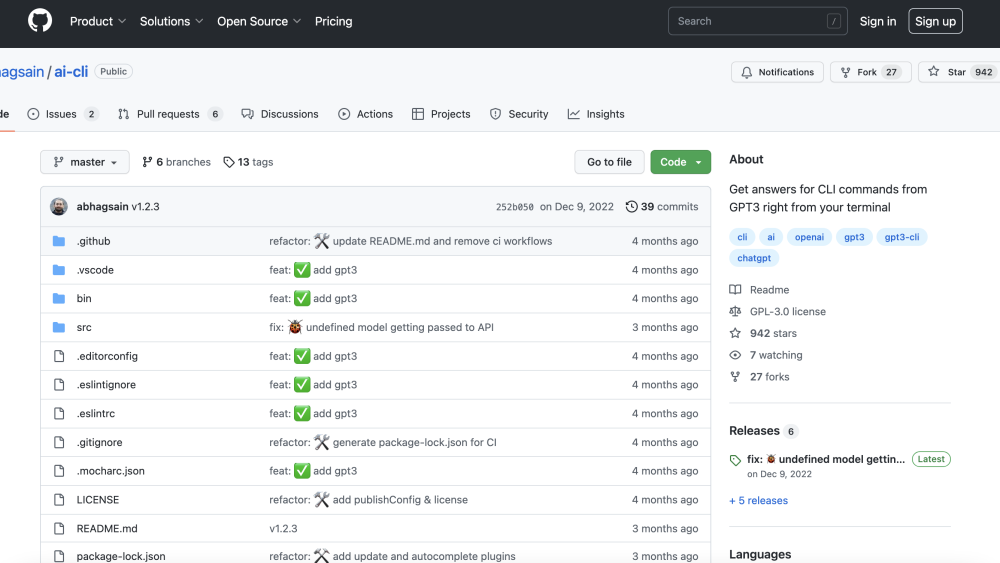
Introduction: ai-cli: ai-cli is an open-source GPT-3 powered command-line interface (CLI) tool that allows users to get answers for CLI commands directly from their terminal. It leverages the OpenAI GPT-3 model to provide explanations and usage examples for various command-line tools and utilities.

ai-cli Product Information

What is ai-cli?

ai-cli is an open-source command-line tool powered by GPT-3. It helps developers understand complex shell commands or generate them from natural language prompt right inside the terminal, saving trips to StackOverflow.

How to use ai-cli?

1. Install via npm: `npm i -g @abhagsain/ai-cli`.
2. Run `ai ask "how do I undo the last git commit?"`.
3. Get the exact command and explanation instantly.

ai-cli Use Cases

#1 "[\"Generating complex git or docker commands\",\"Understanding obscure shell flags\",\"Debugging terminal errors quickly\"]"

Related Model Comparison Pages

Use these comparison pages to understand the trade-offs between the models most relevant to ai-cli.

Compare GPT 5.4 and GPT 5.4 Pro across pricing, context window, capabilities, benchmarks, and API access to choose the better fit for long-context workloads versus long-context workloads.

Compare GPT 5.5 and GPT 5.4 across pricing, context window, capabilities, benchmarks, and API access to choose the better fit for long-context workloads versus long-context workloads.

Compare GPT 5.5 and Claude 4.6 Opus across pricing, context window, capabilities, benchmarks, and API access to choose the better fit for long-context workloads versus long-context workloads.

Compare GPT 5.5 and Claude 4.6 Sonnet across pricing, context window, capabilities, benchmarks, and API access to choose the better fit for long-context workloads versus long-context workloads.