
Free
$0Free plan available.
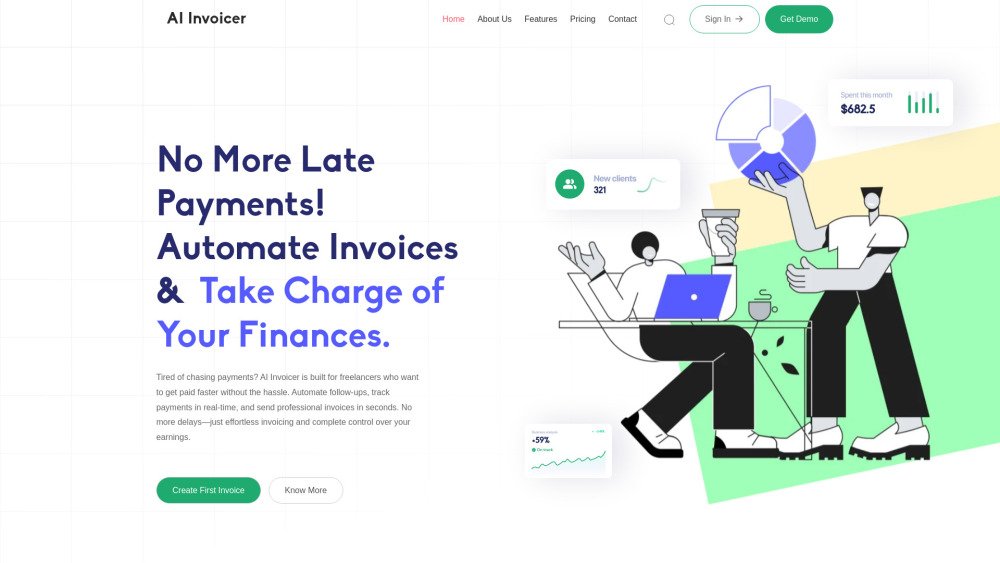
AI Invoicer is an intuitive invoicing platform designed for business owners and entrepreneurs who want to streamline their invoicing process. It helps you create, manage, and send professional invoices effortlessly, automate payment follow-ups, and track earnings in real time. With tax management and expense tracking, you stay in control. Get paid faster and focus on your work with AI Invoicer.
Log in, enter your business details, and begin invoicing within minutes. Customize your invoices with your company logo, brand colors, and specific details to ensure a professional, on-brand appearance.
AI Invoicer is an intuitive invoicing platform designed for business owners and entrepreneurs to streamline their billing. Whether you are an established company or just starting out, it helps you create, manage, and send professional invoices with ease.
AI Invoicer saves time by automating invoice generation, tax calculations, and payment tracking, allowing you to focus on growing your business.
Yes. AI Invoicer is designed for simplicity; no technical skills are required. Simply log in, enter your details, and start invoicing within minutes.
Yes. You can customize your invoices with your company logo, brand colors, and specific details to maintain a professional, branded look.
Yes. You can maintain detailed records of your clients, including their contact information and payment history, all in one centralized location.
Yes. AI Invoicer automatically calculates GST or other applicable taxes based on your input to ensure your invoices remain accurate and compliant.
Yes. New users can access a free plan to get started with essential features, while business owners can explore premium plans to unlock advanced tools as their business grows.
Free plan available.
Use these comparison pages to understand the trade-offs between the models most relevant to AI Invoicer.
Compare Gemini 1.0 Pro Deprecated and Gemini 2.0 Flash across pricing, context window, capabilities, benchmarks, and API access to choose the better fit for long-context workloads versus long-context workloads.
Compare Gemini 1.0 Pro Deprecated and Gemini 2.5 Flash across pricing, context window, capabilities, benchmarks, and API access to choose the better fit for long-context workloads versus long-context workloads.
Compare Gemini 2.0 Flash Lite and Gemini 2.0 Flash across pricing, context window, capabilities, benchmarks, and API access to choose the better fit for long-context workloads versus long-context workloads.
Compare Gemini 2.5 Flash and Gemini 2.0 Flash across pricing, context window, capabilities, benchmarks, and API access to choose the better fit for long-context workloads versus long-context workloads.