
Free
$0Free plan available.
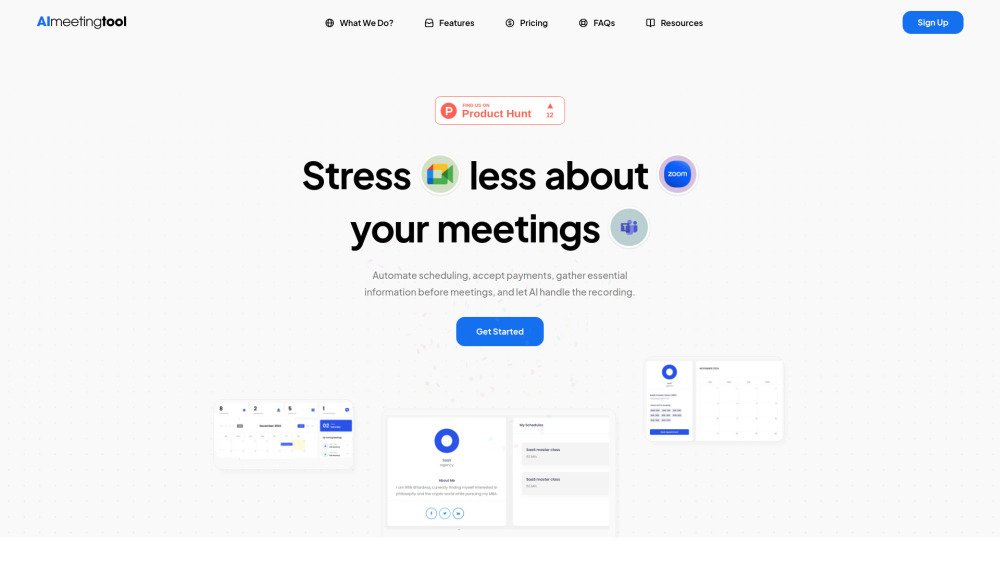
AI Meeting Tool is a platform designed to streamline and automate various aspects of meeting management. It offers features such as automated bookings, payment acceptance, pre-meeting question collection, workflow automation, and an AI companion for summaries, insights, and roadmaps. The tool aims to reduce stress associated with meetings by automating scheduling, accepting payments, gathering essential information, and providing AI-powered recording and summarization.
Use AI Meeting Tool to automate scheduling, accept payments via Stripe, PayPal, or Razorpay, create custom intake forms to collect client details, and automate workflows using customizable notifications and reminders. Integrate the platform with calendars including Google Meet, Apple Calendar, Outlook, Teams, and Zoom.
The AI Meeting Bot records audio, video, transcripts, and metadata from video conferencing platforms like Zoom, Google Meet, and Microsoft Teams. It streamlines meeting documentation and improves productivity by providing comprehensive insights from your virtual sessions.
The free plan includes over 90% of our features, such as unlimited events, opt-in meetings, multiple availability configurations, unlimited calendar connections, recurring event options, monetization tools, analytics, third-party integrations, webhooks, automated workflows, and routing forms.
No, the AI meeting bot is not included in the free plan. You must upgrade to a paid plan to access AI-powered meeting assistance.
We currently accept payments via PayPal and Razorpay.
AImeetingtool syncs with your connected calendars to verify your availability for new bookings.
Packages allow you to bundle services for clients—ideal for doctors, consultants, or marketers—and collect payment upfront. Use the Packages feature to create tailored offerings with a drag-and-drop setup, link your preferred payment gateway (Stripe, PayPal, or Razorpay), and manage all details from your dashboard.
Date or Time Override allows you to mark specific windows as unavailable on your calendar, whether for a few minutes or several hours. This ensures your availability is accurate and prevents double bookings.
Yes. When a user books a meeting via the AI Meeting calendar, their email is saved to your customer list. To send a manual invoice, navigate to “Invoices” in your dashboard, select the client, enter the service details, price, tax, and discounts, and send it to the client with one click.
Free plan available.
Use these comparison pages to understand the trade-offs between the models most relevant to AI Meeting Tool.
Compare Gemini 1.0 Pro Deprecated and Gemini 2.0 Flash across pricing, context window, capabilities, benchmarks, and API access to choose the better fit for long-context workloads versus long-context workloads.
Compare Gemini 1.0 Pro Deprecated and Gemini 2.5 Flash across pricing, context window, capabilities, benchmarks, and API access to choose the better fit for long-context workloads versus long-context workloads.
Compare Gemini 2.0 Flash Lite and Gemini 2.0 Flash across pricing, context window, capabilities, benchmarks, and API access to choose the better fit for long-context workloads versus long-context workloads.
Compare Gemini 2.5 Flash and Gemini 2.0 Flash across pricing, context window, capabilities, benchmarks, and API access to choose the better fit for long-context workloads versus long-context workloads.
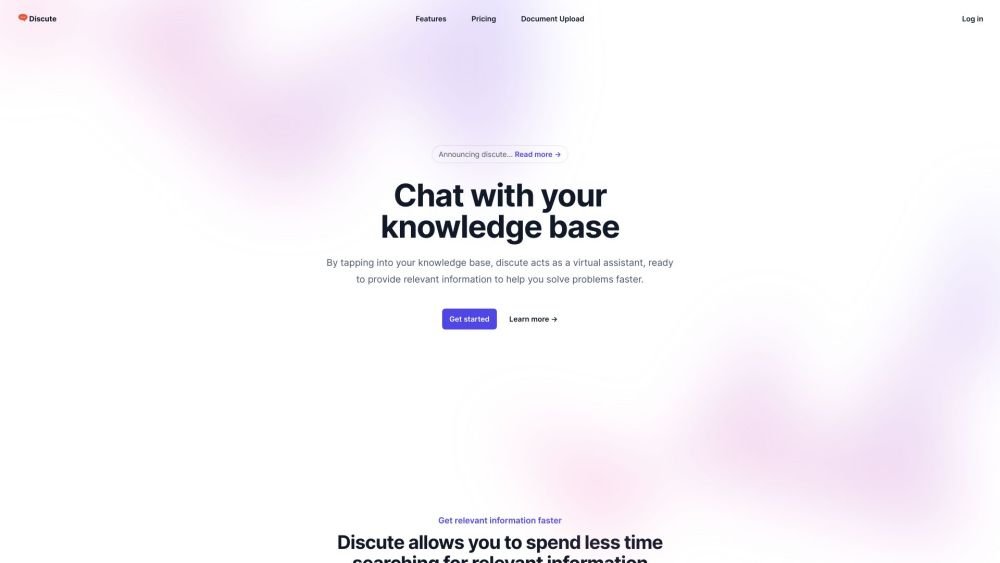
Discute is a tool that enables users to interact with various data formats, ranging from standard documents to complex databases. By functioning as a virtual assistant that accesses your knowledge base, it helps you retrieve information and resolve issues more efficiently. The platform currently supports PDF, DOCX, TXT, and CSV files, with future updates planned for database and website integration.
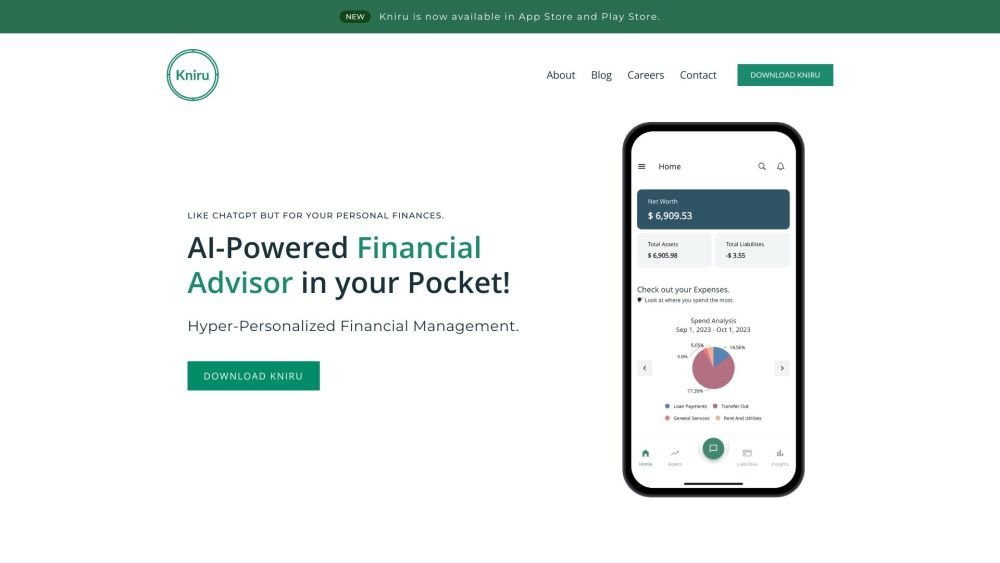
Kniru is a mobile application designed to help you manage your personal finances using AI. Through a chat-based interface, it provides precise, personalized, and actionable insights while answering your questions regarding investments, taxes, retirement, and spending. The platform allows users to track, manage, and optimize transactions, investments, and loans to support smarter financial decision-making in a secure environment.
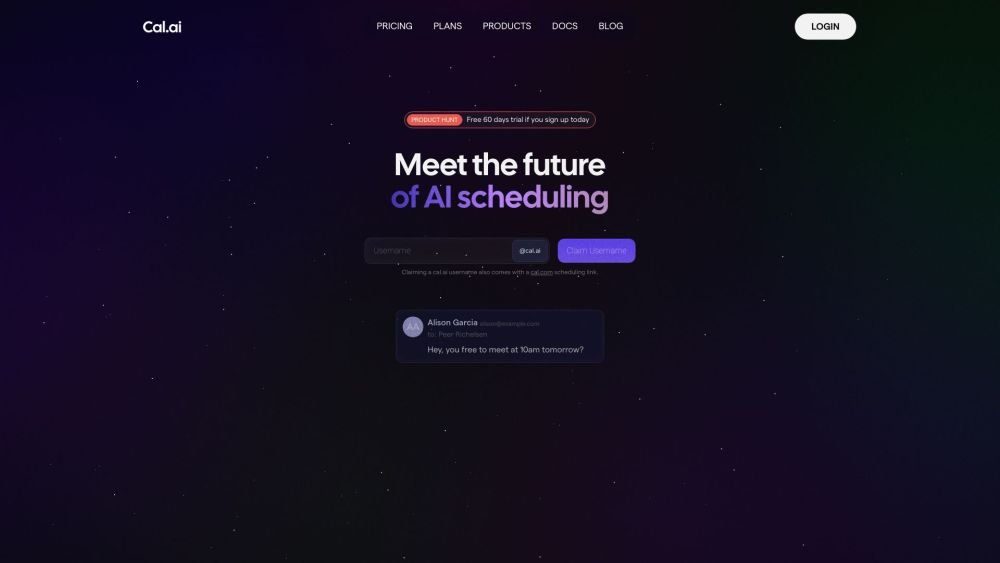
Cal.com is an open-source scheduling infrastructure offering fully customizable software for individuals, businesses, and developers building scheduling platforms. It provides flexible deployment options, including self-hosted and SaaS solutions, alongside features like routing, a unified calendar API, a desktop application, and an enterprise API. Additionally, Cal.com integrates AI-powered scheduling assistance via Cal.ai, which includes AI Phone Agents.
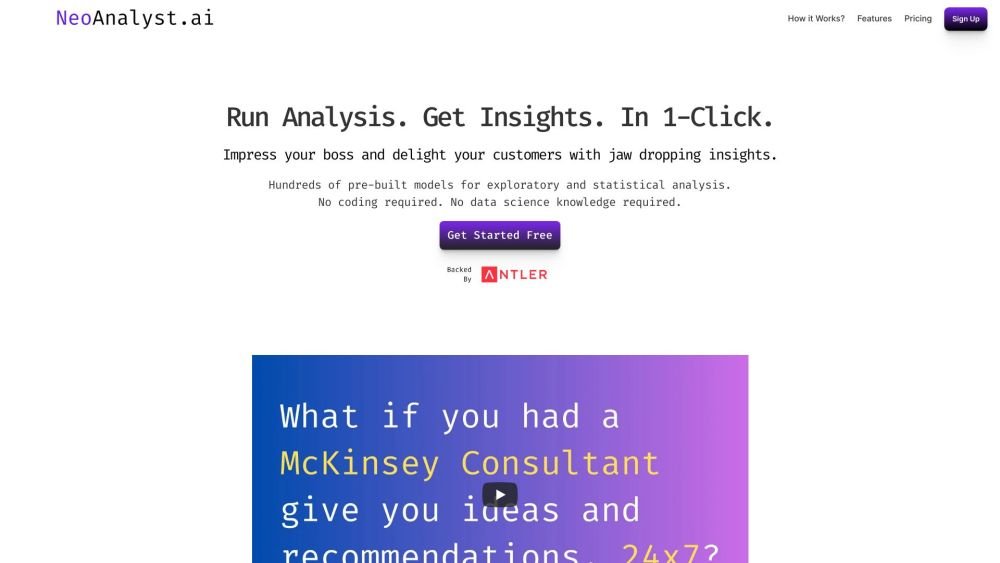
NeoAnalyst.ai simplifies data analysis by making complex insights accessible to everyone. Users can upload datasets and select from 25 suggested questions to generate clear visualizations and actionable findings. Designed for business leaders, this platform requires no coding or data science expertise.
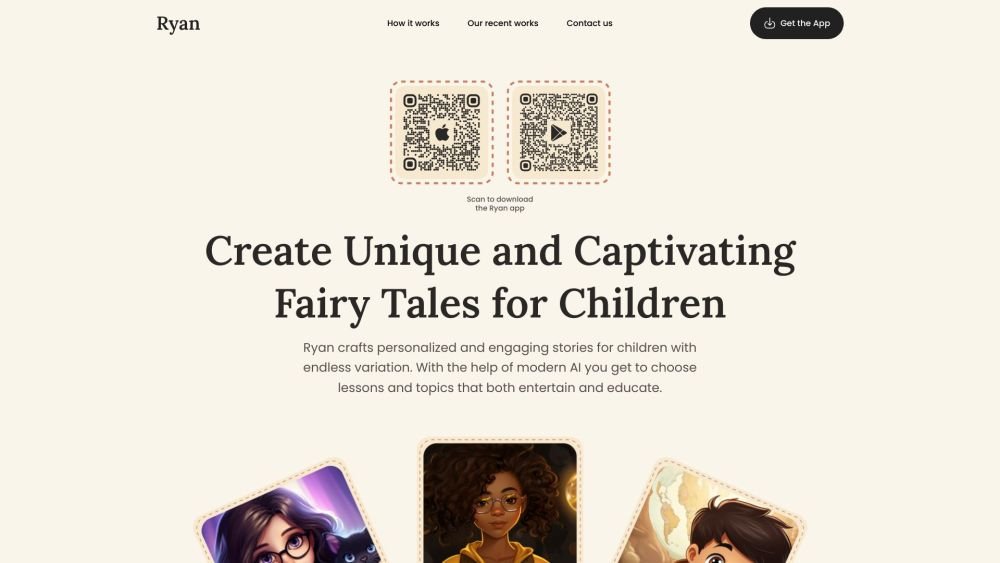
Ryan AI generates custom children's fairy tales tailored to specific preferences, including genres and characters. Featuring multilingual voice narration and background music, it provides an engaging experience for children while offering parents a convenient way to entertain them. By leveraging modern AI, you can select specific themes and educational lessons to create unique, personalized stories.
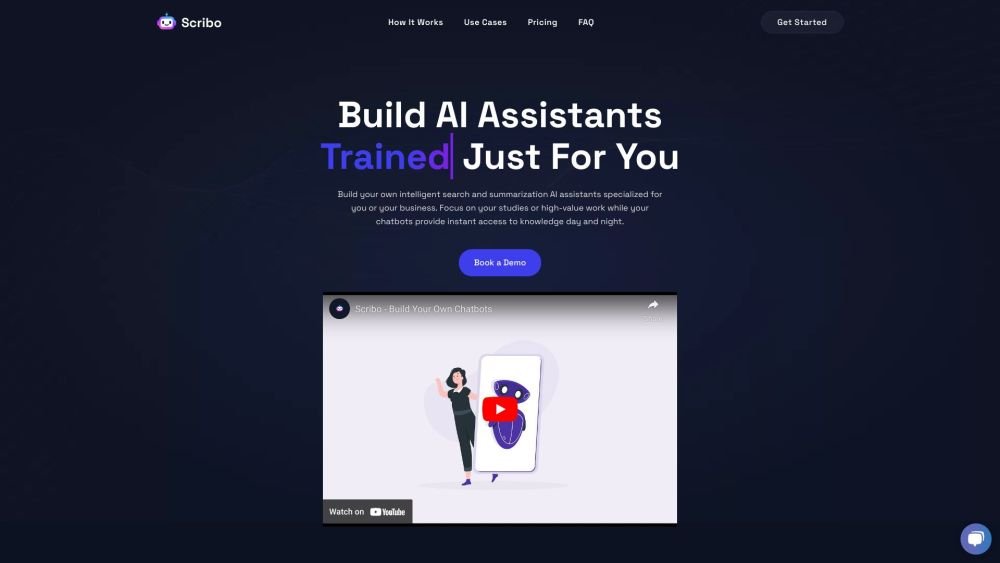
Scribo AI is a generative AI platform built for internal business knowledge sharing. It enables users to develop intelligent search and summarization assistants, helping teams access information quickly to prioritize high-value tasks. Additionally, Scribo AI supports the creation of generative chatbots that utilize company data to assist and engage customers.
Synthflow AI is a platform designed to automate phone calls using AI voice agents. It allows users to build custom AI phone agents without requiring coding or technical expertise, relying instead on your data and concepts to drive automation. The platform provides flexible pricing plans that scale with your business requirements to maintain cost-efficiency.
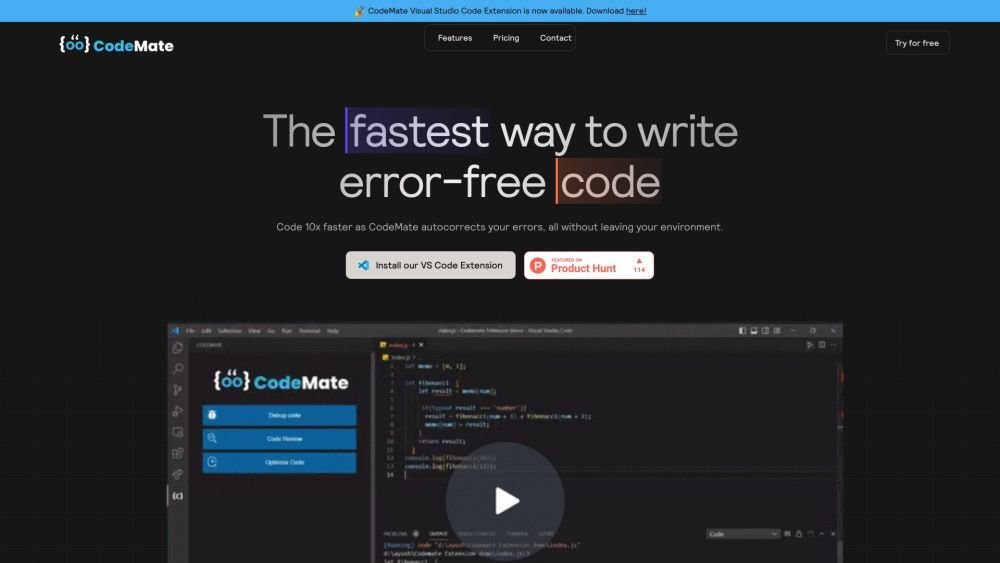
CodeMate.ai is an AI-powered coding assistant built to help developers write code more efficiently. It integrates directly into your existing development environment to provide features such as autocorrection, debugging, code review, and refactoring. Supporting various IDEs and programming languages, CodeMate is designed to streamline your coding workflow and enhance overall code quality.
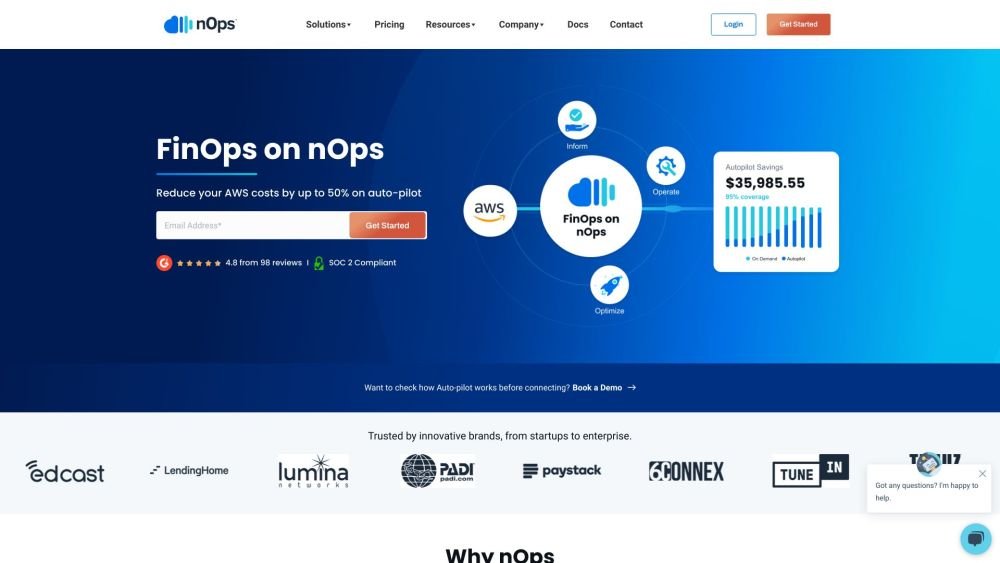
nOps is an automated FinOps platform built to reduce AWS costs by up to 50% without needing manual engineering intervention. As a cloud management solution, it operates on a savings-based pricing model, ensuring its incentives are aligned with your cost optimization goals. The platform offers full visibility into AWS spending, automates optimization workflows, and manages commitments to maximize your savings.
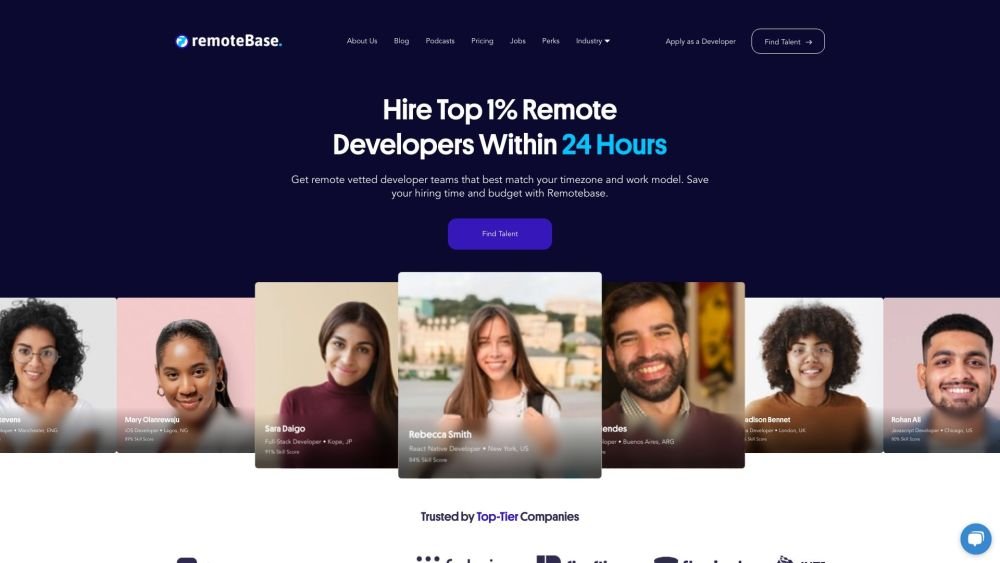
Remotebase is a marketplace connecting startups with pre-vetted software engineering talent worldwide. The platform provides immediate access to engineers at a fixed monthly rate, with a 24-hour matching guarantee. Additionally, it offers a pricing tool to help estimate the costs of hiring software development teams.
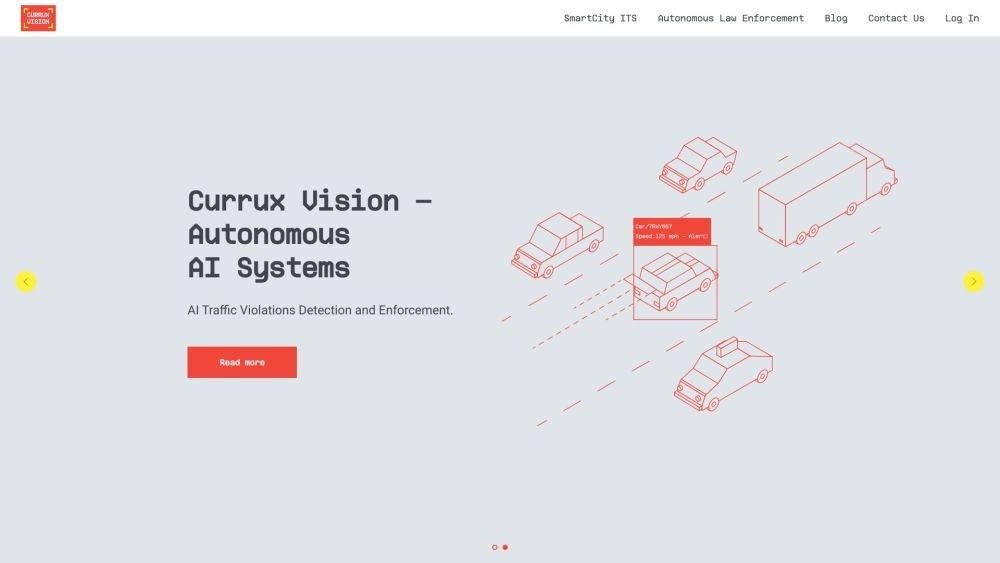
Currux Vision develops autonomous AI systems designed for intelligent infrastructure. The platform enables cities, government agencies, defense departments, and infrastructure developers to monitor, optimize, and monetize complex projects. By leveraging existing CCTV, traffic controllers, and sensor networks, the system operates at the edge, locally, or in the cloud to provide AI-driven traffic monitoring, enforcement, and smart city management.
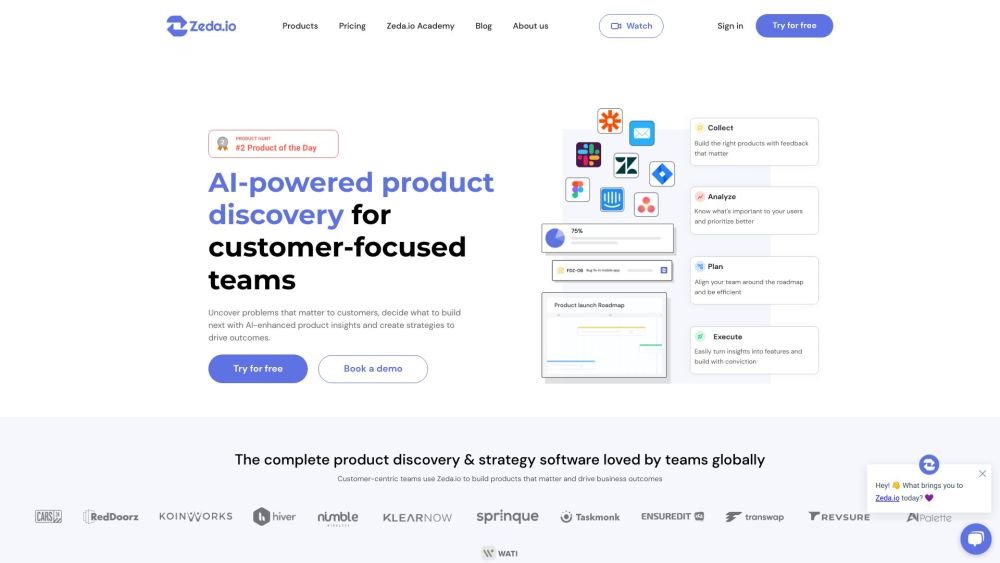
Zeda.io is an AI-driven product management platform built to assist product teams in planning and developing effective products. It streamlines the process of gathering customer feedback, setting goals and initiatives, managing roadmaps, and drafting specifications for design and development teams. By converting customer feedback into actionable insights, Zeda.io helps businesses align their product development with customer needs and business objectives. The platform integrates various Voice of Customer (VoC) sources, utilizes AI to analyze product areas, generates insight reports, and validates ideas to identify opportunities more efficiently.