

Free
$0Free plan available.
The AI Response Generator is a Chrome extension designed to help users create quick, tailored replies across various platforms. It automates the process of writing responses for emails, chats, discussions, and more, enhancing productivity and saving time.
1. Install the Extension: Click “Add to Chrome.” 2. Launch the Extension: Click the extension icon in your browser toolbar. 3. Enter Your Text: Input the text you want to reply to. 4. Submit: Click the submit button to generate your response.
The AI Response Generator automates the drafting of quick replies. Simply input your text, and the AI will generate a relevant and engaging response.
Customize your output by selecting your preferred tone and defining your response goals. The tool is flexible, allowing you to personalize messages to match your style. Including specific keywords and goals can improve the relevance of the generated text.
No, the AI text reply generator supports multiple languages. Simply enter your text in your preferred language, and the extension will generate a response in that same language, making it a versatile tool for multilingual communication.
Yes, your privacy is our priority. The AI Response Generator ensures your data remains secure and is never stored or shared.
Yes, a free plan is available with certain limitations. A paid plan with additional features will be introduced in the future.
Free plan available.
Use these comparison pages to understand the trade-offs between the models most relevant to AI Response Generator - Chrome Extension.
Compare Gemini 1.0 Pro Deprecated and Gemini 1.5 Flash Vision Deprecated across pricing, context window, capabilities, benchmarks, and API access to choose the better fit for long-context workloads versus general-purpose AI workloads.
Compare Gemini 1.5 Pro Vision Deprecated and Gemini 1.0 Pro Deprecated across pricing, context window, capabilities, benchmarks, and API access to choose the better fit for general-purpose AI workloads versus long-context workloads.
Compare Gemini 1.0 Pro Vision Deprecated and Gemini 1.5 Flash Vision Deprecated across pricing, context window, capabilities, benchmarks, and API access to choose the better fit for general-purpose AI workloads versus general-purpose AI workloads.
Compare Gemini 1.5 Pro Vision Deprecated and Gemini 1.0 Pro Vision Deprecated across pricing, context window, capabilities, benchmarks, and API access to choose the better fit for general-purpose AI workloads versus general-purpose AI workloads.

Discute is a tool that enables users to interact with various data formats, ranging from standard documents to complex databases. By functioning as a virtual assistant that accesses your knowledge base, it helps you retrieve information and resolve issues more efficiently. The platform currently supports PDF, DOCX, TXT, and CSV files, with future updates planned for database and website integration.
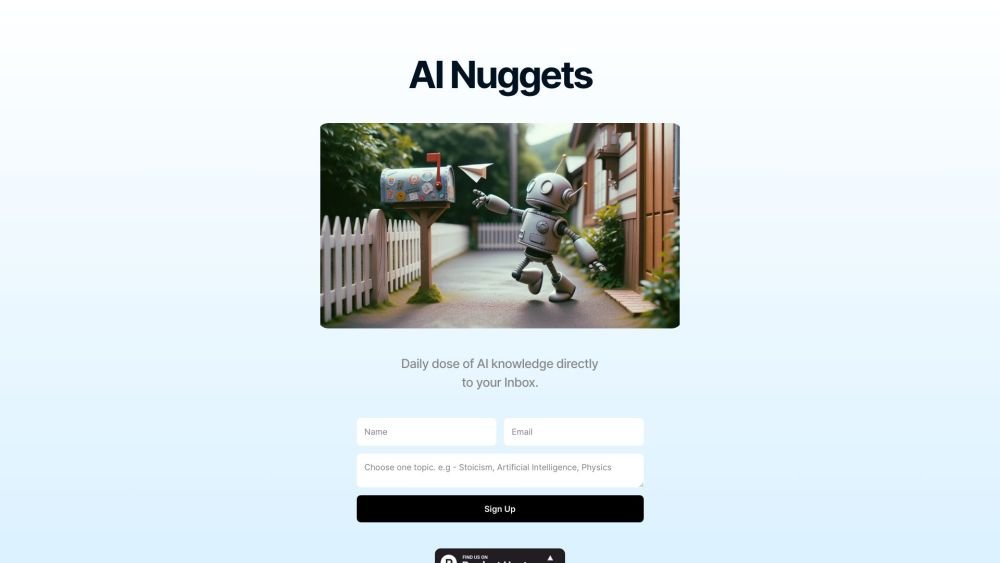
AI Nuggets is an AI-driven daily newsletter that provides concise insights on your selected topics, accompanied by prompts for further exploration. It offers a personalized learning experience designed to foster creativity and broaden your knowledge across subjects ranging from historical facts to modern technology.
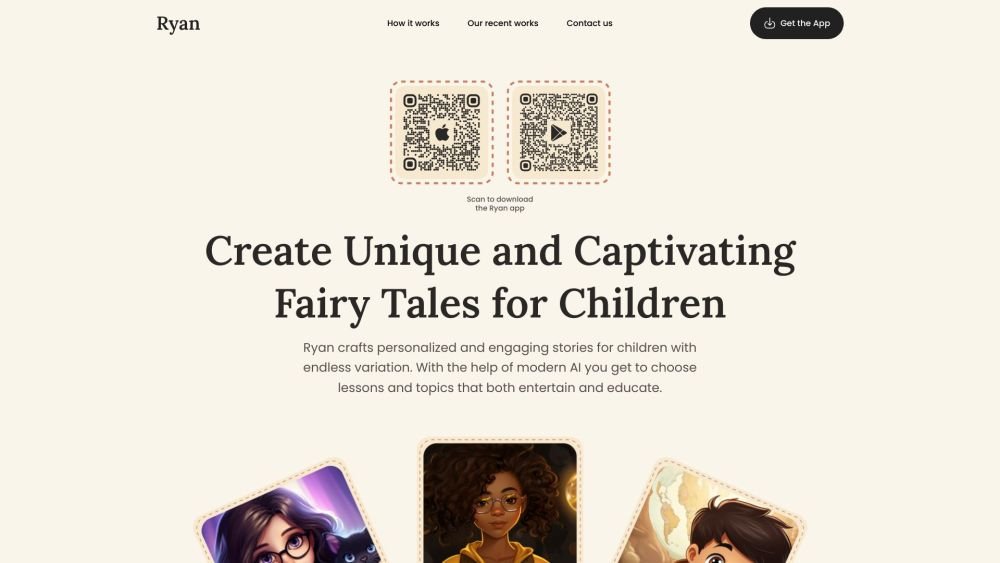
Ryan AI generates custom children's fairy tales tailored to specific preferences, including genres and characters. Featuring multilingual voice narration and background music, it provides an engaging experience for children while offering parents a convenient way to entertain them. By leveraging modern AI, you can select specific themes and educational lessons to create unique, personalized stories.

WriteTurbo is an AI-powered platform designed to help users generate high-quality content for diverse marketing and creative needs. It provides tools for crafting Facebook, Instagram, and Google ads, social media posts, SEO-optimized articles, and blog content. WriteTurbo focuses on delivering affordable and efficient AI-driven content generation.
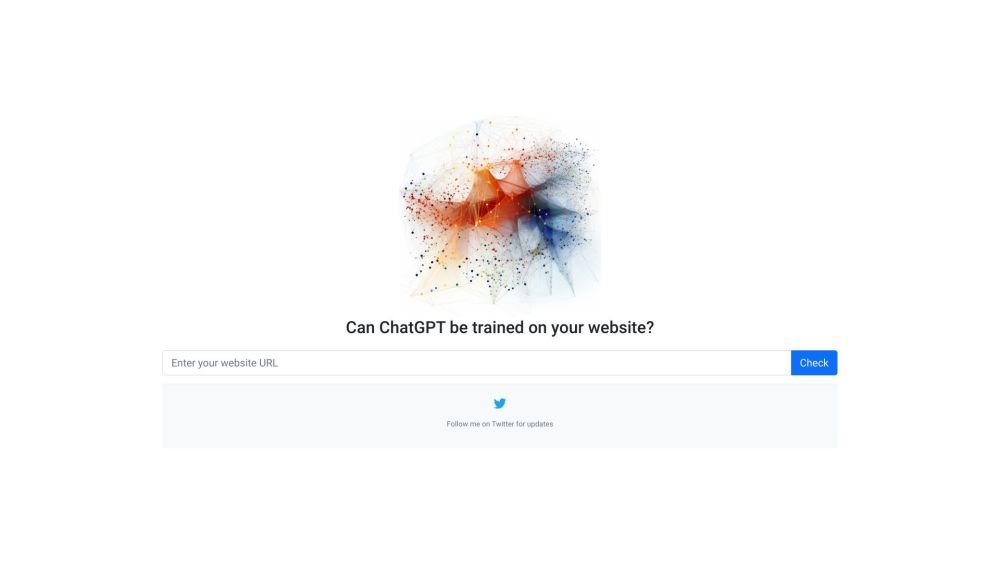
GPTBot Checker is a tool for website owners and developers to verify if their site is accessible to AI crawlers. As AI technologies like GPTBot evolve, this tool helps you confirm whether your content is available for ChatGPT training.
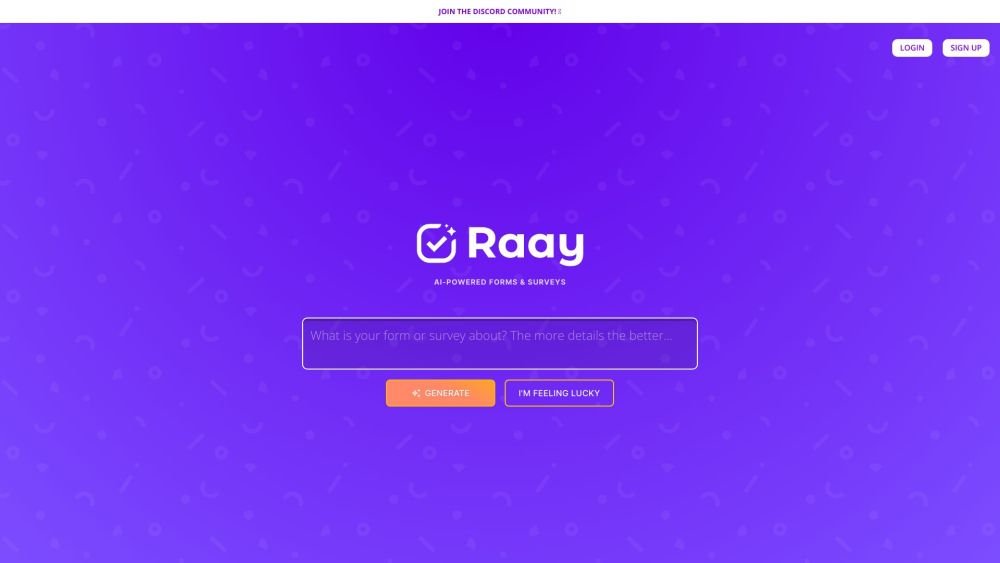
Raay is an AI-powered platform designed to streamline the creation of forms and surveys. By entering a simple prompt, users can generate forms in seconds. The platform also provides interactive summaries of responses and offers seamless integrations to support data-driven decision-making, allowing users to create, share, and analyze data efficiently.

Pano aggregates essential customer data from your existing platforms into a concise, personalized snapshot. By integrating with your current applications, Pano provides a comprehensive view of the customer journey in seconds. It filters for relevant information and highlights key action items, allowing you to leverage your existing tech stack without manual data retrieval. Additionally, Pano tracks customer interactions, enabling your team to collaborate effectively for an improved customer experience.
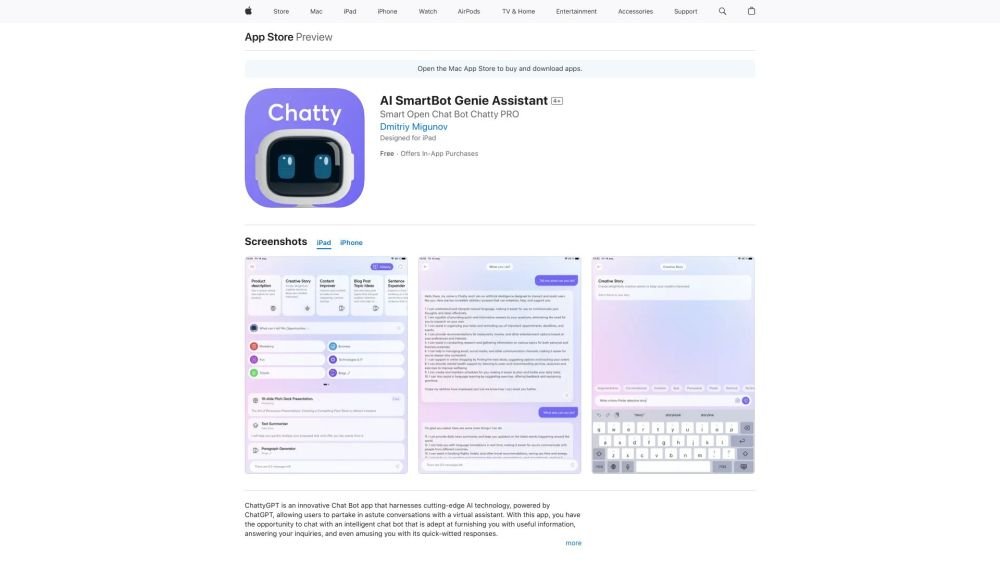
Chat AI Your Virtual Assistant is an App Store application that leverages advanced AI to facilitate insightful interactions with a virtual assistant. This intelligent chatbot provides helpful information, answers queries, and offers witty responses. By understanding message context, the AI ensures natural, intelligent dialogue. Users can ask about a wide range of topics, from general questions to personalized recommendations. The app is designed for intuitive navigation, making it accessible to users of all technical skill levels.
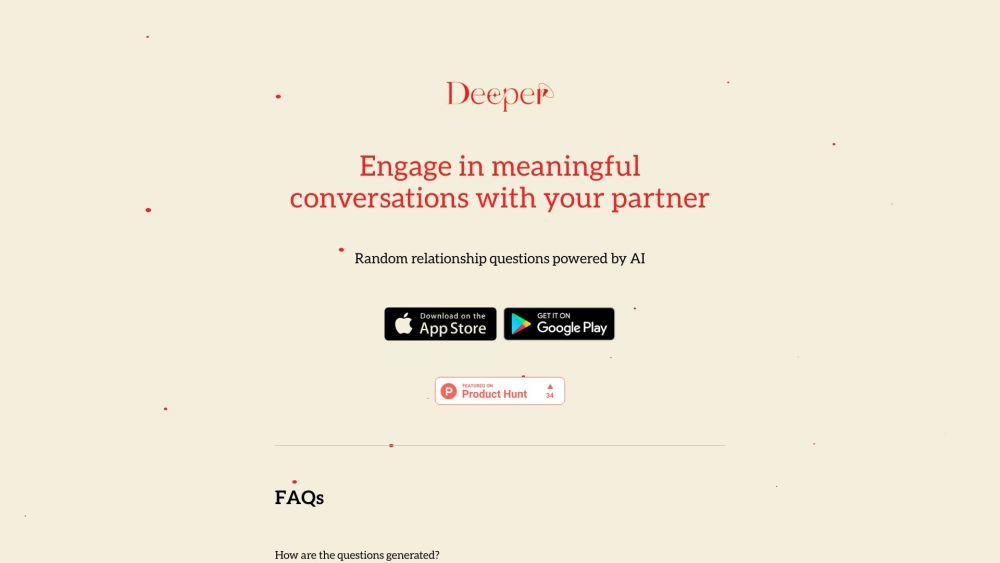
Deeper is an application that generates random relationship questions for couples to help foster meaningful conversation. Powered by OpenAI's GPT-4o model, the app provides dynamic and engaging prompts perfect for date nights, staycations, or casual time at home.
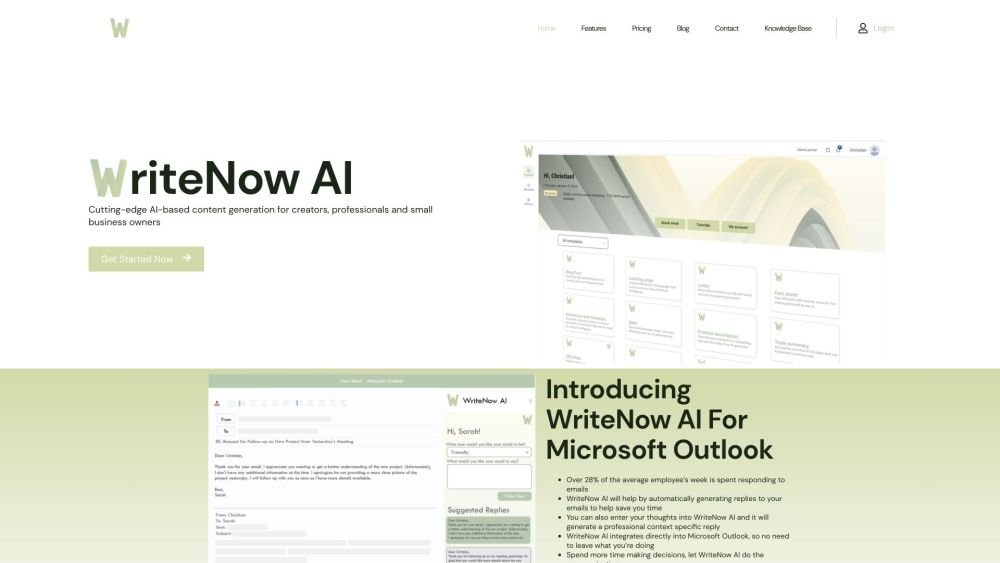
WriteNow AI is an AI-powered Microsoft Outlook add-in designed to generate email responses and various types of content. Leveraging OpenAI GPT-3 technology, it provides natural language generation for both individuals and businesses. The platform includes features such as business profiling, content templates, and marketing tools to assist in creating blog posts, essays, Google Ads, and SEO plans.
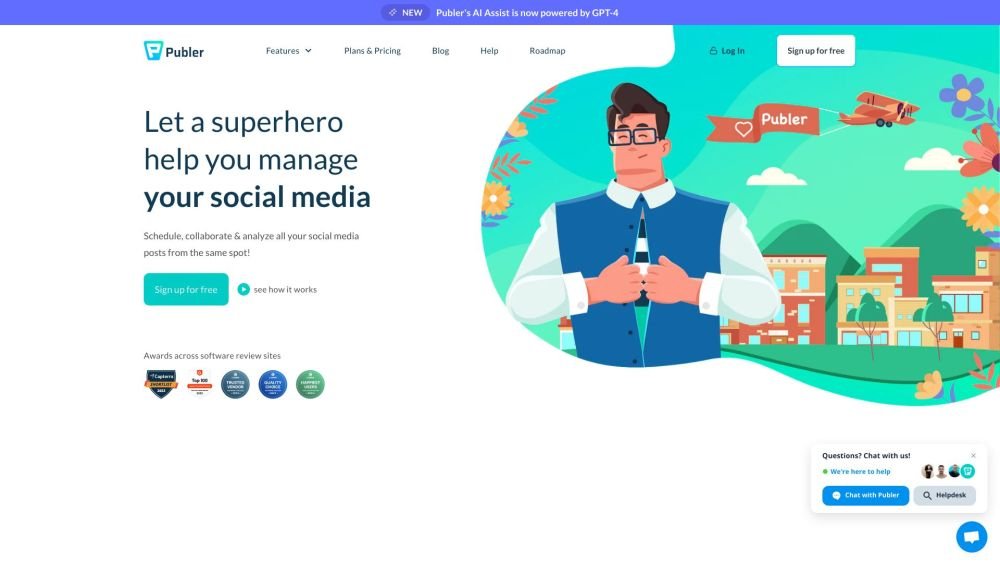
Publer is a comprehensive social media management and scheduling platform designed to optimize social media workflows. It enables users to manage multiple accounts, schedule content, collaborate with teams, and monitor performance from a centralized dashboard. Publer provides tools for detailed post customization and incorporates solutions based on user feedback. It supports a wide range of social channels, including Facebook, Instagram, TikTok, Twitter, Mastodon, Bluesky, LinkedIn, Pinterest, Google My Business, YouTube, WordPress, and Telegram.
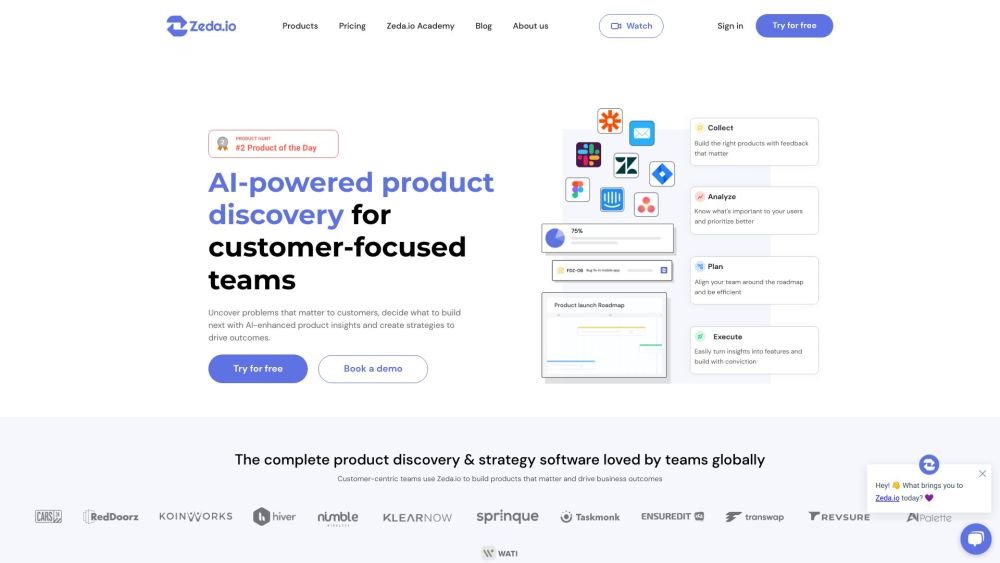
Zeda.io is an AI-driven product management platform built to assist product teams in planning and developing effective products. It streamlines the process of gathering customer feedback, setting goals and initiatives, managing roadmaps, and drafting specifications for design and development teams. By converting customer feedback into actionable insights, Zeda.io helps businesses align their product development with customer needs and business objectives. The platform integrates various Voice of Customer (VoC) sources, utilizes AI to analyze product areas, generates insight reports, and validates ideas to identify opportunities more efficiently.