
Free
$0Free plan available.
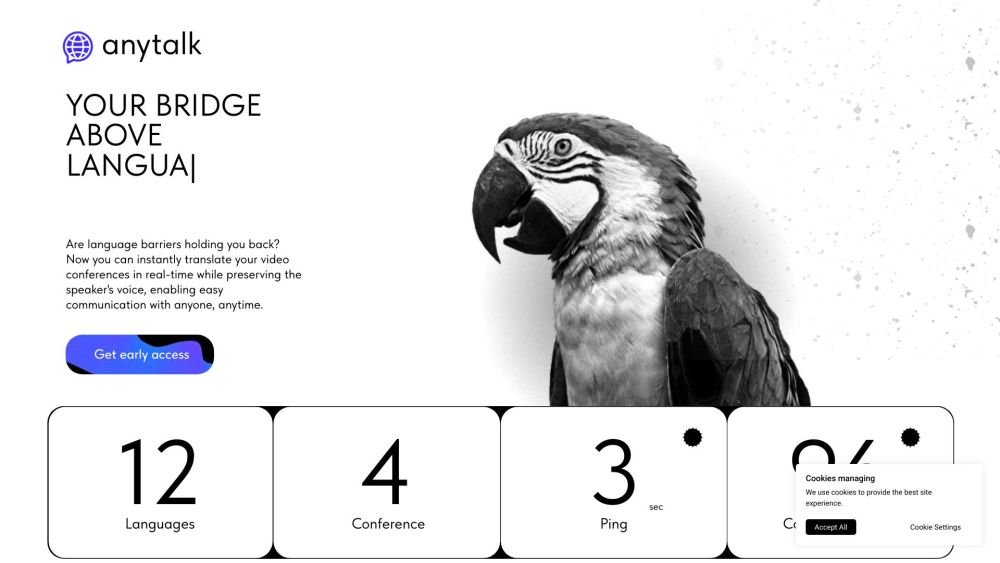
Anytalk is a real-time translation and voiceover application that instantly translates video conferences while preserving the speaker's voice. It aims to enable easy communication with anyone, anytime, by translating audio and video streams into different languages. Anytalk supports meetings, lectures, streams, and videos, allowing users to seamlessly communicate in any language. It also offers a browser extension for instant translation and is developing applications for Windows/MacOS and eventually iOS/Android.
Install the Anytalk browser extension from the Google Store and navigate to the page containing the content you wish to translate. Activate the extension to begin real-time audio and video translation. For the upcoming full-fledged application, download and install the software on your Windows or macOS device, with mobile support for iOS and Android planned for future release.
Anytalk does not store records of your conversations. All data follows a strict user-script-user schema, and temporary files are deleted immediately after processing. Additionally, all communications occur over a secure WebSocket connection to protect your data during the process.
The current latency is approximately 4 seconds. While achieving a one-second delay is challenging with current resources, we are actively working to improve translation quality and reduce latency through ongoing AI model training.
Yes, we plan to add one new language each month. We prioritize translation accuracy by training the model for each language individually.
Download the extension from the Google Store and follow your browser's installation instructions. Due to Google's policies, audio can only be captured from the tab where the extension is active; please launch the extension after opening the page containing your content.
Currently, the paid subscription covers translation minutes. We plan to introduce additional features in the future, including voice cloning and automated meeting note organization.
Our extension is compatible with most browsers, including Google Chrome, Brave, and Microsoft Edge. We are developing a standalone application for Windows and macOS, with plans for future iOS and Android versions.
Free plan available.
Use these comparison pages to understand the trade-offs between the models most relevant to Anytalk.
Compare Gemini 1.0 Pro Deprecated and Gemini 2.0 Flash across pricing, context window, capabilities, benchmarks, and API access to choose the better fit for long-context workloads versus long-context workloads.
Compare Gemini 1.0 Pro Deprecated and Gemini 2.5 Flash across pricing, context window, capabilities, benchmarks, and API access to choose the better fit for long-context workloads versus long-context workloads.
Compare Gemini 2.0 Flash Lite and Gemini 2.0 Flash across pricing, context window, capabilities, benchmarks, and API access to choose the better fit for long-context workloads versus long-context workloads.
Compare Gemini 2.5 Flash and Gemini 2.0 Flash across pricing, context window, capabilities, benchmarks, and API access to choose the better fit for long-context workloads versus long-context workloads.

Similar AI tool in the AI Assistant category.
Similar AI tool in the AI Assistant category.
Similar AI tool in the AI Assistant category.
Similar AI tool in the AI Productivity Tools category.
Similar AI tool in the AI Assistant category.
Similar AI tool in the AI Assistant category.
Similar AI tool in the AI Assistant category.
Similar AI tool in the AI Productivity Tools category.
Similar AI tool in the AI Assistant category.
Similar AI tool in the AI Chatbot category.
Similar AI tool in the AI Assistant category.
Similar AI tool in the AI Assistant category.