
Free
$0Free plan available.
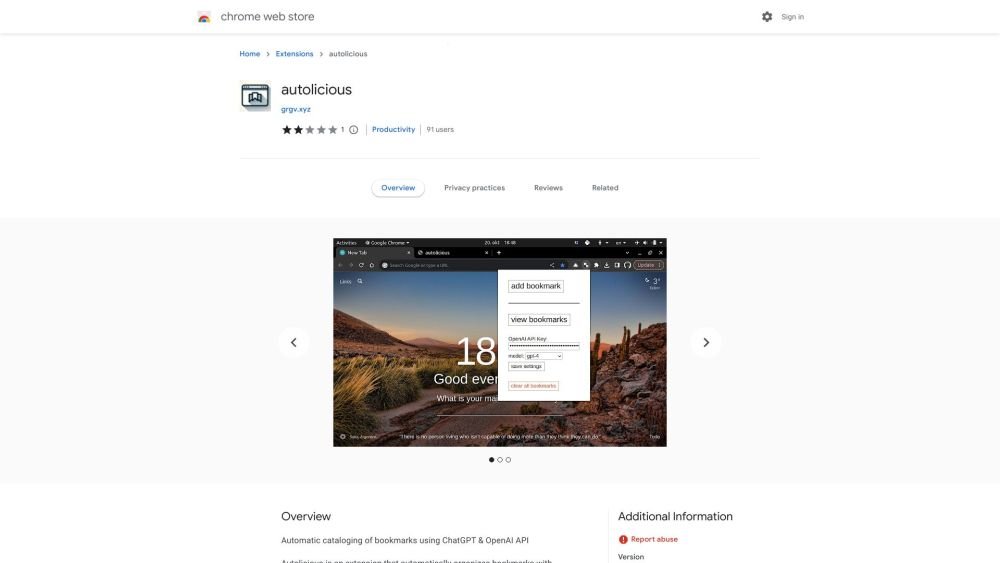
Autolicious is a Chrome extension that automatically organizes bookmarks using ChatGPT and the OpenAI API. It allows users to add bookmarks with a single click, automatically categorizing them, adding sub-categories, and providing descriptions. However, users are responsible for the costs associated with OpenAI API requests.
To use Autolicious, install the extension from the Chrome Web Store. After installation, obtain an OpenAI API key by registering on the OpenAI website. Open the extension's popup window, enter your API key, and save your settings. Once configured, you can add bookmarks with one click, and the extension will automatically categorize and describe them.
While the Autolicious extension is free to install, you are responsible for any costs charged by OpenAI for API requests. Costs start at $0.0015 per bookmark using gpt-3.5-turbo; please consult OpenAI's official pricing page for current rates.
The extension transmits page content to the OpenAI API for processing. Although OpenAI maintains data security protocols, users concerned about privacy should avoid using the extension to prevent potential exposure of their browsing history.
Register for an account at https://openai.com/ and generate an API key via the dashboard at https://platform.openai.com/account/api-keys. For further guidance, visit the OpenAI help center at https://help.openai.com/en/articles/4936850-where-do-i-find-my-secret-api-key.
Free plan available.
Use these comparison pages to understand the trade-offs between the models most relevant to Autolicious - Chrome Extension.
Compare GPT 5.4 and GPT 5.4 Pro across pricing, context window, capabilities, benchmarks, and API access to choose the better fit for long-context workloads versus long-context workloads.
Compare GPT 5.5 and GPT 5.4 across pricing, context window, capabilities, benchmarks, and API access to choose the better fit for long-context workloads versus long-context workloads.
Compare GPT 5.5 and Claude 4.6 Opus across pricing, context window, capabilities, benchmarks, and API access to choose the better fit for long-context workloads versus long-context workloads.
Compare GPT 5.5 and Claude 4.6 Sonnet across pricing, context window, capabilities, benchmarks, and API access to choose the better fit for long-context workloads versus long-context workloads.

Similar AI tool in the AI Assistant category.
Similar AI tool in the AI Assistant category.
Similar AI tool in the AI Writing Assistants category.
Similar AI tool in the AI Assistant category.
Similar AI tool in the AI Writing Assistants category.
Similar AI tool in the AI Writing Assistants category.
Similar AI tool in the AI Assistant category.
Similar AI tool in the AI Chatbot category.
Similar AI tool in the AI Chatbot category.
Similar AI tool in the AI Chatbot category.
Similar AI tool in the AI Assistant category.
Similar AI tool in the AI Assistant category.