
Free
$0Free plan available.
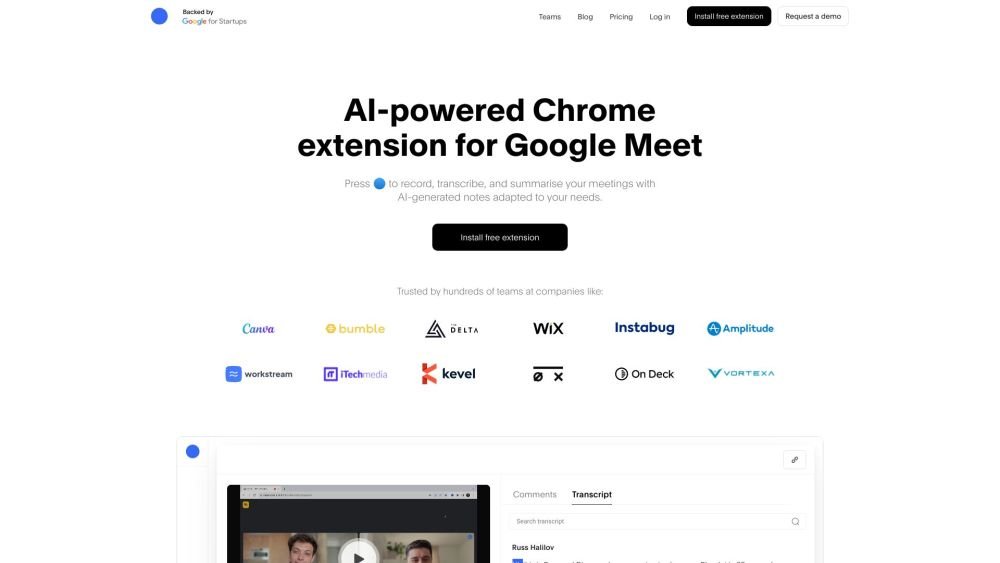
Bluedot is an AI note taker, transcription, and meeting summary tool designed to record, transcribe, and summarize meetings with AI-generated notes adapted to user needs. It replaces AI notetakers and screen recorders for entire teams, working with Google Meet, Zoom, and MS Teams. Bluedot automates processes from follow-ups to CRM updates, offering features like custom AI notes, speaker insights, AI chat, and follow-up emails. It operates in the background without requiring meeting bots, ensuring a non-intrusive note-taking experience.
Install the Bluedot Chrome extension to automatically record, transcribe, and summarize your meetings. You can then customize your AI notes to meet specific requirements, edit sections as needed, and automatically sync your notes to your CRM.
Yes, Bluedot is GDPR compliant and SOC-2 Type-2 (pending). It encrypts all meeting data during transit and stores it securely on AWS. Users retain full control over their meeting data and can delete it at any time.
Bluedot does not require calendar access or the presence of a meeting bot. It captures meetings via a Chrome extension and generates notes tailored to your specific requirements.
Yes, Bluedot supports all major meeting platforms because it does not rely on a meeting bot. It works seamlessly with Google Meet, Zoom, and Microsoft Teams.
Bluedot supports 100 different languages, including English, Spanish, German, Portuguese, Hindi, Japanese, and more.
Yes, you can upload video and audio files to Bluedot for transcription. Supported formats include MP4, MP3, M4A, and others.
No, Bluedot's AI note taker functions in the background, keeping your calls distraction-free without bots or join/leave notifications.
This is at your discretion; however, we recommend reviewing local consent laws regarding recording others before proceeding.
You can invite others to your workspace, where they are assigned the Free plan by default. Free plan users can watch unlimited recordings but are limited to 5 recordings as part of a trial.
No, unlike other note-taking applications, we only charge for users who actively record meetings.
Bluedot automatically applies a prorated charge based on the remaining time in your billing cycle for any paid users added to your workspace.
Payment is managed per workspace, meaning each workspace requires its own individual upgrade.
Canceling your subscription results in the loss of access to your recordings. You have a one-month window to restore your subscription before your recordings are permanently deleted.
These are existing recordings that you upload from your local computer, Google Drive, or other external sources.
Free plan available.
Use these comparison pages to understand the trade-offs between the models most relevant to Bluedot.
Compare Gemini 1.0 Pro Deprecated and Gemini 2.0 Flash across pricing, context window, capabilities, benchmarks, and API access to choose the better fit for long-context workloads versus long-context workloads.
Compare Gemini 1.0 Pro Deprecated and Gemini 2.5 Flash across pricing, context window, capabilities, benchmarks, and API access to choose the better fit for long-context workloads versus long-context workloads.
Compare Gemini 2.0 Flash Lite and Gemini 2.0 Flash across pricing, context window, capabilities, benchmarks, and API access to choose the better fit for long-context workloads versus long-context workloads.
Compare Gemini 2.5 Flash and Gemini 2.0 Flash across pricing, context window, capabilities, benchmarks, and API access to choose the better fit for long-context workloads versus long-context workloads.

Similar AI tool in the AI Transcription category.
Similar AI tool in the AI Copilot category.
Similar AI tool in the AI Assistant category.
Similar AI tool in the AI Chatbot category.
Similar AI tool in the AI Chatbot category.
Similar AI tool in the AI Assistant category.
Similar AI tool in the AI Assistant category.
Similar AI tool in the AI Marketing category.
Similar AI tool in the AI Assistant category.
Similar AI tool in the AI Summarizer category.
Similar AI tool in the AI Summarizer category.
Similar AI tool in the AI Chatbot category.