
Free
$0Free plan available.
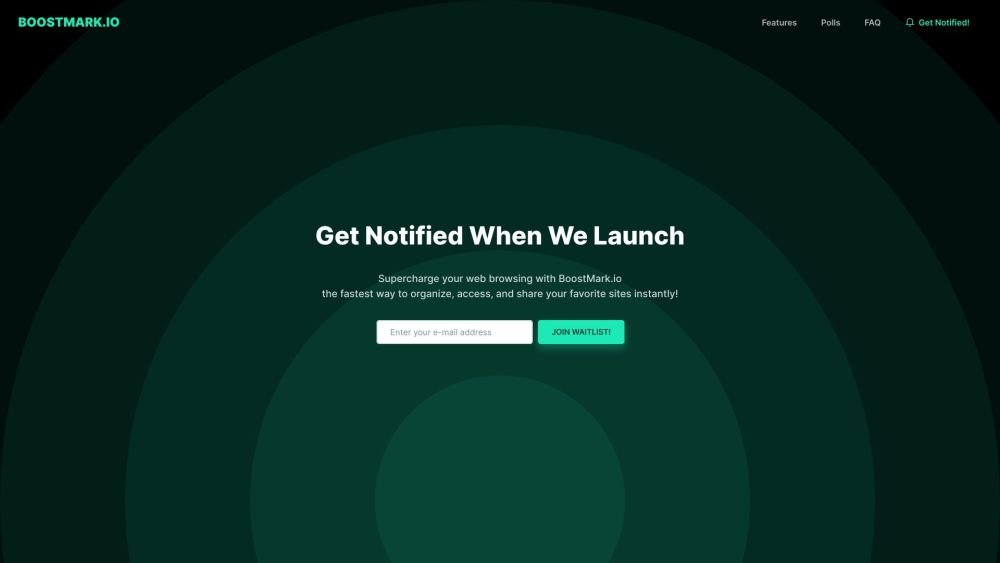
BoostMark.io is a web browsing tool designed to improve your browsing experience by replacing the traditional start page with a creative, customizable interface for easy access to your bookmarks. It allows users to organize, access, and share their favorite sites instantly. The browser extension enables quick adding, tagging, categorizing, and highlighting of new websites. It also offers AI-driven recommendations for personalized content and enhances productivity by consolidating your essential links in one place. Additionally, it allows you to save tweets and YouTube videos for later viewing and provides offline access to saved articles.
Use the BoostMark.io browser extension to quickly add, tag, categorize, and highlight new websites. Customize your start page for easy access to your favorite bookmarks and utilize AI-driven content recommendations.
BoostMark.io is a web browsing tool designed to help you organize, access, and share your favorite websites. It replaces your traditional start page with a customizable interface to streamline your browsing experience.
The browser extension allows you to quickly add, tag, categorize, and highlight new websites in a single tap, helping you keep your online interests organized for easy retrieval.
BoostMark.io features an AI-based recommendation system that suggests content based on your interests. It also emphasizes a design-focused, accessible interface.
By consolidating your favorite sites and new discoveries onto one customizable start page, BoostMark.io reduces the need to manage multiple tabs or windows, making your browsing more efficient.
BoostMark.io enhances your experience by providing a personalized start page that gives you immediate access to your bookmarks, tailored to your specific browsing habits.
BoostMark.io allows you to save tweets and YouTube videos for later viewing. It also provides offline access to saved articles so you can read them without an internet connection.
Free plan available.
Use these comparison pages to understand the trade-offs between the models most relevant to BoostMark.io.
Compare Gemini 1.0 Pro Deprecated and Gemini 2.0 Flash across pricing, context window, capabilities, benchmarks, and API access to choose the better fit for long-context workloads versus long-context workloads.
Compare Gemini 1.0 Pro Deprecated and Gemini 2.5 Flash across pricing, context window, capabilities, benchmarks, and API access to choose the better fit for long-context workloads versus long-context workloads.
Compare Gemini 2.0 Flash Lite and Gemini 2.0 Flash across pricing, context window, capabilities, benchmarks, and API access to choose the better fit for long-context workloads versus long-context workloads.
Compare Gemini 2.5 Flash and Gemini 2.0 Flash across pricing, context window, capabilities, benchmarks, and API access to choose the better fit for long-context workloads versus long-context workloads.

Similar AI tool in the AI Assistant category.
Similar AI tool in the AI Assistant category.
Similar AI tool in the AI Productivity Tools category.
Similar AI tool in the AI Assistant category.
Similar AI tool in the AI Chatbot category.
Similar AI tool in the AI Assistant category.
Similar AI tool in the AI Chatbot category.
Similar AI tool in the AI Chatbot category.
Similar AI tool in the AI Productivity Tools category.
Similar AI tool in the AI Assistant category.
Similar AI tool in the AI Assistant category.
Similar AI tool in the AI Assistant category.