
Free
$0Free plan available.
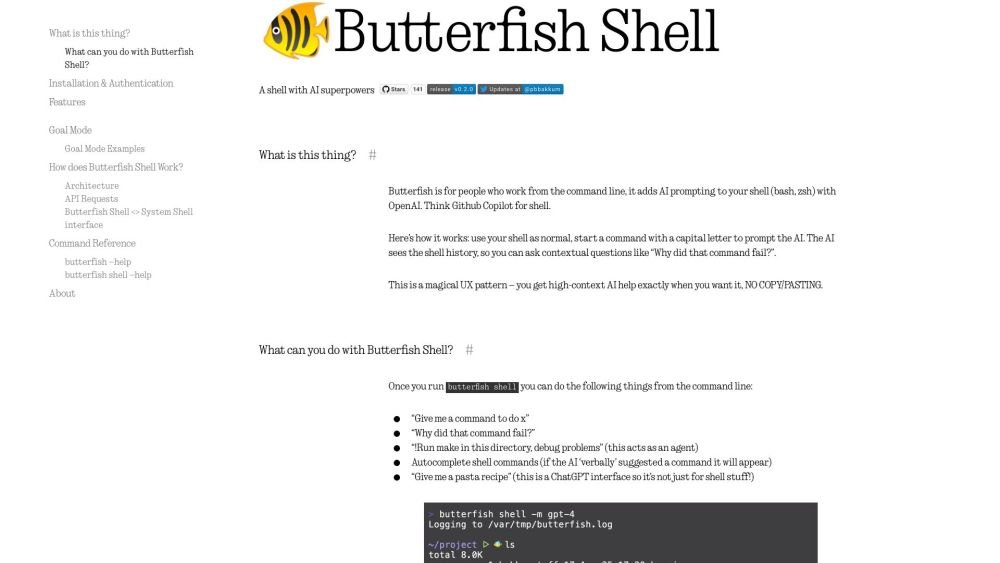
Butterfish is a command-line tool that integrates AI prompting into your shell (bash, zsh) using OpenAI or compatible APIs. It acts as a GitHub Copilot for your shell, allowing you to execute software engineering tasks directly from the command line. The tool provides contextual AI assistance, command autocompletion, and additional productivity features.
Install Butterfish using Homebrew or 'go install'. Launch a new shell session with AI capabilities by running 'butterfish shell'. To prompt the AI, start your commands with a capital letter. Use '!' to activate Goal Mode or '!!' for Unsafe Goal Mode.
Butterfish is a command-line utility that integrates AI prompting into your shell environment using OpenAI or compatible APIs.
You can install Butterfish on macOS via Homebrew or by using 'go install'.
Execute 'butterfish shell' to initiate a new shell session. You can trigger the AI by starting your commands with a capital letter.
Goal Mode enables an AI agent to execute commands autonomously to achieve a specific objective. You can activate this mode by starting a command with '!'.
You can modify the prompt wrappers by editing the '~/ .config/butterfish/prompts.yaml' file.
Free plan available.

Similar AI tool in the AI Assistant category.
Similar AI tool in the AI Assistant category.
Similar AI tool in the AI Assistant category.
Similar AI tool in the AI Productivity Tools category.
Similar AI tool in the AI Assistant category.
Similar AI tool in the AI Assistant category.
Similar AI tool in the AI Chatbot category.
Similar AI tool in the AI Chatbot category.
Similar AI tool in the AI Assistant category.
Similar AI tool in the AI Chatbot category.
Similar AI tool in the AI Assistant category.
Similar AI tool in the AI Assistant category.