
Free
$0Free plan available.
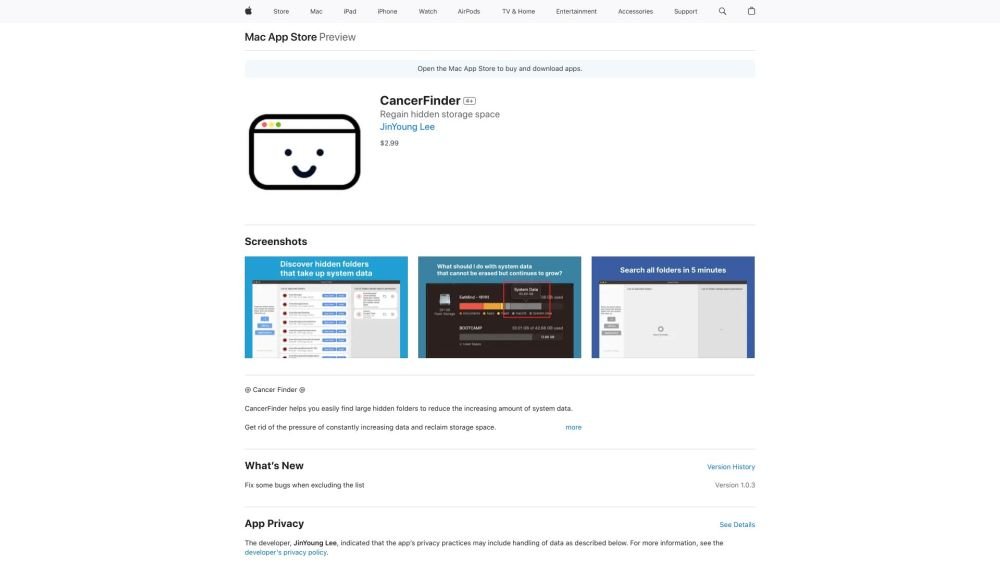
CancerFinder is a macOS application available on the Mac App Store designed to help users identify and remove large, hidden folders on their systems to free up storage space. It allows users to view folders sorted by size and provides a direct way to delete them, addressing the issue of increasing system data.
1. Install CancerFinder from the Mac App Store. 2. Launch the app to initiate a scan of your system for folders exceeding 250MB. 3. Review the generated list of folders, specifically looking for files related to uninstalled applications or large, hidden data. 4. Open and delete the identified folders directly within the app interface. Please exercise caution when deleting folders you do not recognize.
CancerFinder helps you locate large, hidden folders on your Mac to free up storage space by providing a simple interface to view and delete them.
The app scans your system for folders larger than 250MB, including restricted folders, and displays them in a list for your review and deletion.
It is generally safe to delete folders associated with known applications or hidden files you recognize. You should avoid deleting folders with complex or unfamiliar names.
The app requires folder access to perform a comprehensive scan and ensure it can identify all large folders, including those that might otherwise be restricted.
Free plan available.

Similar AI tool in the Other category.
Similar AI tool in the AI Productivity Tools category.
Similar AI tool in the Other category.
Similar AI tool in the Other category.
Similar AI tool in the Other category.
Similar AI tool in the Other category.
Similar AI tool in the Other category.
Similar AI tool in the Other category.