
Free
$0Free plan available.
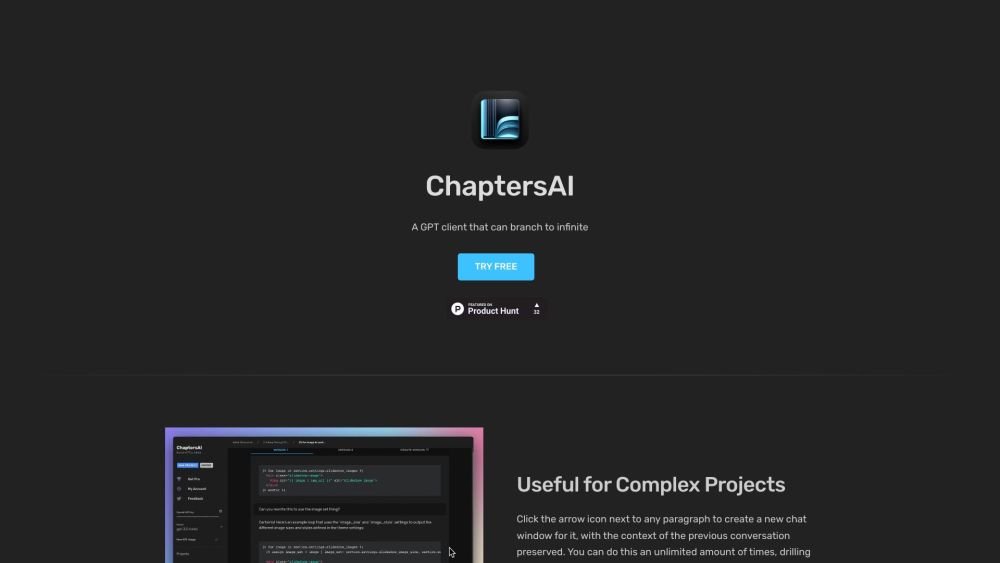
ChaptersAI is a GPT client that allows users to branch off each paragraph into a separate chat window. This is useful for building large projects and drilling down into component parts. Users can create versions of the chat once it's branched off. Project data is stored locally in the browser, ensuring privacy and security.
Click the arrow icon next to any paragraph to initiate a new chat window while maintaining the context of your previous conversation. You can continue to drill down into specific details and navigate back to the root conversation as needed. Additionally, you can create new versions of a chat and modify the System Message.
It is a chat client for OpenAI's GPT that allows you to branch any paragraph into a separate chat window. This is useful for developing large projects, exploring component parts in detail, and returning to the original chat context.
Your chats are private and not accessible by us. They are stored exclusively within your browser. Please remember to back up your data regularly by clicking the download icon under your project.
You can create an unlimited number of projects, though your browser's storage limit is approximately 5MB. While this accommodates a significant amount of text, you may need to delete older projects if you reach this storage capacity.
The tool is free to try. After sending 10 messages, you will be prompted to subscribe. The subscription fee is $9 per month, plus your individual OpenAI API usage costs.
API costs are generally low. For example, gpt-3.5-turbo currently costs $0.0015 per 1K input tokens and $0.002 per 1K output tokens (1K tokens is approximately 750 words). You will be billed directly by OpenAI for your API usage.
Free plan available.
Use these comparison pages to understand the trade-offs between the models most relevant to ChaptersAI.
Compare GPT 5.4 and GPT 5.4 Pro across pricing, context window, capabilities, benchmarks, and API access to choose the better fit for long-context workloads versus long-context workloads.
Compare GPT 5.5 and GPT 5.4 across pricing, context window, capabilities, benchmarks, and API access to choose the better fit for long-context workloads versus long-context workloads.
Compare GPT 5.5 and Claude 4.6 Opus across pricing, context window, capabilities, benchmarks, and API access to choose the better fit for long-context workloads versus long-context workloads.
Compare GPT 5.5 and Claude 4.6 Sonnet across pricing, context window, capabilities, benchmarks, and API access to choose the better fit for long-context workloads versus long-context workloads.

Similar AI tool in the AI Assistant category.
Similar AI tool in the AI Assistant category.
Similar AI tool in the AI Writing Assistants category.
Similar AI tool in the AI Assistant category.
Similar AI tool in the AI Writing Assistants category.
Similar AI tool in the AI Writing Assistants category.
Similar AI tool in the AI Assistant category.
Similar AI tool in the AI Chatbot category.
Similar AI tool in the AI Chatbot category.
Similar AI tool in the AI Assistant category.
Similar AI tool in the AI Assistant category.
Similar AI tool in the AI Assistant category.