
Free
$0Free plan available.
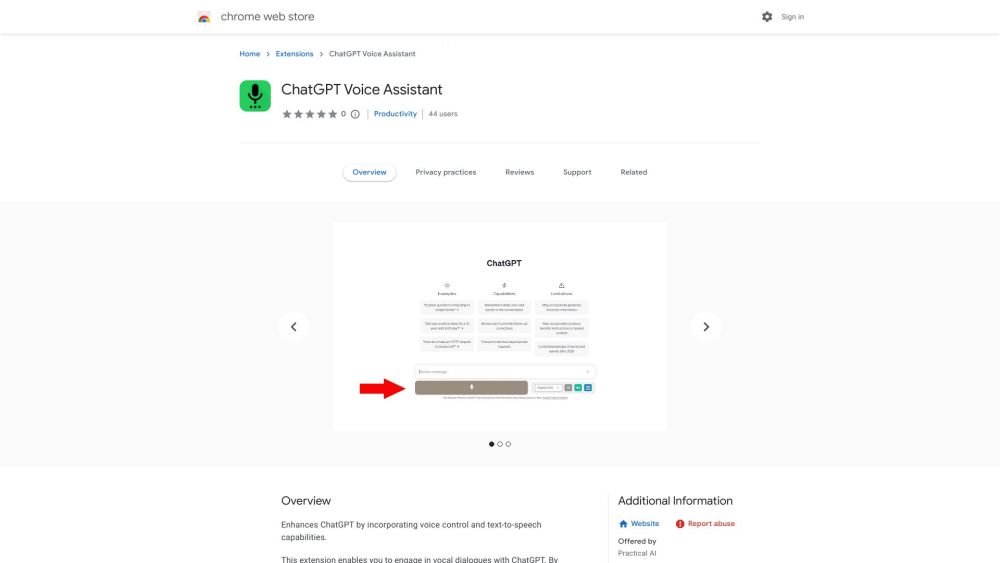
This tool captures voice input and submits it to ChatGPT. The responses are read aloud, though this feature can be deactivated. It supports multiple languages and allows you to record voice input by clicking the microphone button or pressing and holding the spacebar.
Record your voice input by clicking the microphone button or pressing and holding the spacebar. The tool will automatically submit your input to ChatGPT and read the response aloud. You may deactivate the text-to-speech feature if you prefer to read the responses instead.
You can activate voice input by clicking the microphone button or by pressing and holding the spacebar.
Yes, you can deactivate the text-to-speech feature if you prefer to read the responses.
The tool supports multiple languages.
Free plan available.
Use these comparison pages to understand the trade-offs between the models most relevant to ChatGPT Voice - Chrome Extension.
Compare Gemini 1.0 Pro Deprecated and Gemini 2.0 Flash across pricing, context window, capabilities, benchmarks, and API access to choose the better fit for long-context workloads versus long-context workloads.
Compare Gemini 1.0 Pro Deprecated and Gemini 2.5 Flash across pricing, context window, capabilities, benchmarks, and API access to choose the better fit for long-context workloads versus long-context workloads.
Compare Gemini 2.0 Flash Lite and Gemini 2.0 Flash across pricing, context window, capabilities, benchmarks, and API access to choose the better fit for long-context workloads versus long-context workloads.
Compare Gemini 2.5 Flash and Gemini 2.0 Flash across pricing, context window, capabilities, benchmarks, and API access to choose the better fit for long-context workloads versus long-context workloads.

Similar AI tool in the AI Assistant category.
Similar AI tool in the AI Assistant category.
Similar AI tool in the AI Assistant category.
Similar AI tool in the AI Productivity Tools category.
Similar AI tool in the AI Assistant category.
Similar AI tool in the AI Assistant category.
Similar AI tool in the AI Chatbot category.
Similar AI tool in the AI Chatbot category.
Similar AI tool in the AI Productivity Tools category.
Similar AI tool in the AI Assistant category.
Similar AI tool in the AI Chatbot category.
Similar AI tool in the AI Assistant category.