
Free
$0Free plan available.
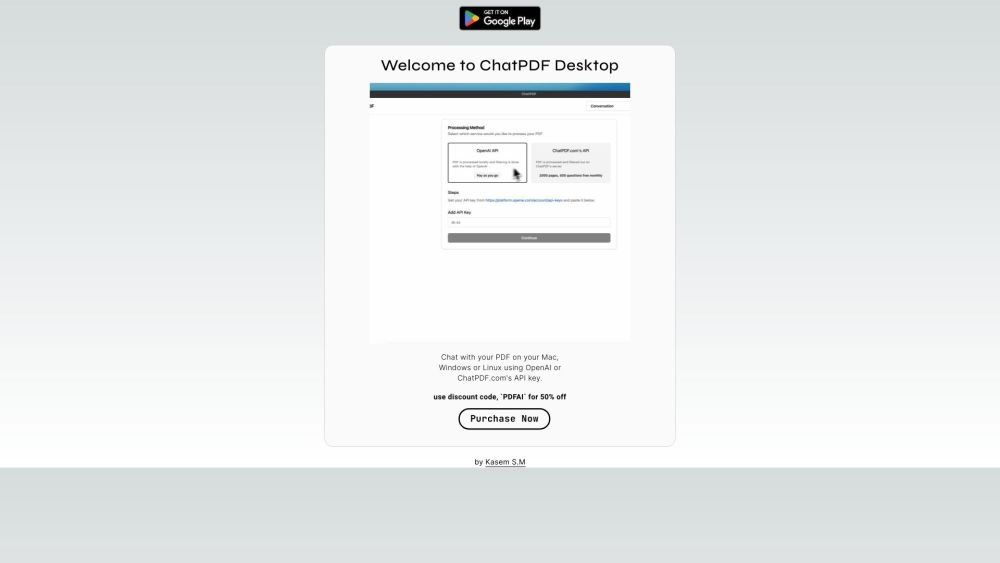
ChatPDF Desktop is a desktop application that allows users to chat with their PDF documents on Mac, Windows, or Linux. It utilizes either the user's OpenAI key or ChatPDF.com's API key for PDF processing. If using the OpenAI service, PDF processing occurs on the user's system; otherwise, it's done on ChatPDF.com's server.
Download and install ChatPDF Desktop on your Mac, Windows, or Linux computer. Configure the application with either your OpenAI key or your ChatPDF.com API key. Once set up, you can open and chat with your PDF documents.
ChatPDF Desktop processes PDFs using either your OpenAI key or your ChatPDF.com API key. If you use your OpenAI key, processing occurs locally on your system. If you use the ChatPDF.com API key, processing is performed on their servers.
ChatPDF Desktop is compatible with macOS, Linux, and Windows.
Free plan available.

Similar AI tool in the AI Assistant category.
Similar AI tool in the AI Assistant category.
Similar AI tool in the AI Assistant category.
Similar AI tool in the AI Productivity Tools category.
Similar AI tool in the AI Writing Assistants category.
Similar AI tool in the AI Writing Assistants category.
Similar AI tool in the AI Writing Assistants category.
Similar AI tool in the AI Assistant category.
Similar AI tool in the AI Chatbot category.
Similar AI tool in the AI Chatbot category.
Similar AI tool in the AI Chatbot category.
Similar AI tool in the AI Assistant category.