
Free
$0Free plan available.
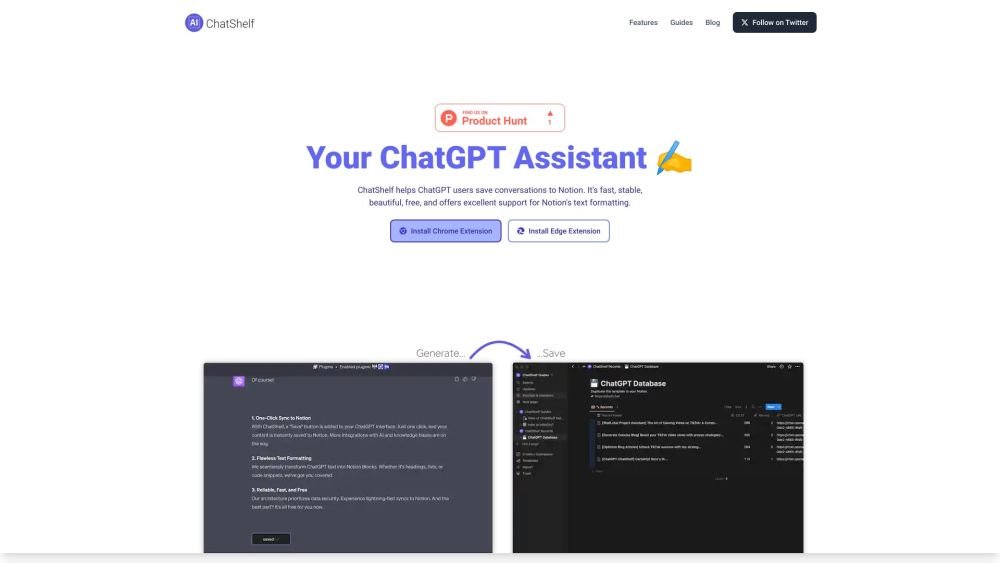
ChatShelf is a browser extension designed to help ChatGPT users save their conversations to Notion. It is built to be fast, stable, and free, while providing excellent support for Notion's text formatting.
Install the ChatShelf browser extension for Chrome or Edge. Once installed, a 'Save' button will appear in your ChatGPT web interface. Click this button to instantly export your current conversation to Notion.
ChatShelf is a browser extension that lets you save your ChatGPT conversations directly into Notion.
Yes, ChatShelf is free to use.
ChatShelf is compatible with Chrome and Edge.
ChatShelf is built with an architecture that prioritizes data security.
Free plan available.
Use these comparison pages to understand the trade-offs between the models most relevant to ChatShelf.
Compare GPT 5.4 and GPT 5.4 Pro across pricing, context window, capabilities, benchmarks, and API access to choose the better fit for long-context workloads versus long-context workloads.
Compare GPT 5.5 and GPT 5.4 across pricing, context window, capabilities, benchmarks, and API access to choose the better fit for long-context workloads versus long-context workloads.
Compare GPT 5.5 and Claude 4.6 Opus across pricing, context window, capabilities, benchmarks, and API access to choose the better fit for long-context workloads versus long-context workloads.
Compare GPT 5.5 and Claude 4.6 Sonnet across pricing, context window, capabilities, benchmarks, and API access to choose the better fit for long-context workloads versus long-context workloads.

Similar AI tool in the AI Assistant category.
Similar AI tool in the AI Assistant category.
Similar AI tool in the AI Assistant category.
Similar AI tool in the AI Productivity Tools category.
Similar AI tool in the AI Assistant category.
Similar AI tool in the AI Assistant category.
Similar AI tool in the AI Chatbot category.
Similar AI tool in the AI Assistant category.
Similar AI tool in the AI Models category.
Similar AI tool in the AI Productivity Tools category.
Similar AI tool in the AI Assistant category.
Similar AI tool in the AI Assistant category.