
Free
$0Free plan available.
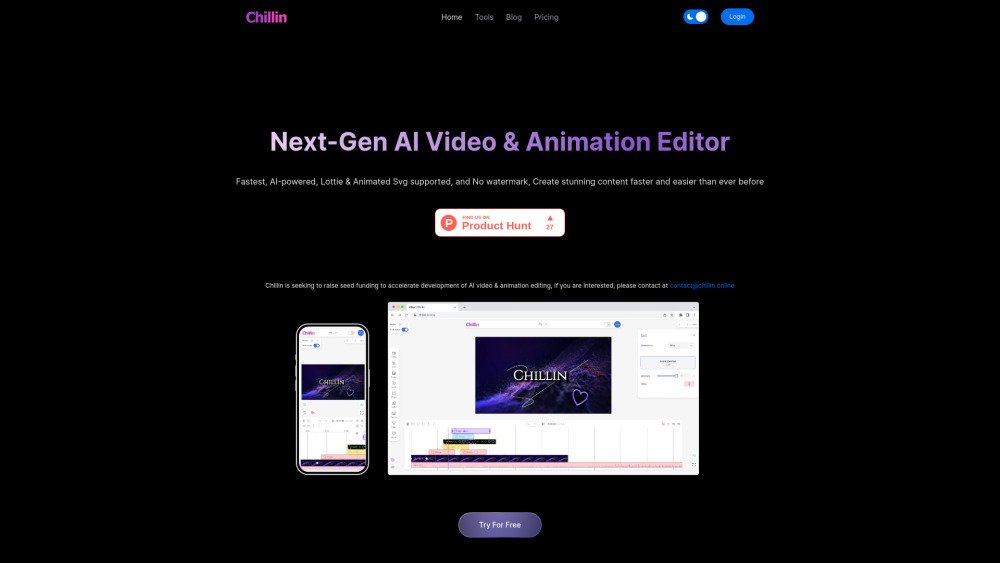
Chillin is an AI-powered video editor available for both mobile and desktop, offering watermark-free editing with Lottie and SVG support. It combines AE-level animation, Pr-level video editing, and AI capabilities in one platform. It provides tools for video creation, GIF editing, image compression, image generation, subtitle addition, motion editing, and more. Chillin aims to be a next-generation video creation platform with features like AI captioning, image background removal, and advanced keyframe animation.
Create videos in Chillin by importing your media, using the timeline to edit, adding captions manually or via AI, applying transitions and filters, and customizing animations with advanced keyframes. The platform also provides free tools for tasks such as auto-captioning and background removal.
No, Chillin provides watermark-free video editing.
Chillin supports the import of SRT and VTT files for captions.
Yes, Chillin supports both light and dark mode interfaces.
Chillin supports multiple languages, including German, English, Spanish, French, Italian, Japanese, Korean, Latin, Dutch, Portuguese, Simplified Chinese, and Traditional Chinese.
Free plan available.
Use these comparison pages to understand the trade-offs between the models most relevant to Chillin.
Compare Gemini 1.0 Pro Deprecated and Gemini 2.0 Flash across pricing, context window, capabilities, benchmarks, and API access to choose the better fit for long-context workloads versus long-context workloads.
Compare Gemini 1.0 Pro Deprecated and Gemini 2.5 Flash across pricing, context window, capabilities, benchmarks, and API access to choose the better fit for long-context workloads versus long-context workloads.
Compare Gemini 2.0 Flash Lite and Gemini 2.0 Flash across pricing, context window, capabilities, benchmarks, and API access to choose the better fit for long-context workloads versus long-context workloads.
Compare Gemini 2.5 Flash and Gemini 2.0 Flash across pricing, context window, capabilities, benchmarks, and API access to choose the better fit for long-context workloads versus long-context workloads.