
Free
$0Free plan available.
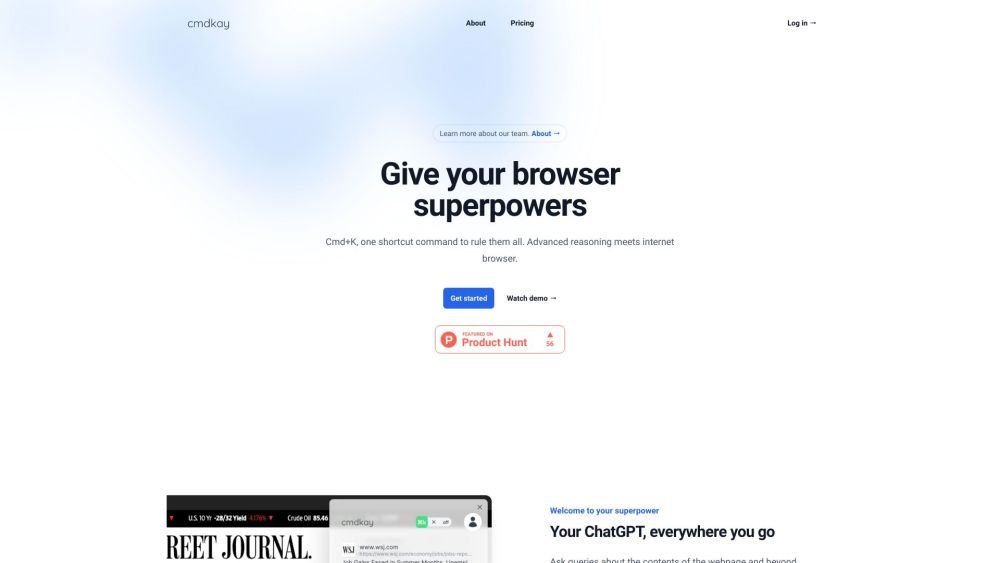
CmdKay is a tool that enhances your browser, allowing you to ask questions about the current webpage and beyond via a Cmd/Ctrl+K shortcut. It utilizes advanced AI and reasoning to interpret stream-of-thought keywords, providing fast responses.
Press the Cmd/Ctrl+K shortcut to launch CmdKay. Enter your stream-of-thought keywords and press Enter. CmdKay will analyze the context and provide an answer.
CmdKay does not support functionality on PDF documents.
CmdKay uses advanced AI and reasoning to process your stream-of-thought keywords within the context of the page.
Yes, a free trial is available.
The service includes a policy regarding automatic enrollment into the Pro tier and subsequent charges once the free trial expires.
The platform has established protocols for handling user security.
CmdKay has specific capabilities regarding the languages it can understand.
Free plan available.

Similar AI tool in the AI Assistant category.
Similar AI tool in the AI Assistant category.
Similar AI tool in the AI Productivity Tools category.
Similar AI tool in the AI Assistant category.
Similar AI tool in the AI Assistant category.
Similar AI tool in the AI Assistant category.
Similar AI tool in the AI Chatbot category.
Similar AI tool in the AI Chatbot category.
Similar AI tool in the AI Productivity Tools category.
Similar AI tool in the AI Assistant category.
Similar AI tool in the AI Assistant category.
Similar AI tool in the AI Assistant category.