
Free
$0Free plan available.
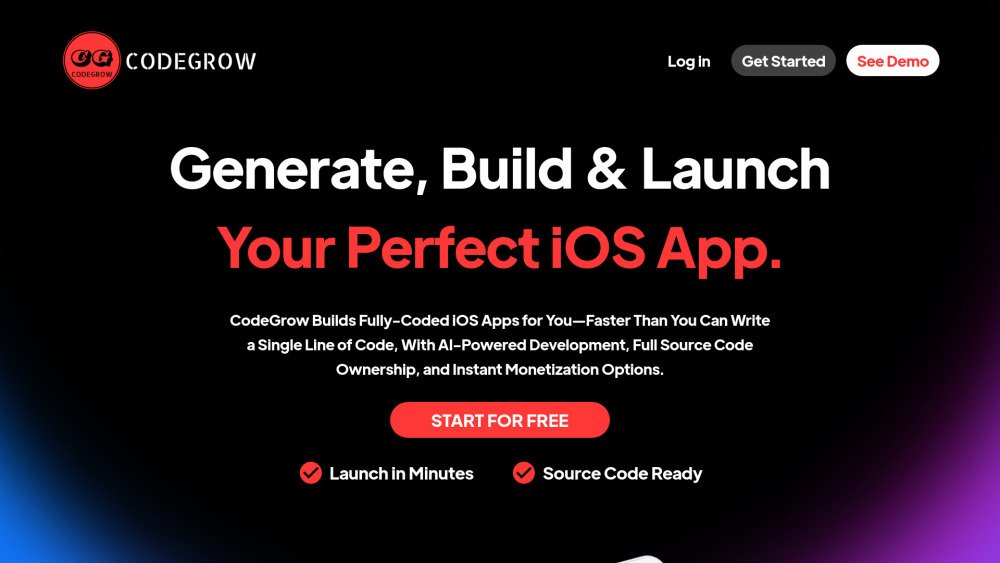
CodeGrow uses AI to simplify app development with pre-built templates, smart coding assistance, and monetization tools like ad integration. The AI streamlines workflows, optimizes performance, and helps you build scalable iOS apps quickly.
To use CodeGrow, submit or generate an app idea, visualize the layout using the drag-and-drop editor, implement functionality via AI, and compile or download your SwiftUI iOS project for use in Xcode.
The CodeGrow subscription provides access to the full course, the AI App Maker, Canva design templates, Flippa sale templates, a project manager, AI Chrome extensions, and an App Store icon size generator.
CodeGrow provides 58 video lessons, AI development tools, a project management system, AI Chrome extensions, design and release templates, and sale templates.
The apps are developed using Swift and Flutter.
While the website does not explicitly state device compatibility, the platform is web-based and should be accessible on any device with a web browser.
The website does not explicitly state a cancellation policy, though most subscription services allow for cancellation at any time.
The website does not explicitly mention real-time support communication, but it does offer 1:1 coaching calls.
Free plan available.
Use these comparison pages to understand the trade-offs between the models most relevant to CodeGrow.
Compare Gemini 1.0 Pro Deprecated and Gemini 2.0 Flash across pricing, context window, capabilities, benchmarks, and API access to choose the better fit for long-context workloads versus long-context workloads.
Compare Gemini 1.0 Pro Deprecated and Gemini 2.5 Flash across pricing, context window, capabilities, benchmarks, and API access to choose the better fit for long-context workloads versus long-context workloads.
Compare Gemini 2.0 Flash Lite and Gemini 2.0 Flash across pricing, context window, capabilities, benchmarks, and API access to choose the better fit for long-context workloads versus long-context workloads.
Compare Gemini 2.5 Flash and Gemini 2.0 Flash across pricing, context window, capabilities, benchmarks, and API access to choose the better fit for long-context workloads versus long-context workloads.
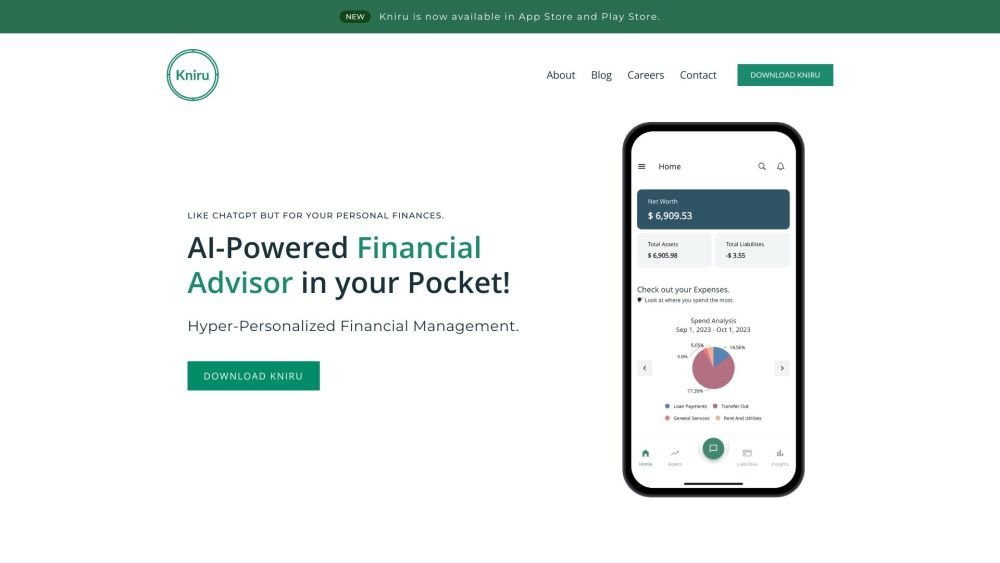
Kniru is a mobile application designed to help you manage your personal finances using AI. Through a chat-based interface, it provides precise, personalized, and actionable insights while answering your questions regarding investments, taxes, retirement, and spending. The platform allows users to track, manage, and optimize transactions, investments, and loans to support smarter financial decision-making in a secure environment.
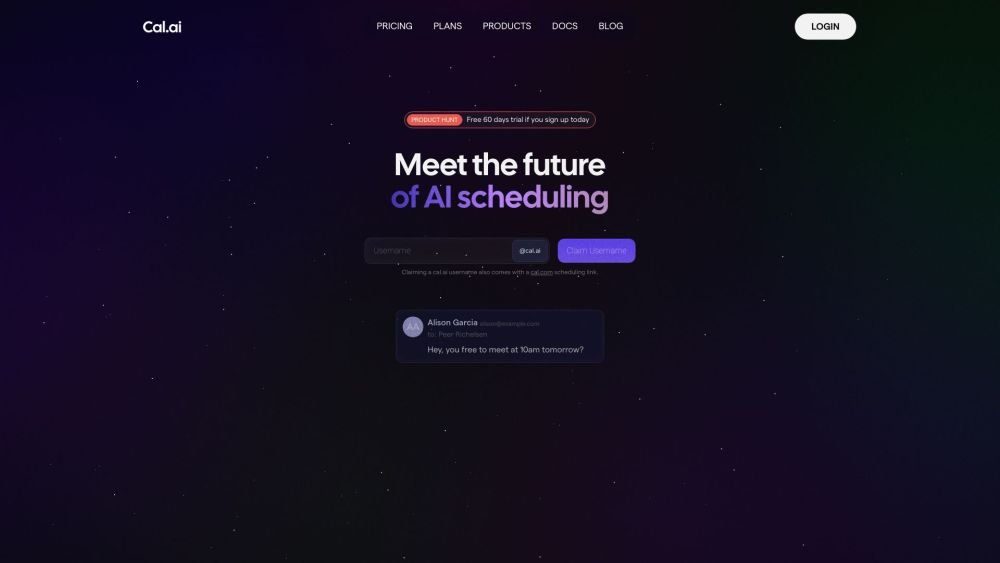
Cal.com is an open-source scheduling infrastructure offering fully customizable software for individuals, businesses, and developers building scheduling platforms. It provides flexible deployment options, including self-hosted and SaaS solutions, alongside features like routing, a unified calendar API, a desktop application, and an enterprise API. Additionally, Cal.com integrates AI-powered scheduling assistance via Cal.ai, which includes AI Phone Agents.
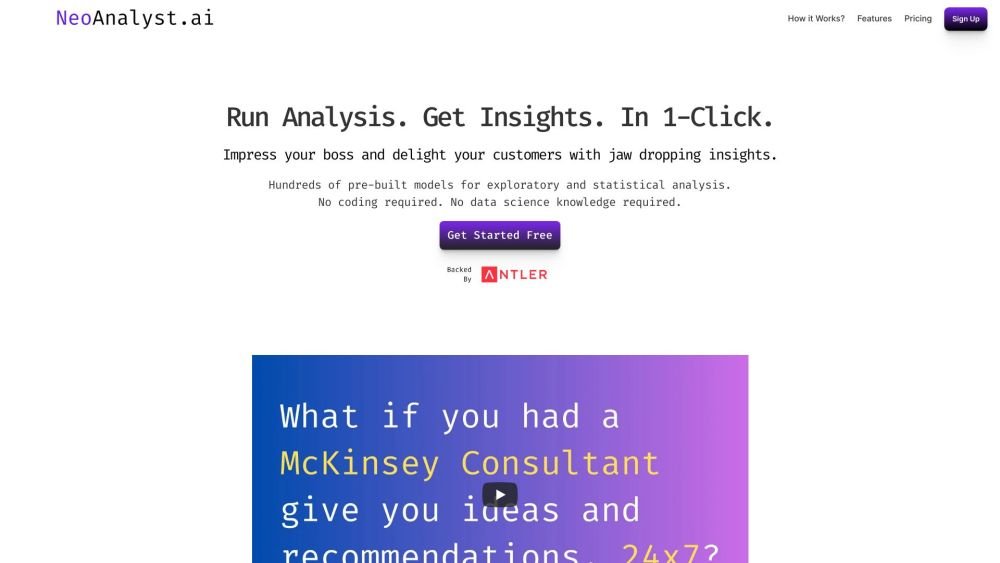
NeoAnalyst.ai simplifies data analysis by making complex insights accessible to everyone. Users can upload datasets and select from 25 suggested questions to generate clear visualizations and actionable findings. Designed for business leaders, this platform requires no coding or data science expertise.
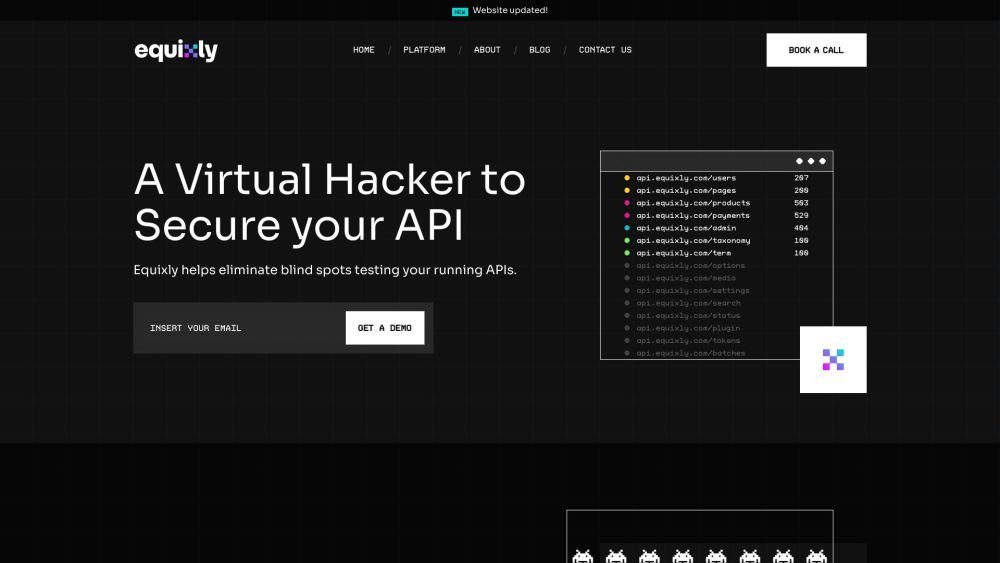
Equixly is a SaaS platform that integrates API security testing into the software development lifecycle (SDLC). It detects vulnerabilities, lowers bug-fixing costs, and scales penetration testing for every new feature release. By using AI-powered bots to scan APIs early, the platform enables faster, more efficient remediation and secure code deployment. Equixly also maps your attack surface by inventorying your API landscape, classifying operations, dependencies, and data flow. Additionally, it simplifies compliance by generating clear reports on security risks and sensitive data exposure to help meet regulatory requirements.
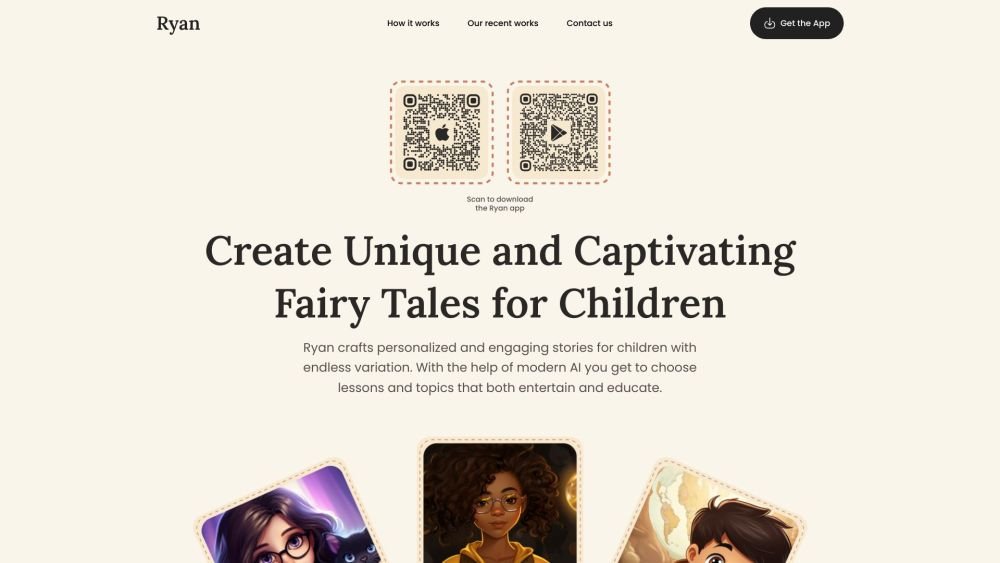
Ryan AI generates custom children's fairy tales tailored to specific preferences, including genres and characters. Featuring multilingual voice narration and background music, it provides an engaging experience for children while offering parents a convenient way to entertain them. By leveraging modern AI, you can select specific themes and educational lessons to create unique, personalized stories.
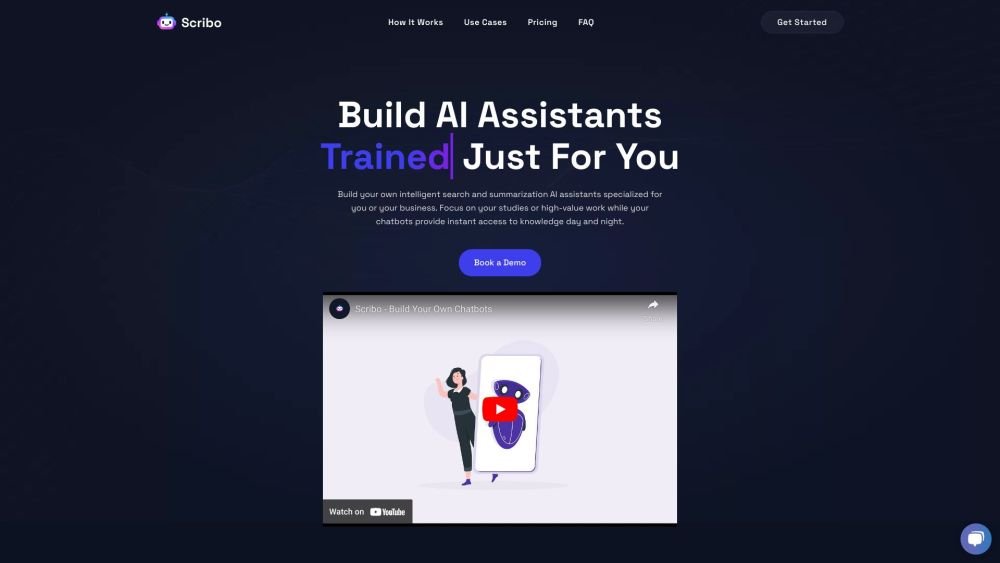
Scribo AI is a generative AI platform built for internal business knowledge sharing. It enables users to develop intelligent search and summarization assistants, helping teams access information quickly to prioritize high-value tasks. Additionally, Scribo AI supports the creation of generative chatbots that utilize company data to assist and engage customers.
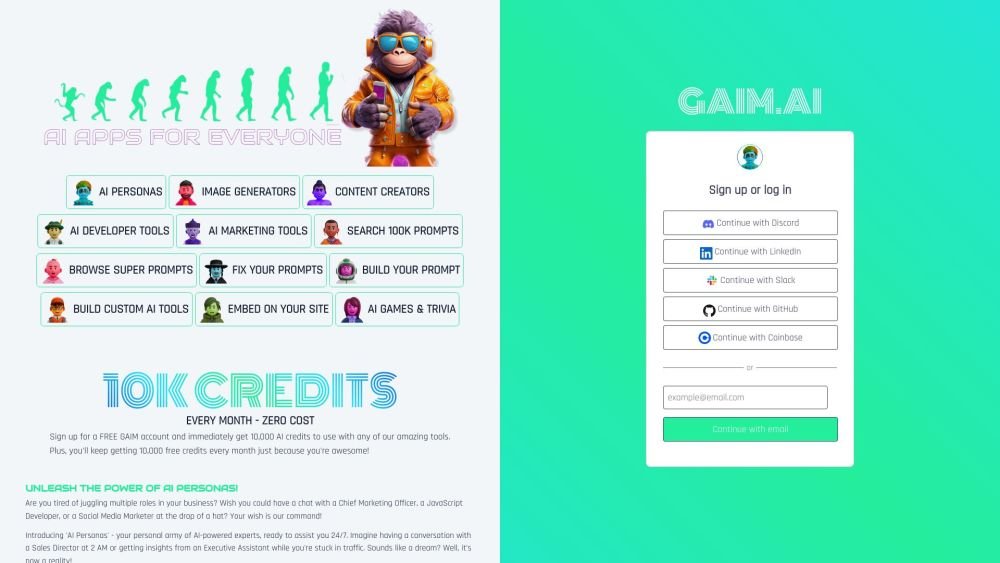
GAIM.AI is an all-in-one AI platform built for developers, marketers, and gamers. It provides access to AI personas, coding tools, and image generators. Users can browse over 100,000 prompts, create their own, and receive 10,000 free credits monthly.
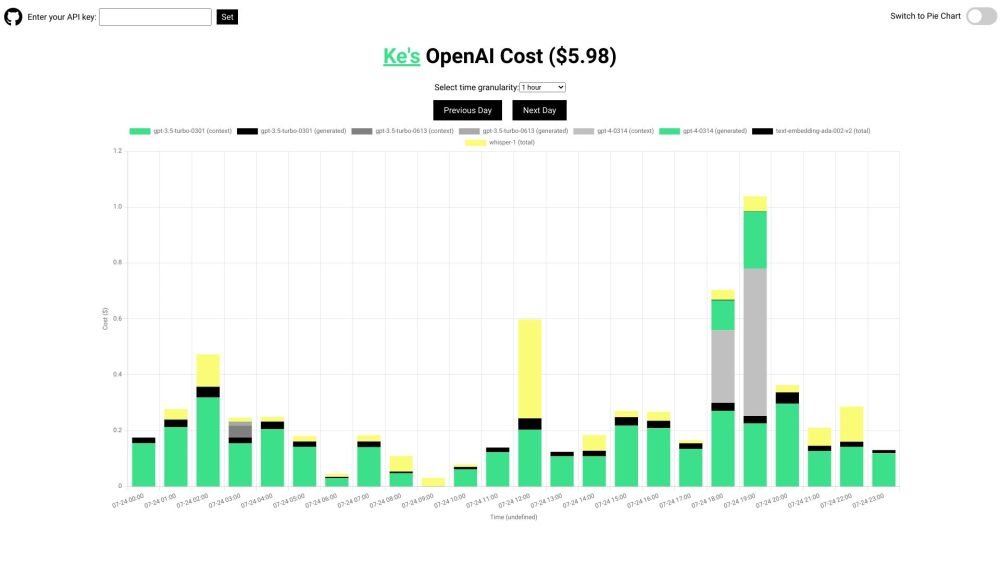
OpenAI API Cost Tracker is a minimalist, open-source utility designed to help you monitor and analyze your daily OpenAI API expenses. It provides a breakdown of costs across various models, including GPT-4, ChatGPT, Whisper, and text-embedding models, with visualization options like time-based charts and pie charts. The tool is open-source and ensures your API key remains secure.
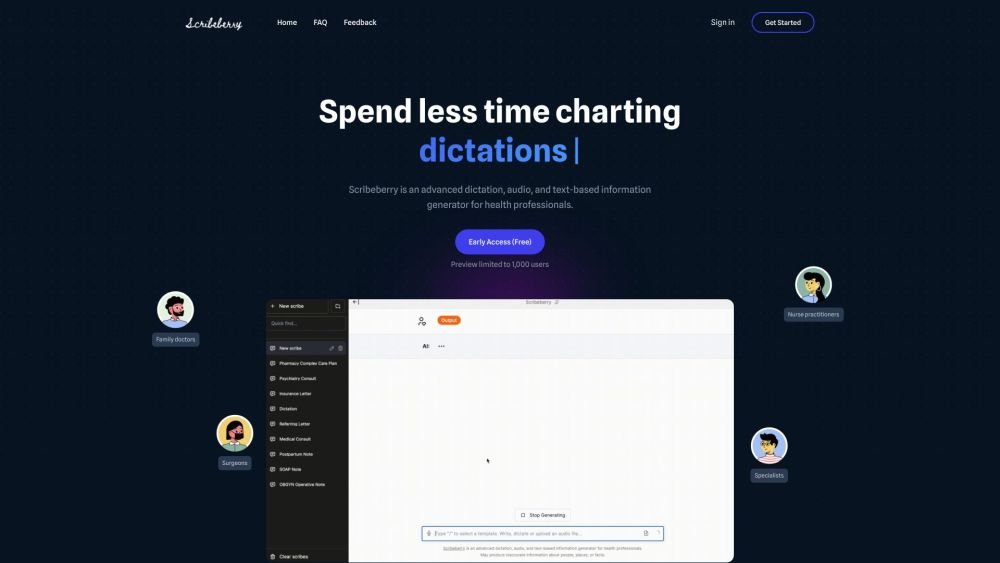
Scribeberry is an AI-powered medical scribing, charting, and documentation platform built for healthcare professionals. By converting audio or text inputs into medical notes, letters, transcripts, and forms, it helps reduce documentation time and improve clinical accuracy. Key features include ambient AI scribing, automated form completion, customizable templates, and integration with global EMR systems.

Instant enables you to programmatically generate thousands of SEO landing pages for your website. Whether you need pages for every location, integration, or specific SEO strategy, this no-code automation tool helps you scale your content, improve search rankings, and increase revenue through programmatic SEO.
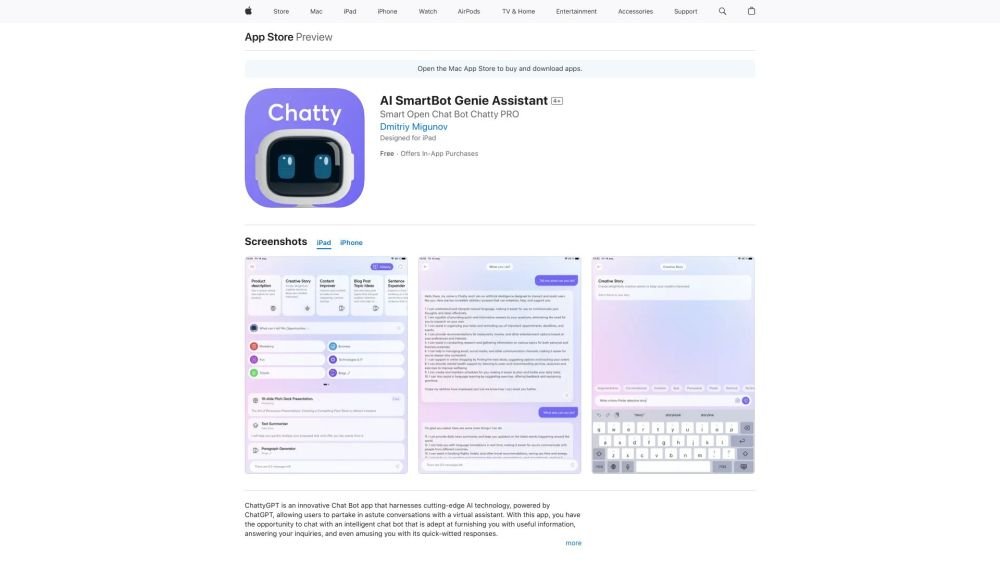
Chat AI Your Virtual Assistant is an App Store application that leverages advanced AI to facilitate insightful interactions with a virtual assistant. This intelligent chatbot provides helpful information, answers queries, and offers witty responses. By understanding message context, the AI ensures natural, intelligent dialogue. Users can ask about a wide range of topics, from general questions to personalized recommendations. The app is designed for intuitive navigation, making it accessible to users of all technical skill levels.
Synthflow AI is a platform designed to automate phone calls using AI voice agents. It allows users to build custom AI phone agents without requiring coding or technical expertise, relying instead on your data and concepts to drive automation. The platform provides flexible pricing plans that scale with your business requirements to maintain cost-efficiency.