
Free
$0Free plan available.
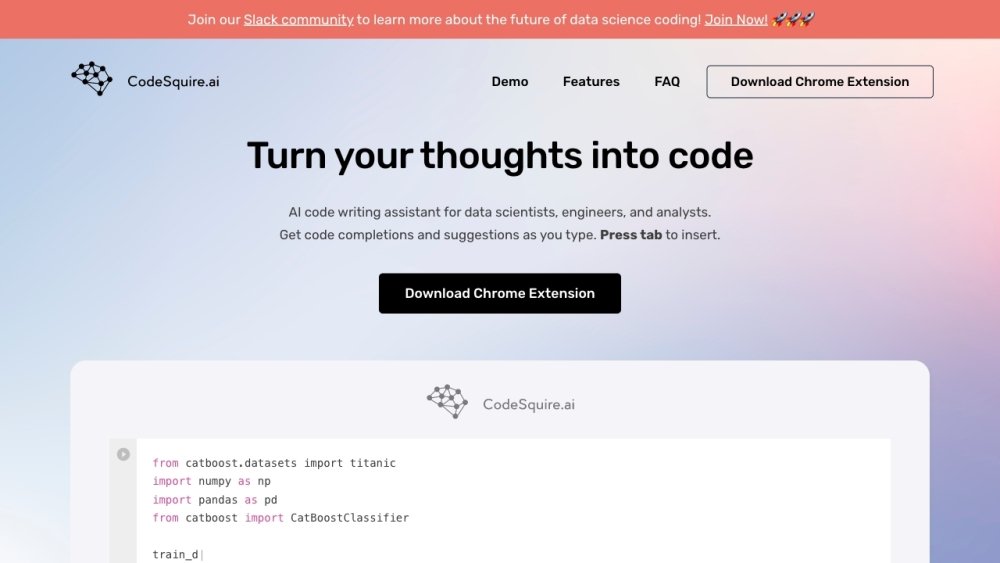
CodeSquire is an AI code writing assistant designed for data scientists, engineers, and analysts. It provides code completions and suggestions as you type, supporting platforms like Jupyter, VS Code, PyCharm, and Google Colab. CodeSquire can generate entire functions tailored to data science use cases, translate language into SQL queries, explain code, and write complex functions by specifying multiple steps.
Install the Chrome extension and sign up to begin using CodeSquire in supported platforms like Google Colab, BigQuery, and JupyterLab. As you type your code or comments, CodeSquire will generate suggestions; press the tab key to accept and insert the suggested code.
Simply download the Chrome extension, sign up, and you are ready to start.
You can download it via the following link: https://chrome.google.com/webstore/detail/codesquireai/ikldibchjbalnngafojhlnbddkehoooc
Currently, we support Google Colab, BigQuery, and JupyterLab, with additional platform support planned for the future.
Please visit the following link to review CodeSquire best practices and usage guidelines: https://app.codesquire.ai/#tutorials
CodeSquire functions in environments where GitHub Copilot does not. Our browser extension provides consistent code suggestions within browser-based tools like Google Colab, BigQuery, and JupyterLab.
Free plan available.
Use these comparison pages to understand the trade-offs between the models most relevant to CodeSquire.
Compare Amazon Nova Pro and Amazon Nova Lite across pricing, context window, capabilities, benchmarks, and API access to choose the better fit for tool-augmented workflows versus tool-augmented workflows.
Compare Amazon Nova Lite and Amazon Nova Micro across pricing, context window, capabilities, benchmarks, and API access to choose the better fit for tool-augmented workflows versus tool-augmented workflows.
Compare Amazon Nova Lite and Mistral Medium 3 across pricing, context window, capabilities, benchmarks, and API access to choose the better fit for tool-augmented workflows versus tool-augmented workflows.
Compare Amazon Nova Lite and Mistral Small 3.1 (25.03) across pricing, context window, capabilities, benchmarks, and API access to choose the better fit for tool-augmented workflows versus cost-efficient scale.

Similar AI tool in the AI Copilot category.
Similar AI tool in the AI Assistant category.
Similar AI tool in the AI Assistant category.
Similar AI tool in the AI Assistant category.
Similar AI tool in the AI Assistant category.
Similar AI tool in the AI Assistant category.
Similar AI tool in the AI Chatbot category.
Similar AI tool in the AI Chatbot category.
Similar AI tool in the AI Chatbot category.
Similar AI tool in the AI Productivity Tools category.
Similar AI tool in the AI Assistant category.
Similar AI tool in the AI Assistant category.