
Free
$0Free plan available.
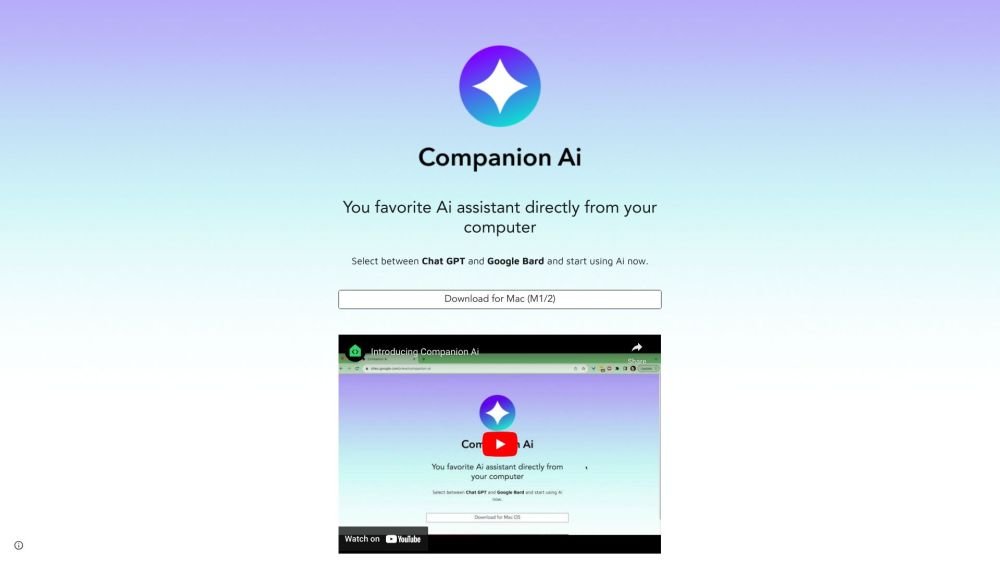
Companion AI is a desktop application that allows users to access AI assistants like ChatGPT and Google Bard directly from their computer. It aims to help users write, create, code, and more by providing easy access to these AI tools.
Download the application for Mac (M1/2). Select your preferred AI companion (ChatGPT or Google Bard) using the tray bar icon. Configure the app to launch automatically with your Mac via System Settings.
Right-click the "spark ✨" icon in your tray bar to open the options menu. Select "Select companion" to open the configuration page.
Click the Apple menu in the top-left corner, select "System Settings," and navigate to "General > Login Items." Click the "+" button under "Open at Login," locate your Companion AI application (typically in the Applications folder), and select it.
Click the "spark ✨" icon in your tray bar to toggle the visibility of the Companion AI window.
Free plan available.
Use these comparison pages to understand the trade-offs between the models most relevant to Companion AI.
Compare GPT 5.4 and GPT 5.4 Pro across pricing, context window, capabilities, benchmarks, and API access to choose the better fit for long-context workloads versus long-context workloads.
Compare GPT 5.5 and GPT 5.4 across pricing, context window, capabilities, benchmarks, and API access to choose the better fit for long-context workloads versus long-context workloads.
Compare GPT 5.5 and Claude 4.6 Opus across pricing, context window, capabilities, benchmarks, and API access to choose the better fit for long-context workloads versus long-context workloads.
Compare GPT 5.5 and Claude 4.6 Sonnet across pricing, context window, capabilities, benchmarks, and API access to choose the better fit for long-context workloads versus long-context workloads.

Similar AI tool in the AI Assistant category.
Similar AI tool in the AI Assistant category.
Similar AI tool in the AI Productivity Tools category.
Similar AI tool in the AI Assistant category.
Similar AI tool in the AI Assistant category.
Similar AI tool in the AI Assistant category.
Similar AI tool in the AI Chatbot category.
Similar AI tool in the AI Chatbot category.
Similar AI tool in the AI Productivity Tools category.
Similar AI tool in the AI Assistant category.
Similar AI tool in the AI Assistant category.
Similar AI tool in the AI Assistant category.