
Free
$0Free plan available.
Corrector App is a free online grammar and spell checker available in multiple languages, including English and Tagalog. It helps users identify and correct grammatical, spelling, and punctuation errors in their writing. The tool offers suggestions for improving sentence flow and explains grammar mistakes to enhance understanding. It supports various English dialects and other languages, making it a versatile tool for personal and professional use.
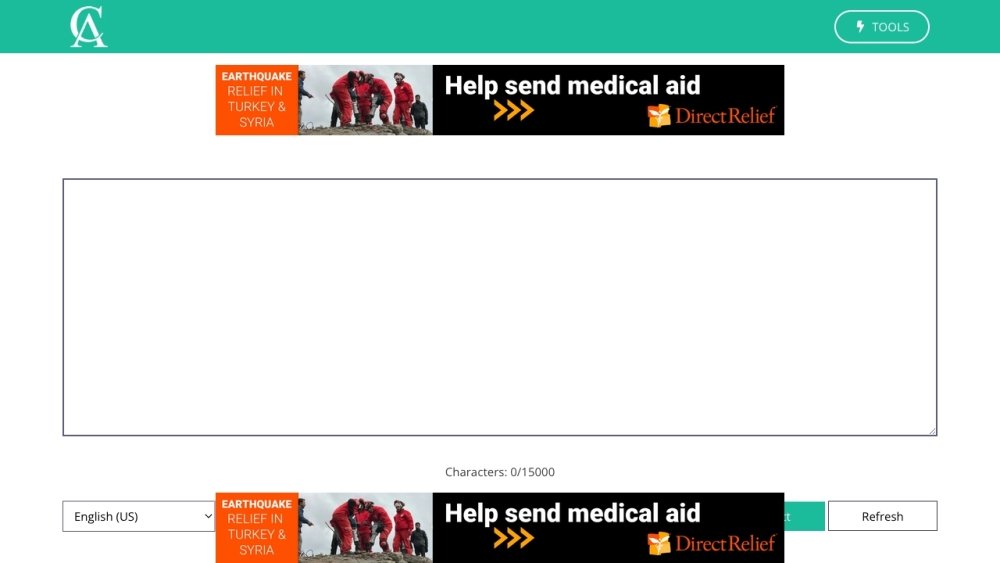
To use Corrector App, copy and paste your text into the designated text area on the website. Click the 'Check Text' button to initiate the analysis. The tool will highlight errors; click on these highlights to view suggested corrections. Once you have made the necessary adjustments, copy and paste your corrected text back into your word processor.
Yes, Corrector App is completely free to access and use. No account registration or software download is required.
Corrector App supports over 27 languages, including English, Tagalog, Spanish, French, German, and many others.
Simply copy and paste your text into the website's text area, click the 'Check Text' button, and review the highlighted errors and suggested corrections.
There is no downloadable mobile app; however, the website is optimized for mobile browsers, allowing you to use it on your smartphone or tablet.
Yes, Corrector App can help you identify and fix grammatical errors in text produced by AI tools like ChatGPT.
Free plan available.
Use these comparison pages to understand the trade-offs between the models most relevant to Corrector App.
Compare GPT 5.4 and GPT 5.4 Pro across pricing, context window, capabilities, benchmarks, and API access to choose the better fit for long-context workloads versus long-context workloads.
Compare GPT 5.5 and GPT 5.4 across pricing, context window, capabilities, benchmarks, and API access to choose the better fit for long-context workloads versus long-context workloads.
Compare GPT 5.5 and Claude 4.6 Opus across pricing, context window, capabilities, benchmarks, and API access to choose the better fit for long-context workloads versus long-context workloads.
Compare GPT 5.5 and Claude 4.6 Sonnet across pricing, context window, capabilities, benchmarks, and API access to choose the better fit for long-context workloads versus long-context workloads.

Similar AI tool in the AI Assistant category.
Similar AI tool in the AI Productivity Tools category.
Similar AI tool in the AI Writing Assistants category.
Similar AI tool in the AI Image Generator category.
Similar AI tool in the AI Assistant category.
Similar AI tool in the AI Writing Assistants category.
Similar AI tool in the AI Writing Assistants category.
Similar AI tool in the AI Assistant category.
Similar AI tool in the AI Chatbot category.
Similar AI tool in the AI Writing Assistants category.
Similar AI tool in the AI Assistant category.
Similar AI tool in the AI Chatbot category.