
Free
$0Free plan available.
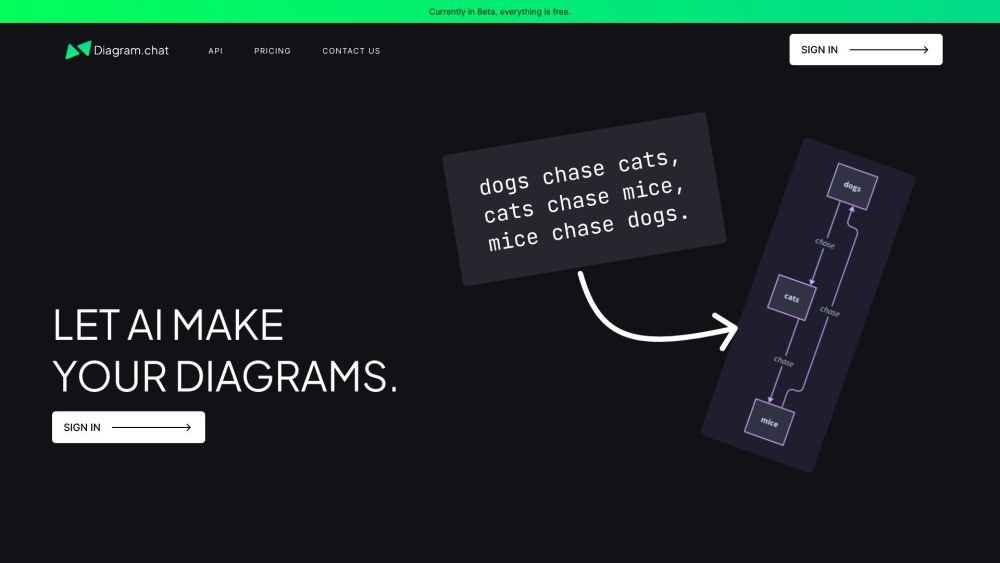
Diagram.chat is an AI-powered platform that allows users to effortlessly create diagrams. It offers features like themes, background colors, different AI models (including GPT-3.5 and GPT-4), and layouts (coming soon). Users can customize every aspect of their diagrams while benefiting from a click-and-go tool. It supports UML, sequence diagrams, and all sorts of diagrams.
1. Use the AI to generate diagrams from text prompts. 2. Customize the generated diagrams with themes, colors, and layouts. 3. Integrate with existing workflows using the API.
Diagram.chat supports UML, sequence diagrams, and a wide variety of other diagram types powered by AI.
The platform is currently in Beta, and all features are free to use.
Free plan available.
Use these comparison pages to understand the trade-offs between the models most relevant to Diagram.chat.
Compare GPT 5.4 and GPT 5.4 Pro across pricing, context window, capabilities, benchmarks, and API access to choose the better fit for long-context workloads versus long-context workloads.
Compare GPT 5.5 and GPT 5.4 across pricing, context window, capabilities, benchmarks, and API access to choose the better fit for long-context workloads versus long-context workloads.
Compare GPT 5.5 and Claude 4.6 Opus across pricing, context window, capabilities, benchmarks, and API access to choose the better fit for long-context workloads versus long-context workloads.
Compare GPT 5.5 and Claude 4.6 Sonnet across pricing, context window, capabilities, benchmarks, and API access to choose the better fit for long-context workloads versus long-context workloads.

Similar AI tool in the AI Assistant category.
Similar AI tool in the AI Productivity Tools category.
Similar AI tool in the AI Assistant category.
Similar AI tool in the AI Writing Assistants category.
Similar AI tool in the AI Image Generator category.
Similar AI tool in the AI Writing Assistants category.
Similar AI tool in the AI Writing Assistants category.
Similar AI tool in the AI Assistant category.
Similar AI tool in the AI Chatbot category.
Similar AI tool in the AI Productivity Tools category.
Similar AI tool in the AI Assistant category.
Similar AI tool in the AI Assistant category.