
Free
$0Free plan available.
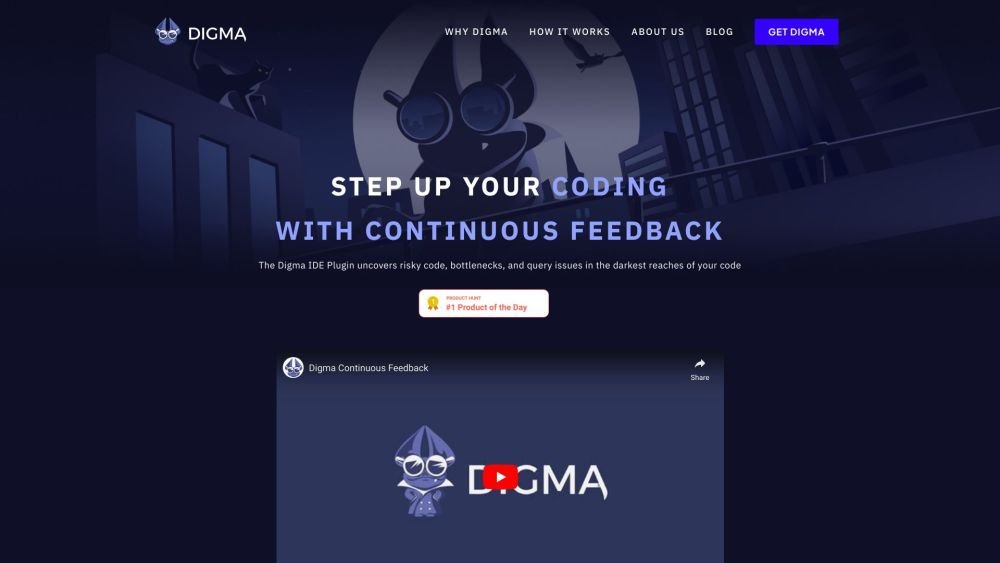
Digma Continuous Feedback (CF) allows developers to identify runtime regressions, anomalies, and code smells directly within their IDE. By resolving performance issues early in the SDLC, Digma helps prevent production incidents and engineering disruptions. Its MCP Server enhances AI coding by highlighting impacted components for every code change and pull request, reducing the risk of breaking changes and saving development time. Digma focuses on preempting issues rather than just providing traditional monitoring and alerts.
Install the Digma plugin in your IDE. Digma will analyze your code changes and highlight affected areas before you merge a pull request. The tool functions without requiring code modifications and integrates with OpenTelemetry.
Digma identifies issues earlier in the development cycle using Dynamic Code Analysis, preventing disruptions before they reach production. It serves as a complementary solution to standard APMs.
Yes. Digma analyzes every code change and highlights affected areas before you merge a pull request.
No. Digma functions without requiring code changes and is fully OpenTelemetry (OTEL) compliant.
Digma identifies inefficient code patterns that drive up resource consumption, enabling engineering teams to write more cost-efficient code.
Digma does not use public AI models that share data outside of your organization; all data remains local.
Digma detects various performance issues, including unexpected performance regressions from code changes, slow execution paths, scalability bottlenecks that may cause failures under load, and inefficient database queries or API calls.
Not exactly. While profilers and static analysis tools are useful, they are typically used after an issue occurs. Digma provides additional value by analyzing real runtime data.
Free plan available.

Similar AI tool in the AI Copilot category.
Similar AI tool in the AI Assistant category.
Similar AI tool in the AI Assistant category.
Similar AI tool in the AI Assistant category.
Similar AI tool in the AI Assistant category.
Similar AI tool in the AI Assistant category.
Similar AI tool in the AI Chatbot category.
Similar AI tool in the AI Chatbot category.
Similar AI tool in the AI Chatbot category.
Similar AI tool in the AI Productivity Tools category.
Similar AI tool in the AI Assistant category.
Similar AI tool in the AI Assistant category.