
Free
$0Free plan available.
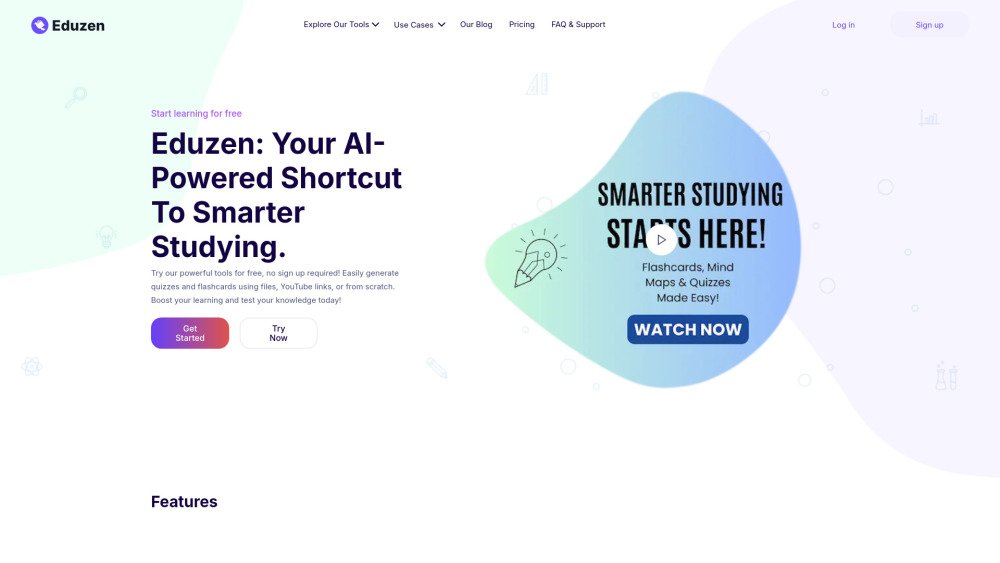
Eduzen is an AI-powered platform designed to accelerate learning through tools like flashcard generation, quiz creation, lecture recording, and mind map building from study materials.
Upload your course materials (PDFs, videos, notes), select your preferred study tools (flashcards, quizzes, notes, or mind maps), use the lecture listening feature to engage with live classes, and review your personalized study materials.
Simply upload your notes or documents, or paste your text into the Flashcard tool, and the AI will generate flashcards for you.
Yes. Paste a YouTube video link, and the AI will automatically create quiz questions based on the video content.
You can upload PDFs, DOCs, PowerPoints, and more to generate mind maps. We also support YouTube video links for generating mind maps from video content.
During your lecture, select 'Start Recording,' and our AI will generate live notes and summaries. You can revisit these recorded lectures at any time.
Yes, all AI-generated content is fully customizable. You can edit, organize, and review it as needed.
No downloads are required. The platform runs directly in your browser, making it accessible on any device.
Yes, once generated, your study materials are accessible across all devices as long as you are logged into your account.
Monthly billing allows you to pay on a month-to-month basis. Yearly billing requires payment for an entire year upfront, offering savings of up to 40% compared to monthly payments.
The 'Uses Per Feature' limit defines how many times you can use each tool (Flashcards, Quizzes, Mind Maps, Live Lectures) per billing cycle. The Basic Plan includes 20 uses per feature monthly. The Pro Plan includes 60 uses per feature monthly. The Unlimited Plan offers unrestricted access. Once you reach your limit on Basic or Pro plans, you can upgrade or wait for your next billing cycle for the limits to reset.
Yes. By selecting the yearly plan, you can save up to 40% compared to monthly billing, which is ideal for long-term access.
Yes, you can cancel at any time. If you cancel a monthly plan, you retain access until the end of the current month. If you cancel a yearly plan, you retain access until the end of the annual billing cycle.
If you are not satisfied with your plan, you can request a refund within the first 30 days.
If you cancel, you will continue to have access to all features until the end of your current billing cycle. Afterward, your account will revert to a free plan with limited access.
We do not currently offer a pause feature. However, you can cancel your plan and reactivate it later. Your account will remain active until the end of your current billing cycle.
We accept all major credit and debit cards (Visa, MasterCard, American Express) via Stripe. Bank transfers are also available for yearly plans in certain regions.
Yes. We use Stripe to process payments, ensuring your details are encrypted and handled in compliance with industry security standards.
Yes, you can switch billing cycles at any time. The change will take effect at the start of your next billing cycle, at which point you will be charged the yearly rate.
Free plan available.
Use these comparison pages to understand the trade-offs between the models most relevant to Eduzen.
Compare Gemini 1.0 Pro Deprecated and Gemini 2.0 Flash across pricing, context window, capabilities, benchmarks, and API access to choose the better fit for long-context workloads versus long-context workloads.
Compare Gemini 1.0 Pro Deprecated and Gemini 2.5 Flash across pricing, context window, capabilities, benchmarks, and API access to choose the better fit for long-context workloads versus long-context workloads.
Compare Gemini 2.0 Flash Lite and Gemini 2.0 Flash across pricing, context window, capabilities, benchmarks, and API access to choose the better fit for long-context workloads versus long-context workloads.
Compare Gemini 2.5 Flash and Gemini 2.0 Flash across pricing, context window, capabilities, benchmarks, and API access to choose the better fit for long-context workloads versus long-context workloads.
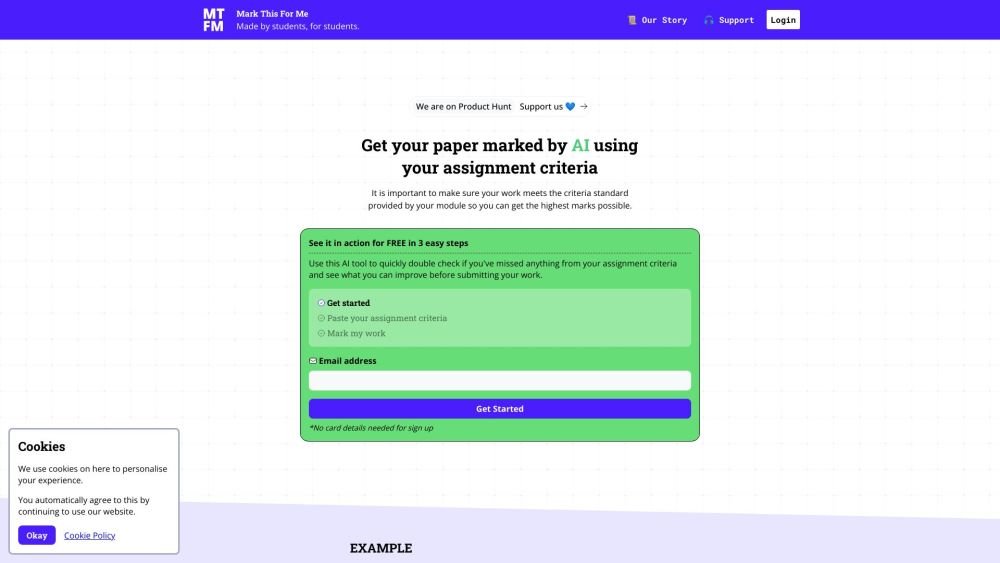
Mark This For Me is an AI-powered platform that provides students with instant, personalized feedback on their assignments. By leveraging OpenAI's GPT models, the tool evaluates work against specific criteria to offer insights that boost motivation and support academic success. The platform provides constructive guidance to help students refine their critical thinking and identify areas for improvement.
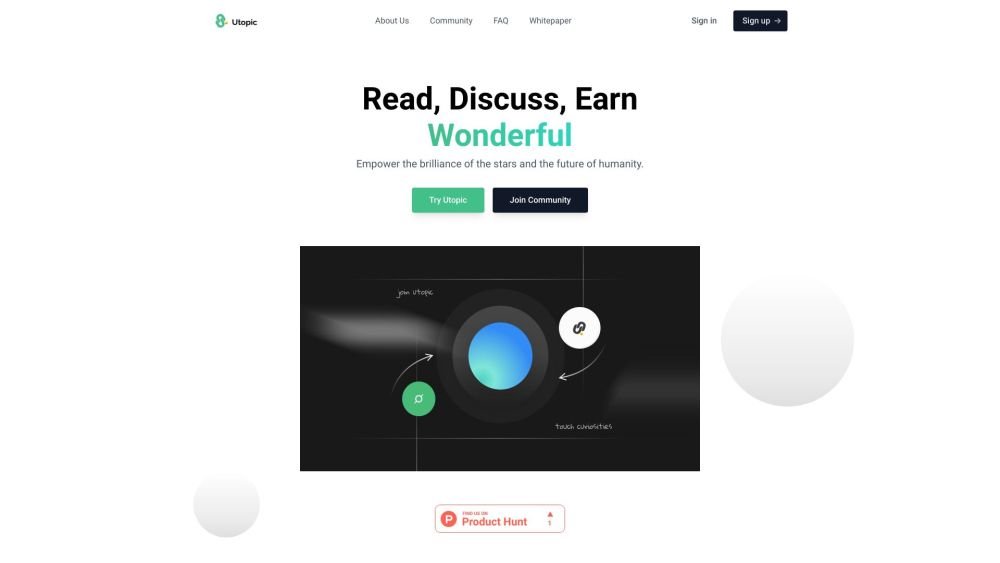
Utopic.ai is a Web3 platform that leverages AI to facilitate discussions, connect users with peers, and reward contributions. Designed as a social community for technology enthusiasts, it allows members to share knowledge, experiences, and perspectives while earning cryptocurrency for asking questions, providing answers, reading, and creating content.
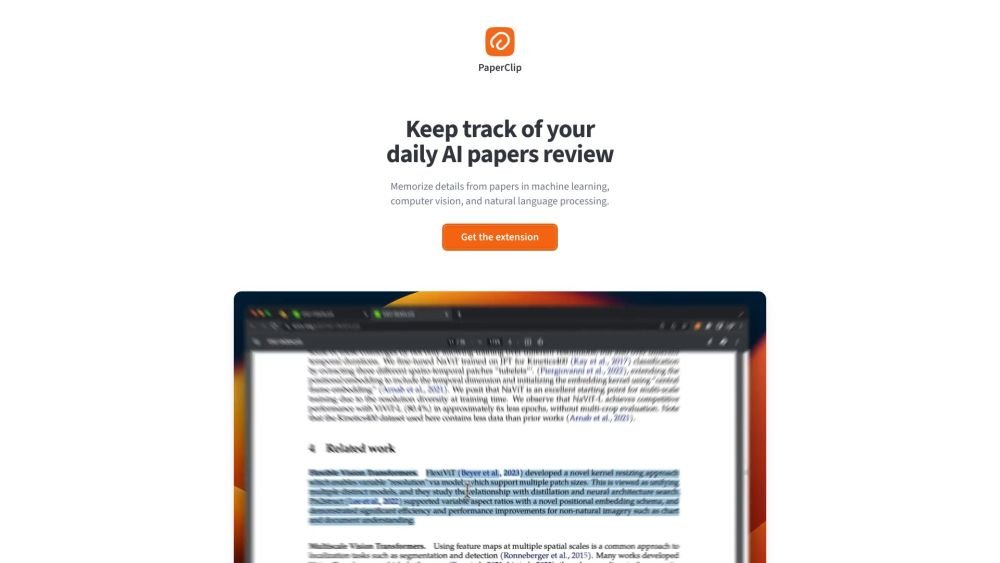
PaperClip is a free tool for AI researchers in machine learning, computer vision, and natural language processing to save and retrieve research findings. By utilizing on-device AI, it eliminates the need for API calls or server costs, helping users track daily paper reviews, memorize key details, and locate information from research papers, ML blog posts, and news.
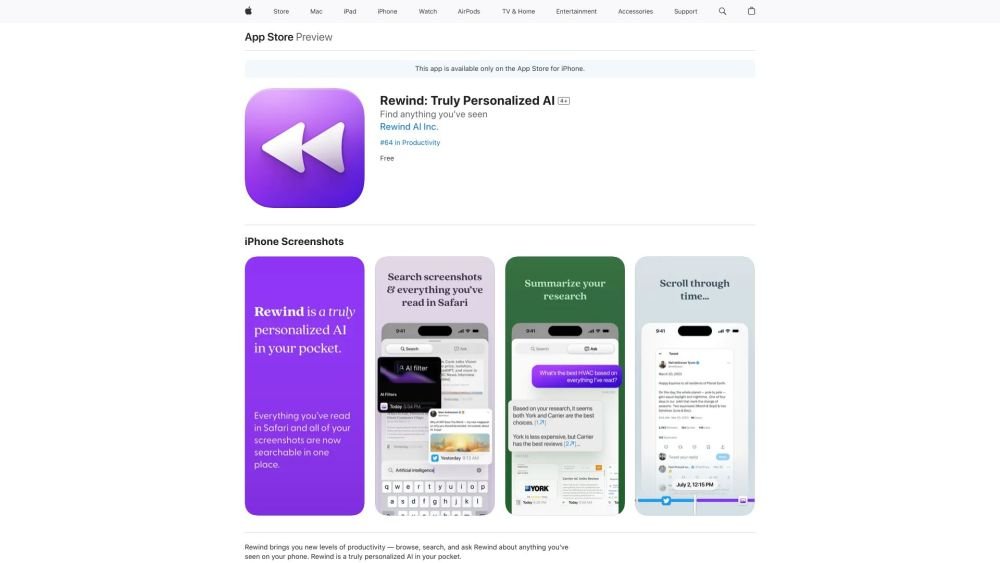
Rewind is a personalized AI application for iPhone that captures your Safari browsing activity and imports your screenshots. It enables you to search, browse, and query information you have previously viewed on your device, offering AI-generated summaries and immediate access to your past activity.
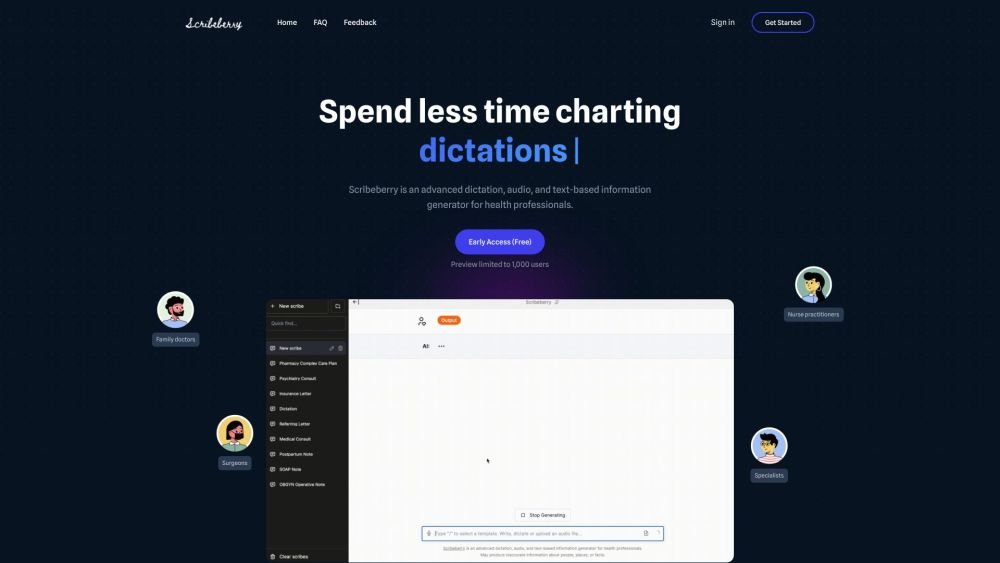
Scribeberry is an AI-powered medical scribing, charting, and documentation platform built for healthcare professionals. By converting audio or text inputs into medical notes, letters, transcripts, and forms, it helps reduce documentation time and improve clinical accuracy. Key features include ambient AI scribing, automated form completion, customizable templates, and integration with global EMR systems.
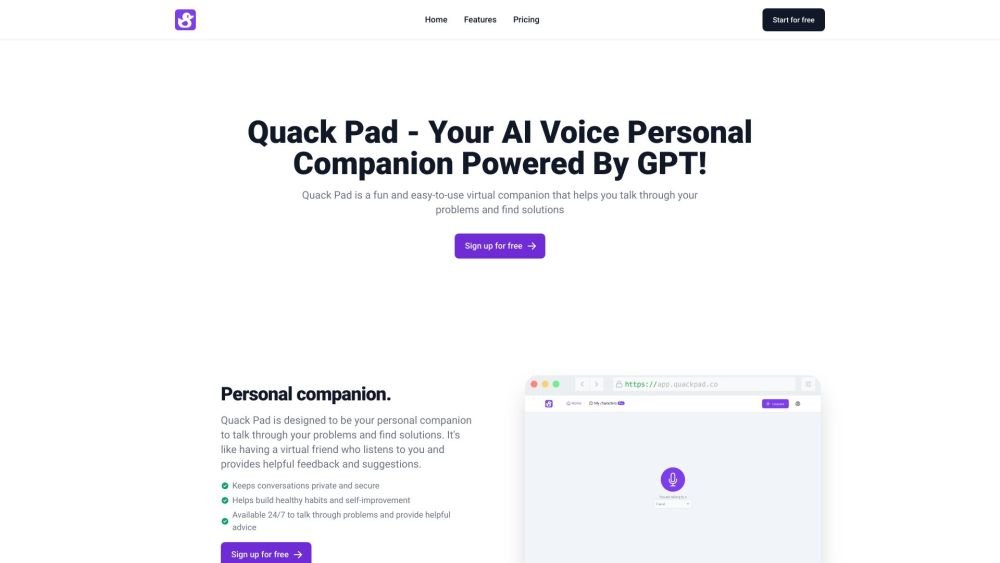
Quack Pad is an AI-powered virtual companion designed to help you talk through challenges and identify solutions. Featuring customizable digital ducks and an intuitive interface, it provides helpful feedback for students, professionals, and anyone seeking a personal companion.
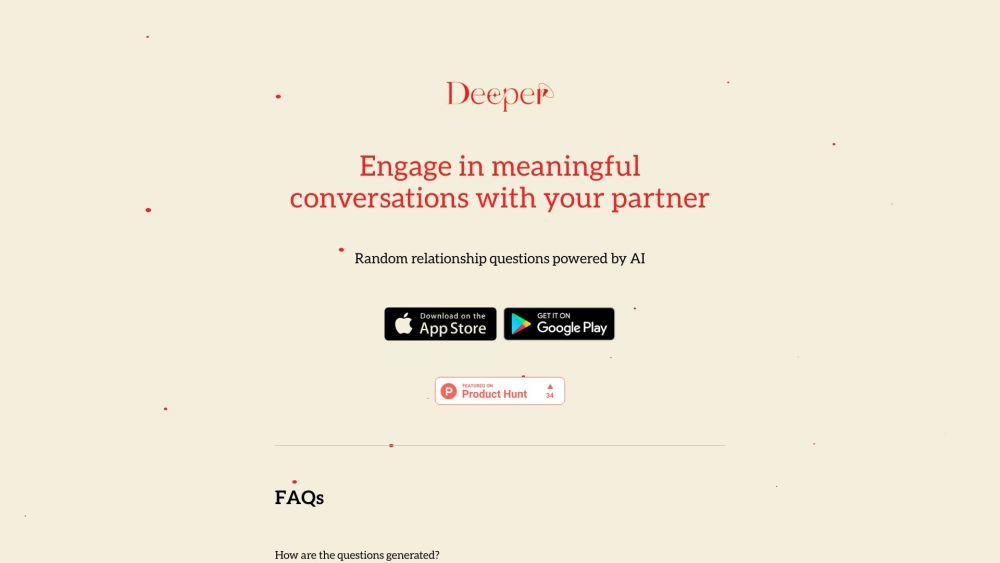
Deeper is an application that generates random relationship questions for couples to help foster meaningful conversation. Powered by OpenAI's GPT-4o model, the app provides dynamic and engaging prompts perfect for date nights, staycations, or casual time at home.
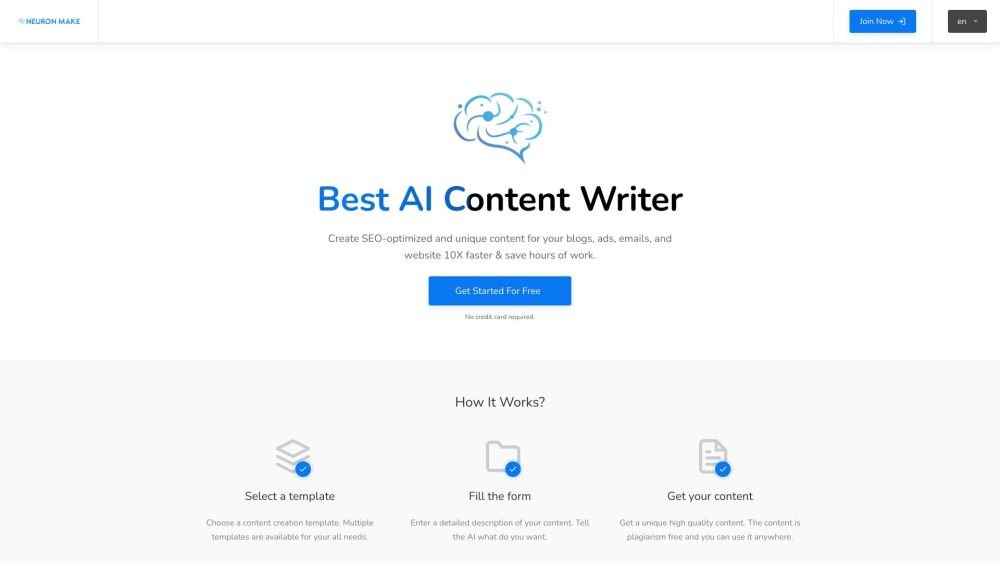
Neuron Make is an all-in-one AI platform for businesses, providing accessible and cost-effective machine learning tools. It serves as a comprehensive solution for generating AI-powered text, images, and code using pre-built templates. The platform assists in producing unique, SEO-optimized content for blogs, advertisements, emails, and websites to improve efficiency.
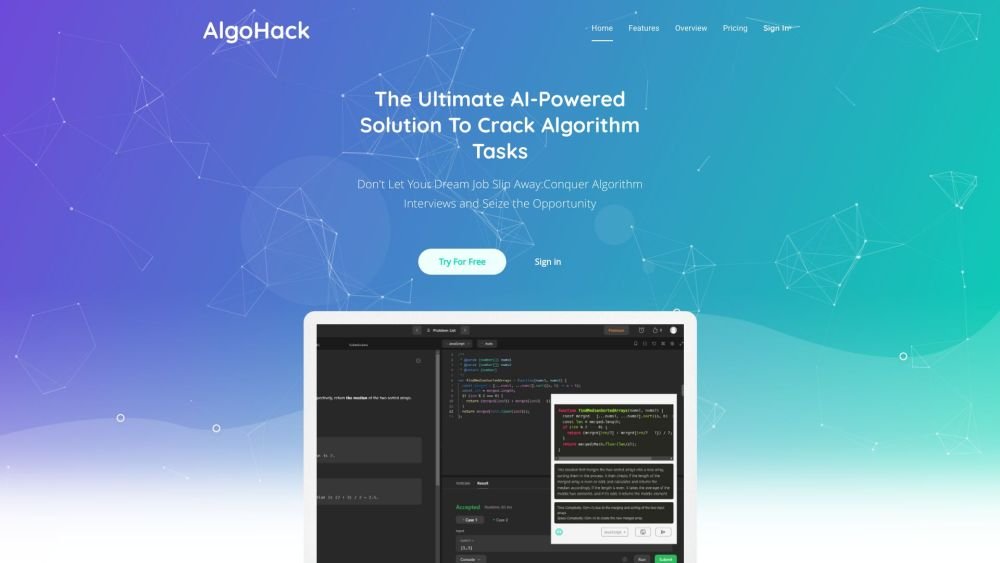
AlgoHack is an AI-powered tool designed to assist users in solving algorithm challenges to help them prepare for technical interviews. Users can capture tasks via copy-paste, highlighting, or screenshots, and the tool generates solutions in one of ten programming languages.
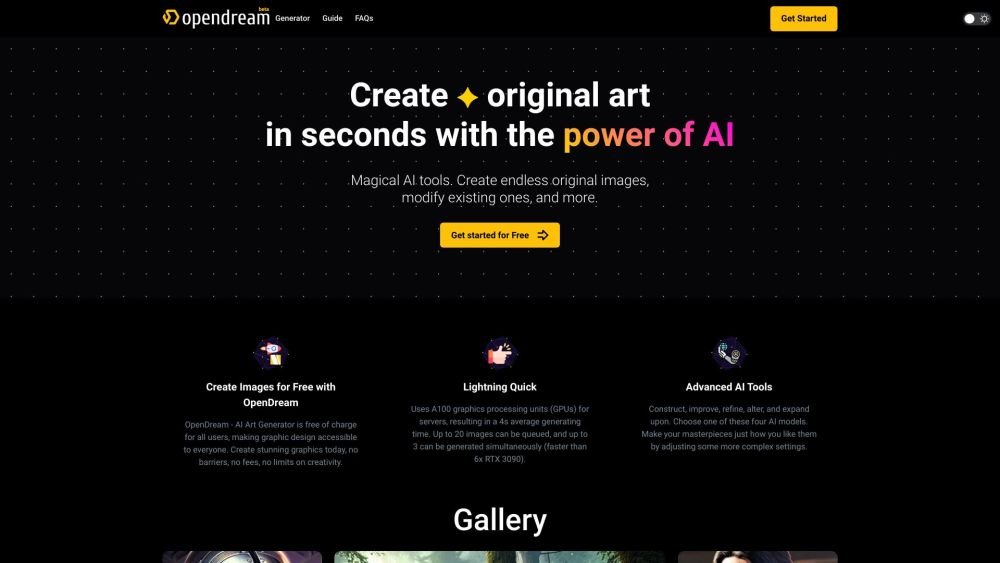
OpenDream is a free AI art generator that enables users to create digital artwork. It allows you to generate AI images from text prompts, upscale existing images, create variations, and share your work. The platform provides customizable templates, various artistic styles, and multiple models to produce unique images, with options available for commercial use.
Artifact is an AI-powered personalized news feed. Currently in private beta, the platform requires users to register with their phone number to receive an invitation link. Artifact delivers curated, informative articles tailored to individual preferences, filters out clickbait, and provides instant AI-generated summaries.
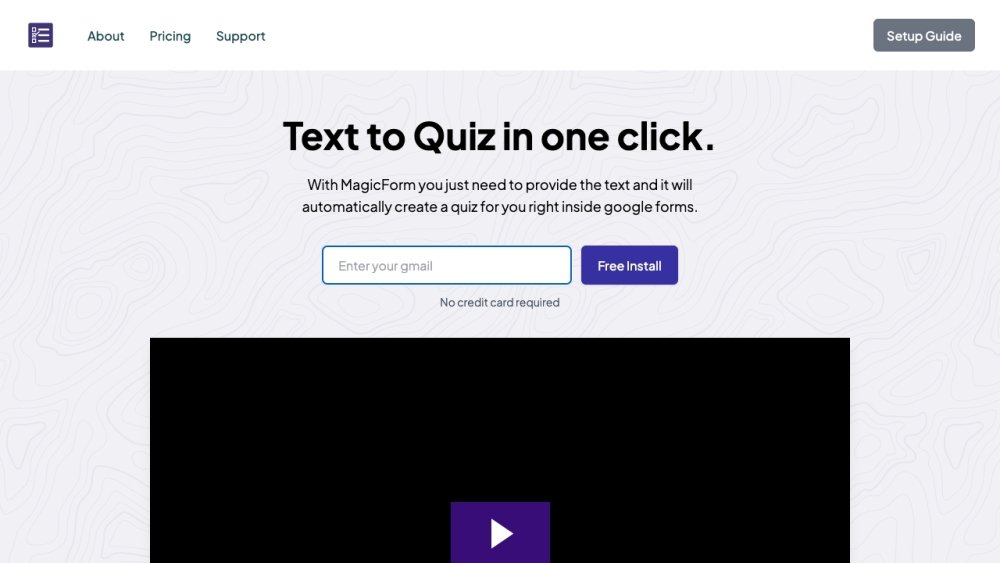
MagicForm.app is an AI-powered quiz generator that enables teachers, students, and professionals to create quizzes from text, PDFs, videos, and other sources in seconds. It integrates directly with Google Forms and supports various input formats, including text, topics, YouTube videos, PDF/Docx files, URLs, and images.