
Free
$0Free plan available.
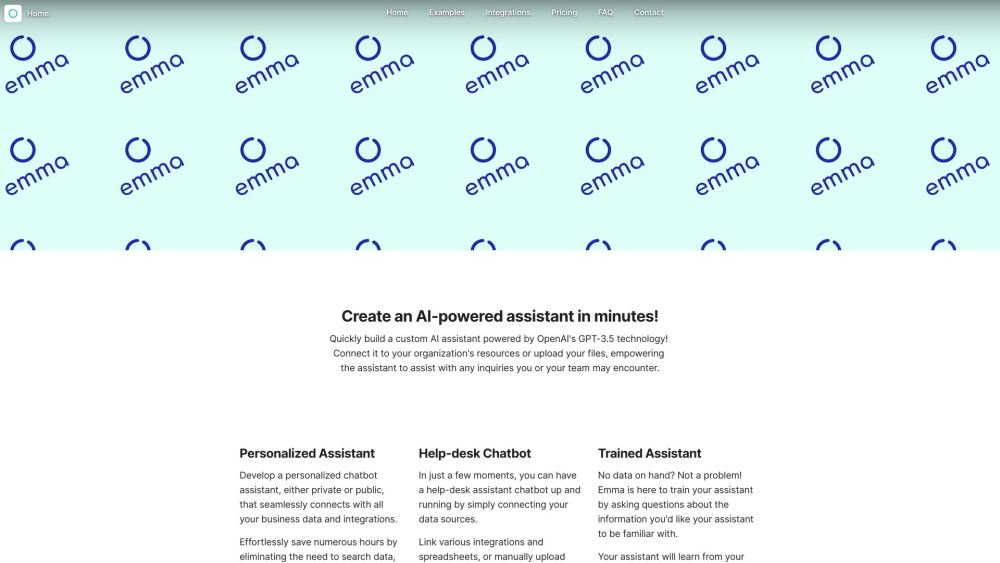
Emma AI is a platform that allows users to quickly build custom AI assistants powered by OpenAI's GPT-3.5 and GPT-4 technology. Users can connect the assistant to their organization's resources or upload files, enabling the assistant to answer inquiries from team members. It offers seamless integrations with various platforms and file formats, and allows for customization of data access for different use cases.
Create an account, configure your assistant, and connect your data sources by uploading documents, integrating business tools, or adding content manually. Once set up, interact with your assistant via the web chat, desktop application, integrations, or the Emma API.
There is no limit to the number of assistants you can create. You can connect each assistant to unique integrations and data sources to support different teams, employees, or specific use cases.
Yes. You can add or remove access to specific data sources for your assistants at any time. For example, you can grant a marketing assistant access to your online store and analytics, while restricting an accounting assistant to your accounting software and specific spreadsheets.
You can personalize your assistant's knowledge base by uploading documents, integrating business tools, or adding content manually. This ensures your assistant provides support tailored to your organization's specific information and resources.
Setup is quick and can be completed in as little as 5 minutes by creating an account, configuring your assistant, and connecting your data.
You can customize your assistant by adding a profile image, cover image, and brand colors. You also have the option to connect your assistant to your own website or application using the Emma API.
Free plan available.
Use these comparison pages to understand the trade-offs between the models most relevant to Emma AI.
Compare GPT 5.4 and GPT 5.4 Pro across pricing, context window, capabilities, benchmarks, and API access to choose the better fit for long-context workloads versus long-context workloads.
Compare GPT 5.5 and GPT 5.4 across pricing, context window, capabilities, benchmarks, and API access to choose the better fit for long-context workloads versus long-context workloads.
Compare GPT 5.5 and Claude 4.6 Opus across pricing, context window, capabilities, benchmarks, and API access to choose the better fit for long-context workloads versus long-context workloads.
Compare GPT 5.5 and Claude 4.6 Sonnet across pricing, context window, capabilities, benchmarks, and API access to choose the better fit for long-context workloads versus long-context workloads.

Similar AI tool in the AI Assistant category.
Similar AI tool in the AI Assistant category.
Similar AI tool in the AI Productivity Tools category.
Similar AI tool in the AI Assistant category.
Similar AI tool in the AI Assistant category.
Similar AI tool in the AI Assistant category.
Similar AI tool in the AI Chatbot category.
Similar AI tool in the AI Chatbot category.
Similar AI tool in the AI Productivity Tools category.
Similar AI tool in the AI Assistant category.
Similar AI tool in the AI Assistant category.
Similar AI tool in the AI Assistant category.