
Free
$0Free plan available.
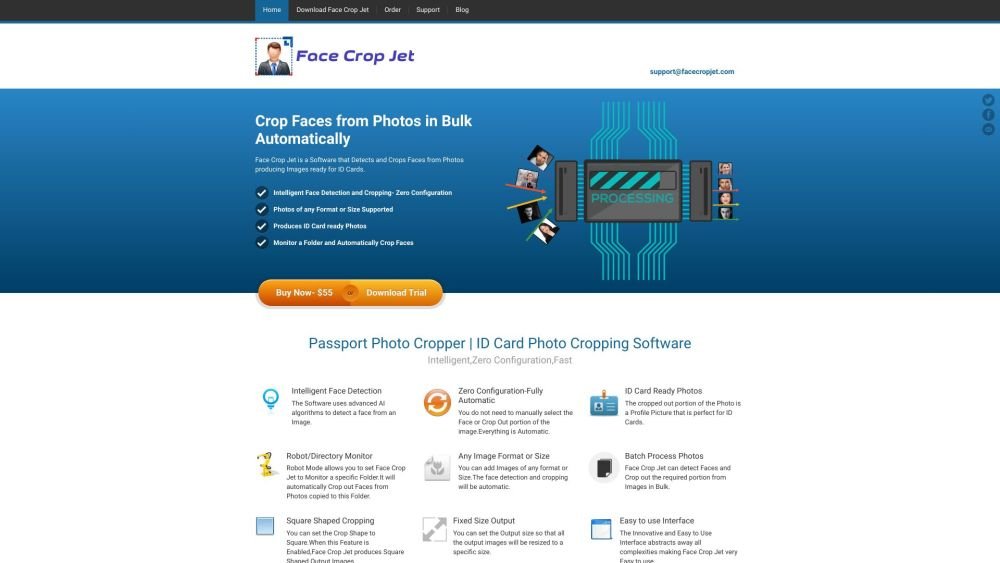
Face Crop Jet is a software designed to automatically detect and crop faces from photos, producing images ready for ID cards and passport photos. It offers intelligent face detection and cropping with zero configuration, supporting various image formats and sizes. The software can monitor folders and automatically crop faces, process photos in bulk, and allows users to set output sizes and crop shapes.
Users can add images of any format or size to Face Crop Jet. The software automatically detects faces and crops the required portion. Users can also set an output size to resize all processed images to a specific size. The service edition can be configured to automatically start on Windows startup and monitor a folder for photos, cropping and saving faces from detected photos.
Face Crop Jet is a software that detects and crops faces from photos, producing images ready for ID cards and passport photos.
Face Crop Jet uses algorithms to detect faces within an image. It automatically crops a profile photo suitable for ID cards, requiring no manual configuration.
Face Crop Jet supports nearly all image formats. It automatically handles images of varying sizes.
Yes, the Service Edition can be configured to run automatically upon system startup. It monitors a designated folder for new photos, crops the faces, and saves them to an output folder without user intervention.
Yes, a native Macintosh edition is available, featuring an intuitive interface for image processing.
Free plan available.

Similar AI tool in the AI Image Generator category.
Similar AI tool in the AI Image Generator category.
Similar AI tool in the AI Image Generator category.
Similar AI tool in the AI API category.
Similar AI tool in the AI Background Remover category.
Similar AI tool in the AI Chatbot category.
Similar AI tool in the AI Image Generator category.
Similar AI tool in the AI Image Generator category.
Similar AI tool in the AI Image Generator category.
Similar AI tool in the AI Chatbot category.
Similar AI tool in the AI Image Generator category.
Similar AI tool in the AI Image Generator category.