
Free
$0Free plan available.
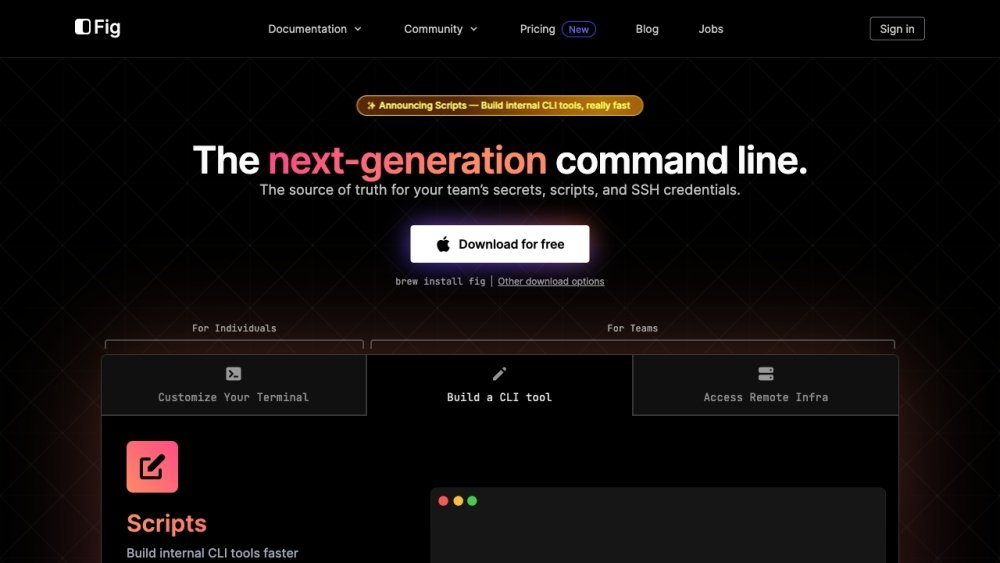
Fig was a command-line tool designed to enhance the terminal experience by integrating with popular terminals, shells, and IDEs. It aimed to provide a next-generation command line interface. However, Fig has been sunset and users are encouraged to migrate to Amazon Q for command line.
Fig integrated with existing terminals, shells, and IDEs. However, the service is no longer active. Users should uninstall Fig and migrate to Amazon Q for command line, which can be accessed via the Fig dashboard.
Fig has been sunset, and all access concluded on September 1, 2024.
Users are encouraged to migrate to Amazon Q for command line, which is available for free on the Individual tier.
You can upgrade to Amazon Q for command line directly through the Fig dashboard.
Please refer to the official documentation for support on how to uninstall Fig.
Free plan available.
Use these comparison pages to understand the trade-offs between the models most relevant to Fig.
Compare Amazon Nova Pro and Amazon Nova Lite across pricing, context window, capabilities, benchmarks, and API access to choose the better fit for tool-augmented workflows versus tool-augmented workflows.
Compare Amazon Nova Lite and Amazon Nova Micro across pricing, context window, capabilities, benchmarks, and API access to choose the better fit for tool-augmented workflows versus tool-augmented workflows.
Compare Amazon Nova Lite and Mistral Medium 3 across pricing, context window, capabilities, benchmarks, and API access to choose the better fit for tool-augmented workflows versus tool-augmented workflows.
Compare Amazon Nova Lite and Mistral Small 3.1 (25.03) across pricing, context window, capabilities, benchmarks, and API access to choose the better fit for tool-augmented workflows versus cost-efficient scale.

Similar AI tool in the AI Copilot category.
Similar AI tool in the AI Assistant category.
Similar AI tool in the AI Productivity Tools category.
Similar AI tool in the AI Assistant category.
Similar AI tool in the AI Writing Assistants category.
Similar AI tool in the AI Image Generator category.
Similar AI tool in the AI Assistant category.
Similar AI tool in the AI Assistant category.
Similar AI tool in the AI Chatbot category.
Similar AI tool in the AI Chatbot category.
Similar AI tool in the AI Productivity Tools category.
Similar AI tool in the AI Assistant category.