
Free
$0Free plan available.
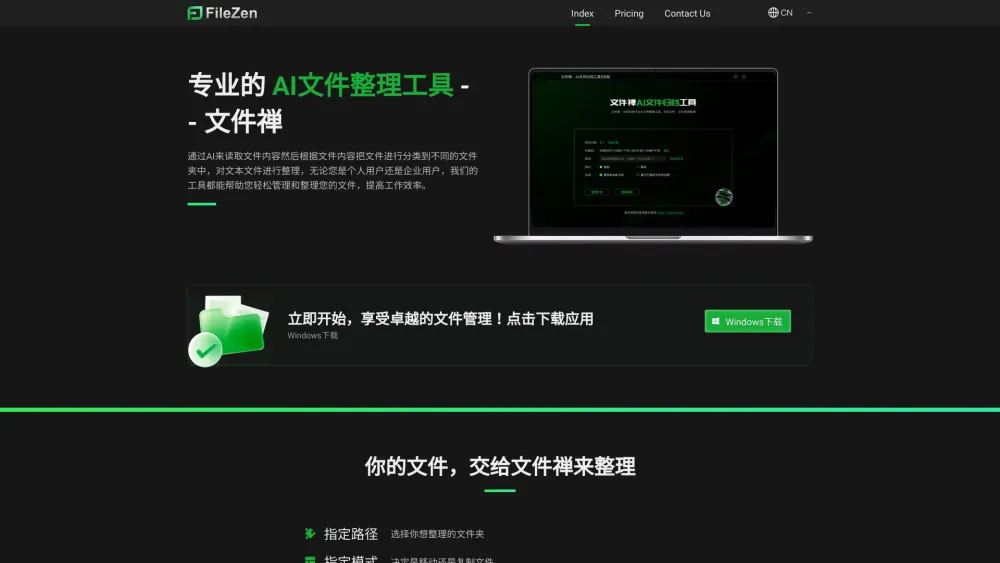
FileZen, also known as FileNeatAI, is an AI-powered file organization tool designed to streamline the process of categorizing and organizing text files on your computer. It reads the content of each file within a specified folder and intelligently categorizes these files into different folders based on their content. It helps both individual and enterprise users easily manage and organize their files, improving work efficiency. It also tidies up cluttered desktops by organizing shortcuts and files and refines folder structures for more efficient file retrieval.
Select the folder you wish to organize, choose whether to move or copy the files, and optionally set preferences to categorize based on existing folders. The AI will then analyze the file content and organize them accordingly.
FileZen (FileNeatAI) is an AI-powered tool that categorizes and organizes text files on your computer based on their content.
FileZen reads the content of each file and intelligently sorts them into specific folders based on that content.
Yes, a free version is available that supports the organization of up to 15 files.
The paid version allows for the organization of a higher volume of files (100+), utilizes a more advanced AI model (GPT-4 equivalent), provides faster network speeds, and includes one-on-one customer support.
Free plan available.
Use these comparison pages to understand the trade-offs between the models most relevant to FileZen (FileNeatAI).
Compare GPT 5.4 and GPT 5.4 Pro across pricing, context window, capabilities, benchmarks, and API access to choose the better fit for long-context workloads versus long-context workloads.
Compare GPT 5.5 and GPT 5.4 across pricing, context window, capabilities, benchmarks, and API access to choose the better fit for long-context workloads versus long-context workloads.
Compare GPT 5.5 and Claude 4.6 Opus across pricing, context window, capabilities, benchmarks, and API access to choose the better fit for long-context workloads versus long-context workloads.
Compare GPT 5.5 and Claude 4.6 Sonnet across pricing, context window, capabilities, benchmarks, and API access to choose the better fit for long-context workloads versus long-context workloads.

Similar AI tool in the AI Assistant category.
Similar AI tool in the AI Assistant category.
Similar AI tool in the AI Assistant category.
Similar AI tool in the AI Productivity Tools category.
Similar AI tool in the AI Assistant category.
Similar AI tool in the AI Assistant category.
Similar AI tool in the AI Assistant category.
Similar AI tool in the AI Productivity Tools category.
Similar AI tool in the AI Assistant category.
Similar AI tool in the AI Chatbot category.
Similar AI tool in the AI Assistant category.
Similar AI tool in the AI Assistant category.