

Free
$0Free plan available.
Flomo Quick Save 2.1 is a browser extension designed to quickly save web content to Flomo. It allows users to capture and save valuable information while browsing the web efficiently. The extension includes intelligent features such as AI-generated summaries and tag recommendations to enhance the note-taking process.
Install the extension and configure your Flomo API and OpenAI API keys (if you intend to use AI features). Click the extension icon on any webpage to retrieve the page title and URL. Edit the title, generate summaries, and add tags as needed. Finally, click 'Save to Flomo' to store your note.
After installing the extension, click the 'Configure Flomo API' button and enter your Flomo API key.
Click the 'AI Settings' button to enter your OpenAI API key and endpoint URL.
Yes, all inputs are automatically saved as drafts and will be restored the next time you open the extension.
Free plan available.
Use these comparison pages to understand the trade-offs between the models most relevant to Flomo Quick Save - Chrome Extension.
Compare Gemini 1.0 Pro Deprecated and Gemini 1.5 Flash Vision Deprecated across pricing, context window, capabilities, benchmarks, and API access to choose the better fit for long-context workloads versus general-purpose AI workloads.
Compare Gemini 1.5 Pro Vision Deprecated and Gemini 1.0 Pro Deprecated across pricing, context window, capabilities, benchmarks, and API access to choose the better fit for general-purpose AI workloads versus long-context workloads.
Compare Gemini 1.0 Pro Vision Deprecated and Gemini 1.5 Flash Vision Deprecated across pricing, context window, capabilities, benchmarks, and API access to choose the better fit for general-purpose AI workloads versus general-purpose AI workloads.
Compare Gemini 1.5 Pro Vision Deprecated and Gemini 1.0 Pro Vision Deprecated across pricing, context window, capabilities, benchmarks, and API access to choose the better fit for general-purpose AI workloads versus general-purpose AI workloads.

Discute is a tool that enables users to interact with various data formats, ranging from standard documents to complex databases. By functioning as a virtual assistant that accesses your knowledge base, it helps you retrieve information and resolve issues more efficiently. The platform currently supports PDF, DOCX, TXT, and CSV files, with future updates planned for database and website integration.
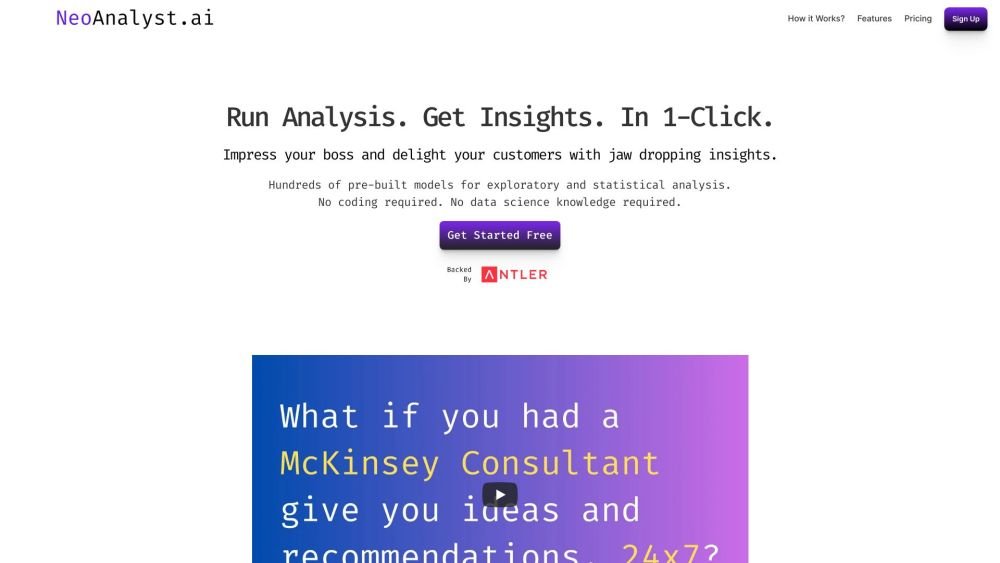
NeoAnalyst.ai simplifies data analysis by making complex insights accessible to everyone. Users can upload datasets and select from 25 suggested questions to generate clear visualizations and actionable findings. Designed for business leaders, this platform requires no coding or data science expertise.

Pegleg.ai monitors the web for unauthorized copies of your content by scanning Patreon and Gumroad links. It helps protect your paid work and revenue by identifying stolen material and, for Pro members, automatically issuing DMCA takedown notices.

Equixly is a SaaS platform that integrates API security testing into the software development lifecycle (SDLC). It detects vulnerabilities, lowers bug-fixing costs, and scales penetration testing for every new feature release. By using AI-powered bots to scan APIs early, the platform enables faster, more efficient remediation and secure code deployment. Equixly also maps your attack surface by inventorying your API landscape, classifying operations, dependencies, and data flow. Additionally, it simplifies compliance by generating clear reports on security risks and sensitive data exposure to help meet regulatory requirements.

Alrite is a developer of user-friendly AI applications, including Rizzpad and PetCoco. Rizzpad assists users in crafting high-quality responses for dating platforms, while PetCoco serves as a pet-focused Q&A app that provides quick, authentic answers to animal-related inquiries. Alrite focuses on integrating AI into daily life to make routine tasks simpler and more enjoyable.
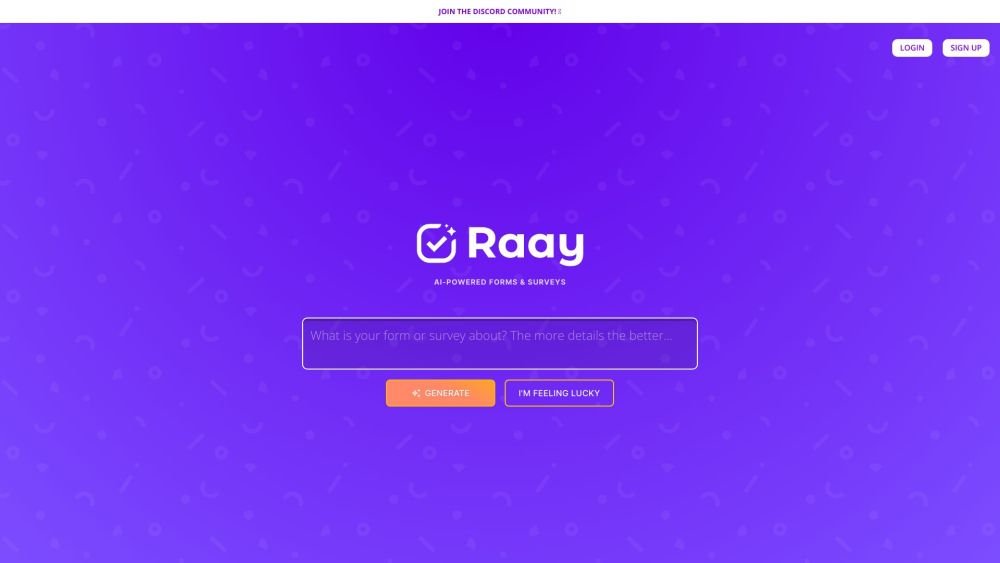
Raay is an AI-powered platform designed to streamline the creation of forms and surveys. By entering a simple prompt, users can generate forms in seconds. The platform also provides interactive summaries of responses and offers seamless integrations to support data-driven decision-making, allowing users to create, share, and analyze data efficiently.
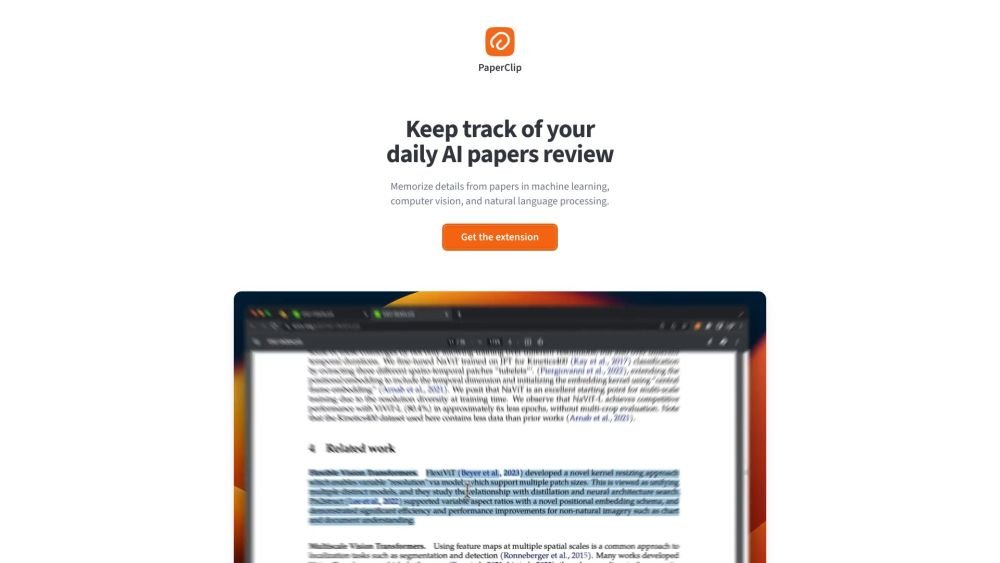
PaperClip is a free tool for AI researchers in machine learning, computer vision, and natural language processing to save and retrieve research findings. By utilizing on-device AI, it eliminates the need for API calls or server costs, helping users track daily paper reviews, memorize key details, and locate information from research papers, ML blog posts, and news.
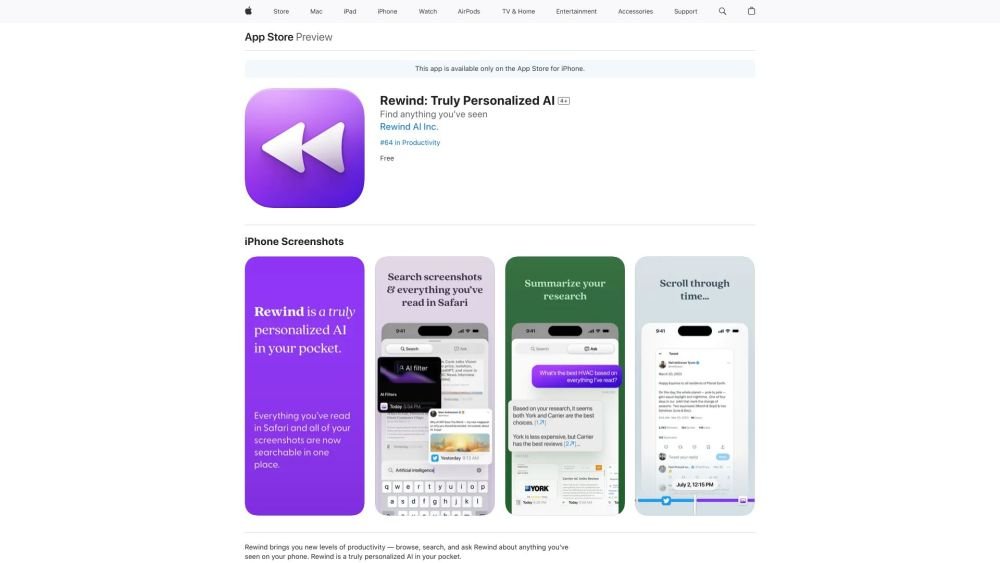
Rewind is a personalized AI application for iPhone that captures your Safari browsing activity and imports your screenshots. It enables you to search, browse, and query information you have previously viewed on your device, offering AI-generated summaries and immediate access to your past activity.
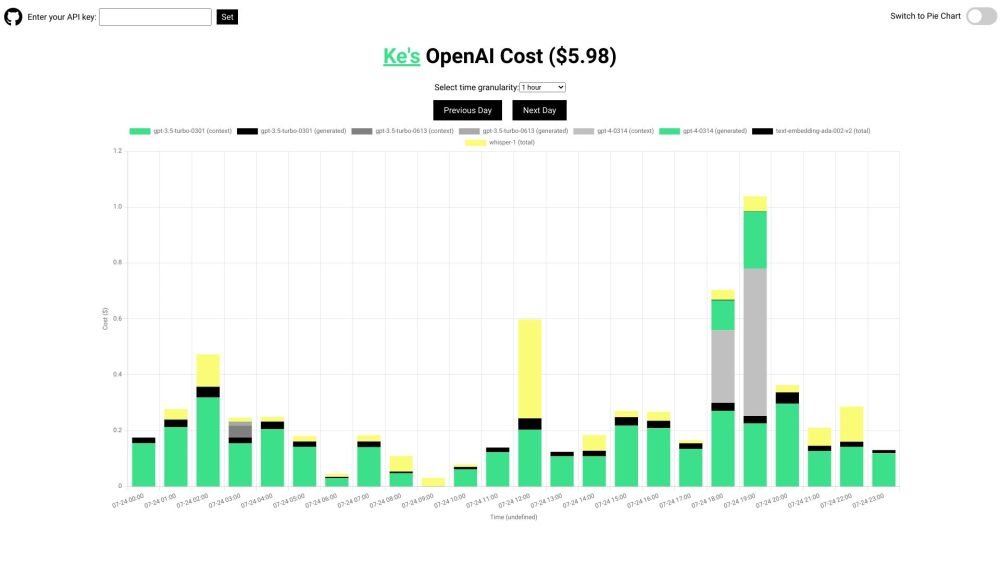
OpenAI API Cost Tracker is a minimalist, open-source utility designed to help you monitor and analyze your daily OpenAI API expenses. It provides a breakdown of costs across various models, including GPT-4, ChatGPT, Whisper, and text-embedding models, with visualization options like time-based charts and pie charts. The tool is open-source and ensures your API key remains secure.
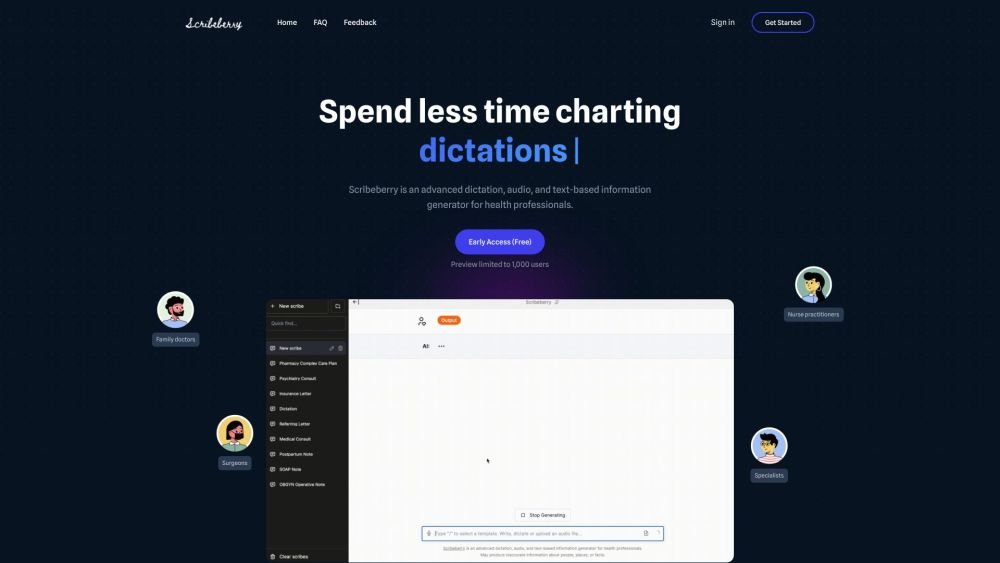
Scribeberry is an AI-powered medical scribing, charting, and documentation platform built for healthcare professionals. By converting audio or text inputs into medical notes, letters, transcripts, and forms, it helps reduce documentation time and improve clinical accuracy. Key features include ambient AI scribing, automated form completion, customizable templates, and integration with global EMR systems.
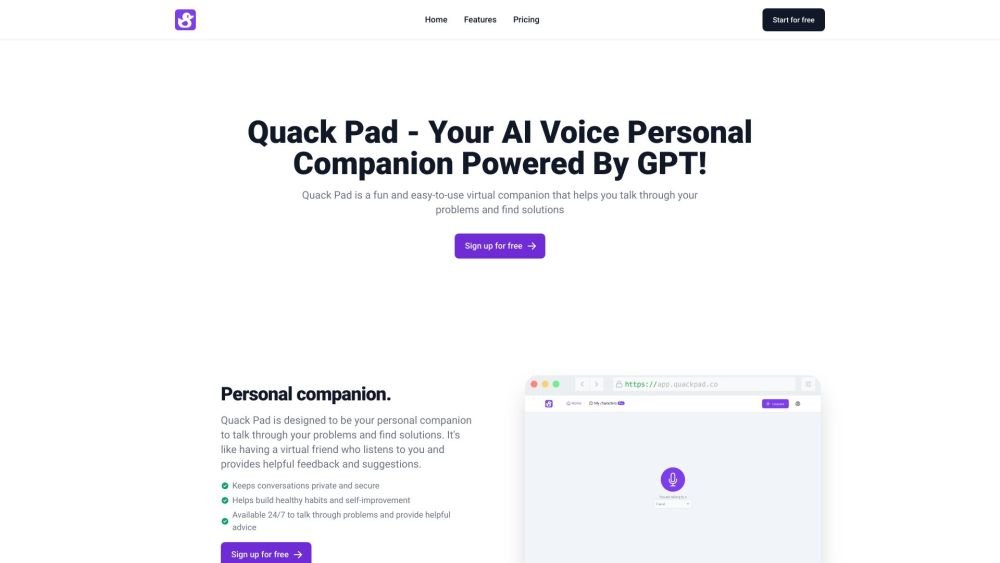
Quack Pad is an AI-powered virtual companion designed to help you talk through challenges and identify solutions. Featuring customizable digital ducks and an intuitive interface, it provides helpful feedback for students, professionals, and anyone seeking a personal companion.
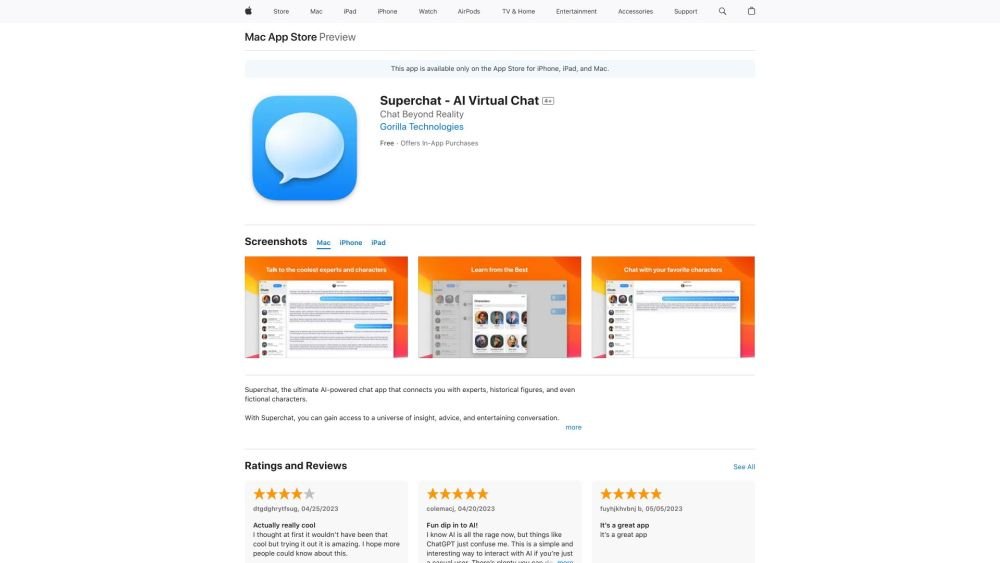
Superchat is an AI-powered chat application that enables users to interact with virtual personas representing experts, historical figures, and fictional characters. The platform offers a space for users to gain insights, receive advice, and find entertainment through simulated conversations. Users can consult an AI lawyer, learn from historical figures, or chat with their favorite fictional characters.