
Free
$0Free plan available.
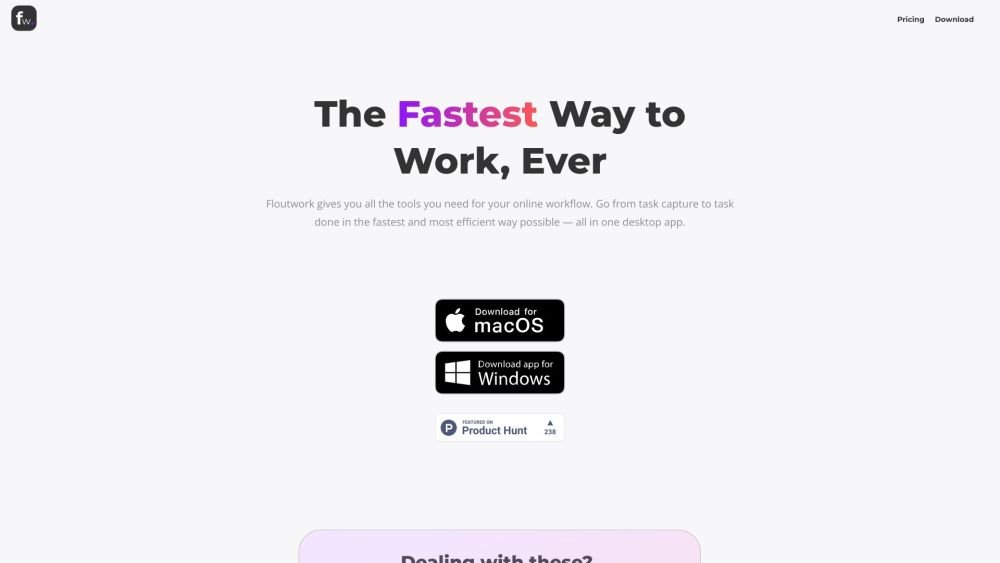
Floutwork is a browser purpose-built for knowledge workers, designed to enhance focus and organization. It automatically organizes apps, tabs, tasks, notes, emails, and AI chats into a single desktop app. Floutwork helps users plan their daily task schedule, maintain focus on priorities, and concentrate on one task at a time. It aims to eliminate distractions and context-switching, addressing the productivity issues caused by general-purpose browsers.
Download and install the Floutwork desktop app. Use the dashboard to view and manage tasks, calendars, and work apps. Add tasks quickly using shortcuts, take notes instantly, and utilize focus mode to minimize distractions. Create workspaces for different projects to keep everything organized.
Floutwork is designed for professionals like team managers, project managers, founders, and freelancers who manage multiple projects or clients. However, anyone seeking focus, organization, and a calm online work experience can benefit from using it.
Organization and focus are the central themes of Floutwork because they are key to maximizing productivity. By organizing your tabs, apps, tools, tasks, notes, bookmarks, AI chats, and productivity metrics in one unified interface, Floutwork minimizes the time and effort spent searching for and switching between different resources.
We are focused on you, not your data. Our business model is against data monetization, allowing us to concentrate on crafting the ultimate work experience for you. We never track your usage in any web apps or tabs you add to Floutwork or any URLs you visit within the browser, ensuring you can focus on your work with peace of mind.
Yes, you can connect multiple calendar accounts within any workspace and connect one email account per workspace. We are working on enabling the connection of multiple email accounts within the same workspace, allowing you to manage and clean up emails from multiple inboxes in a single view.
Floutwork AI is powered by OpenAI APIs and utilizes the GPT-4o model.
Yes, you can easily import bookmarks and passwords from other web browsers into Floutwork for a more seamless work experience. Because your passwords are sensitive, they are stored exclusively on your device within the operating system's secure enclave and used for autofill to speed up web app access.
Floutwork is built on Electron, an open-source framework that powers popular applications like Slack, Microsoft Teams, Figma, and Visual Studio Code. Electron uses the Chromium engine, the same technology behind Google Chrome, to deliver a fast and reliable browsing experience.
No, you do not need to provide any credit card or payment details for the free version. Your information is only required if you choose to upgrade to a paid plan, allowing you to explore Floutwork's features without any initial commitment.
Yes, you can cancel your Pro monthly and Pro yearly plans at any time. If you cancel, you will retain access to all Pro features until the end of the current billing cycle. Your cancellation will take effect starting the next billing period, and you will not be charged further.
We use the same token system as ChatGPT and other popular AI assistants. Each token is roughly equivalent to four characters of text. This standardized approach ensures transparency and familiarity for users.
Several features in Floutwork utilize AI token credits, including Plan with AI, Ask AI, Add Task with AI, and AI Writer. Each of these features will count towards your AI token usage.
Our policy offers a 100% satisfaction guarantee. If you are dissatisfied with your purchase for any reason, simply inform us within 30 days at hello@floutwork.com, and we will promptly issue a full refund.
Free plan available.
Use these comparison pages to understand the trade-offs between the models most relevant to Floutwork.
Compare GPT 5.4 and GPT 5.4 Pro across pricing, context window, capabilities, benchmarks, and API access to choose the better fit for long-context workloads versus long-context workloads.
Compare GPT 5.5 and GPT 5.4 across pricing, context window, capabilities, benchmarks, and API access to choose the better fit for long-context workloads versus long-context workloads.

Similar AI tool in the AI Assistant category.
Similar AI tool in the AI Assistant category.
Similar AI tool in the AI Productivity Tools category.
Similar AI tool in the AI Writing Assistants category.
Similar AI tool in the AI Assistant category.
Similar AI tool in the AI Writing Assistants category.
Similar AI tool in the AI Writing Assistants category.
Similar AI tool in the AI Assistant category.
Similar AI tool in the AI Chatbot category.
Similar AI tool in the AI Assistant category.
Similar AI tool in the AI Chatbot category.
Similar AI tool in the AI Productivity Tools category.