
START
$$9Pricing from the source listing.
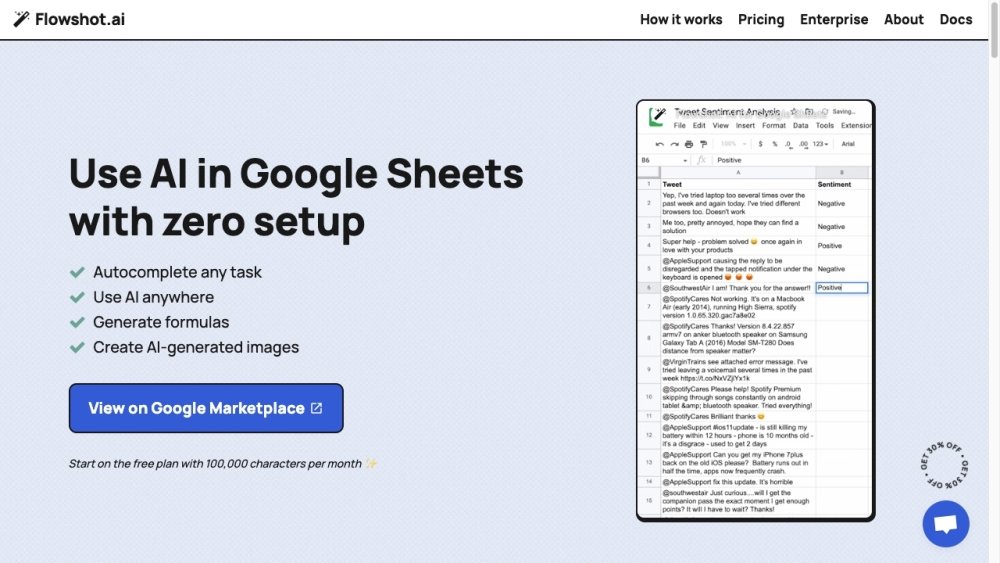
Flowshot is an AI toolkit that integrates with Google Sheets, enabling users to leverage AI models without technical knowledge. It offers features like AI prompts, autocomplete, custom model training, and formula generation directly within Google Sheets.
1. Install the Flowshot add-on from the Google Workspace Marketplace. 2. Use AI prompts within Google Sheets by referencing cell data. 3. Train custom AI models by providing examples. 4. Connect with other applications using Zapier or API integrations.
Follow the provided installation instructions to set up Flowshot. Once you begin, remember to save your formulas periodically to manage your character usage.
If you encounter frequent #ERROR! messages or cannot open the sidebar, it is likely due to being logged into multiple Google accounts simultaneously. If problems persist, please contact us via live chat.
Characters are calculated based on the total inputs and outputs processed by Flowshot. Inputs include prompts or examples sent to the AI, while outputs consist of the generated results. You can monitor your monthly usage directly from the Flowshot sidebar.
Flowshot simplifies the automation of repetitive text-based tasks, such as extracting sales prospect emails from messy data, bulk-translating text, or rewriting ad copy into multiple variations. You can start with simple AI prompts like =AI("Write a product description for:", A1) and progress to training custom models once you have sufficient examples.
The choice between AI prompts, Autocomplete, and custom models depends on your specific needs. AI prompts are the simplest to use but offer the least context, relying solely on your instructions. Autocomplete uses 5-10 examples to understand a task. Custom models are trained on hundreds or thousands of examples for specific tasks and can be utilized via Autocomplete, API, or Zapier integrations.
Custom model training and usage are added to your monthly plan and billed at cost, matching the rates listed by providers like OpenAI. We aim to negotiate better rates where possible or assist you in hosting open-source models with predictable, fixed monthly costs.
For =AI() and Autocomplete functions, we use a blend of optimized in-house models and providers like OpenAI, with our algorithm automatically selecting the best model for your task. For custom models, we currently support OpenAI, AI21, and Hugging Face.
Pricing from the source listing.
Pricing from the source listing.
Pricing from the source listing.
Pricing from the source listing.
Pricing from the source listing.
Pricing from the source listing.
Use these comparison pages to understand the trade-offs between the models most relevant to Flowshot.
Compare Gemini 1.0 Pro Deprecated and Gemini 2.0 Flash across pricing, context window, capabilities, benchmarks, and API access to choose the better fit for long-context workloads versus long-context workloads.
Compare Gemini 1.0 Pro Deprecated and Gemini 2.5 Flash across pricing, context window, capabilities, benchmarks, and API access to choose the better fit for long-context workloads versus long-context workloads.
Compare Gemini 2.0 Flash Lite and Gemini 2.0 Flash across pricing, context window, capabilities, benchmarks, and API access to choose the better fit for long-context workloads versus long-context workloads.
Compare Gemini 2.5 Flash and Gemini 2.0 Flash across pricing, context window, capabilities, benchmarks, and API access to choose the better fit for long-context workloads versus long-context workloads.