

Free
$0Free plan available.
GetAudify is a powerful AI-based Chrome extension designed to enhance productivity and information consumption for professionals, students, and enthusiasts. It offers features such as text summarization, text-to-voice conversion, Q&A from text and images, code analysis, and image analysis. The platform also includes a dashboard for managing credits, API keys, and viewing usage history. It aims to help users summarize large content, convert images to text, ask questions, and enjoy multilingual capabilities with customized tones.
To use GetAudify, first create a free account to receive 20 free credits and generate an API key from the dashboard. Next, install the GetAudify Chrome extension and sign in using your API key. To summarize content or convert it to audio, right-click on selected text or an image on a webpage and choose the 'GetAudify' option. For images, a popup will appear with options like 'Summary Only' or 'Summary with Voice'. To ask a question about text or an image, select it, right-click, choose 'GetAudify', and select 'Ask Question' to open the input field. The dashboard, accessible via email and password login, allows you to manage your credits, settings, and API keys.
The extension summarizes long-form content and provides options to generate narration in both male and female voices. Users can customize the tone of the content and select from multiple languages.
Users input content into the extension, which generates a concise summary based on their preferences. Each summary consumes 0.5 credits.
Yes, the extension includes narration functionality. Users can convert summarized text into voice using male or female voices. Each voice generation consumes 1 credit.
Content exceeding 1200 words for summarization incurs an additional cost of 0.25 credits.
Users can purchase credits via the dashboard using secure email and password authentication. The base price per credit is $0.6, and new users receive 20 free credits upon registration.
Right-click on the image and select the 'GetAudify' option. A popup will appear on the right side of the screen with summarization options.
Select the text or image, right-click, and choose 'GetAudify'. Then, select 'Ask Question' to reveal the input field.
The minimum purchase requirement is 20 credits. Users can buy additional credits as needed.
Purchased credits have an extended validity period, though this policy is subject to change at the discretion of the administrator.
The extension is useful for students, Ph.D. candidates, article readers, and programmers who need to efficiently summarize and understand lengthy content.
Users can generate an API key from the dashboard to authenticate the extension. This key provides a secure method to log in and access all features.
Users can access the dashboard by logging in with their registered email and password to manage credits, settings, and API keys.
You can choose from three options: 'Summary Only,' 'Summary with Voice,' and 'Ask Question,' each offering different ways to interact with the content.
Selecting 'Ask Question' opens a field where you can type your query regarding the selected text or image, allowing for direct interaction with the webpage content.
Free plan available.
Use these comparison pages to understand the trade-offs between the models most relevant to GetAudify.
Compare Gemini 1.0 Pro Deprecated and Gemini 2.0 Flash across pricing, context window, capabilities, benchmarks, and API access to choose the better fit for long-context workloads versus long-context workloads.
Compare Gemini 1.0 Pro Deprecated and Gemini 2.5 Flash across pricing, context window, capabilities, benchmarks, and API access to choose the better fit for long-context workloads versus long-context workloads.
Compare Gemini 2.0 Flash Lite and Gemini 2.0 Flash across pricing, context window, capabilities, benchmarks, and API access to choose the better fit for long-context workloads versus long-context workloads.
Compare Gemini 2.5 Flash and Gemini 2.0 Flash across pricing, context window, capabilities, benchmarks, and API access to choose the better fit for long-context workloads versus long-context workloads.

Discute is a tool that enables users to interact with various data formats, ranging from standard documents to complex databases. By functioning as a virtual assistant that accesses your knowledge base, it helps you retrieve information and resolve issues more efficiently. The platform currently supports PDF, DOCX, TXT, and CSV files, with future updates planned for database and website integration.

JOI AI Girlfriend is an artificial intelligence companion inspired by the character JOI. It provides emotional support and companionship for those experiencing loneliness. This virtual AI girlfriend offers private, respectful interactions, meaningful conversations, and a flirty dating simulator experience. Users can engage in friendly chats, participate in roleplay, and work on developing their relationship skills.
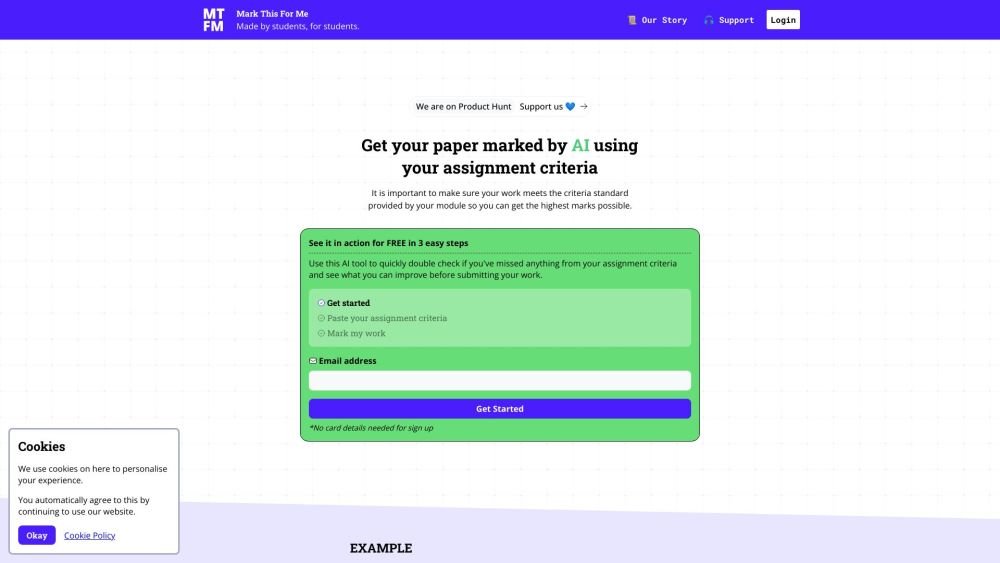
Mark This For Me is an AI-powered platform that provides students with instant, personalized feedback on their assignments. By leveraging OpenAI's GPT models, the tool evaluates work against specific criteria to offer insights that boost motivation and support academic success. The platform provides constructive guidance to help students refine their critical thinking and identify areas for improvement.

Cal.com is an open-source scheduling infrastructure offering fully customizable software for individuals, businesses, and developers building scheduling platforms. It provides flexible deployment options, including self-hosted and SaaS solutions, alongside features like routing, a unified calendar API, a desktop application, and an enterprise API. Additionally, Cal.com integrates AI-powered scheduling assistance via Cal.ai, which includes AI Phone Agents.
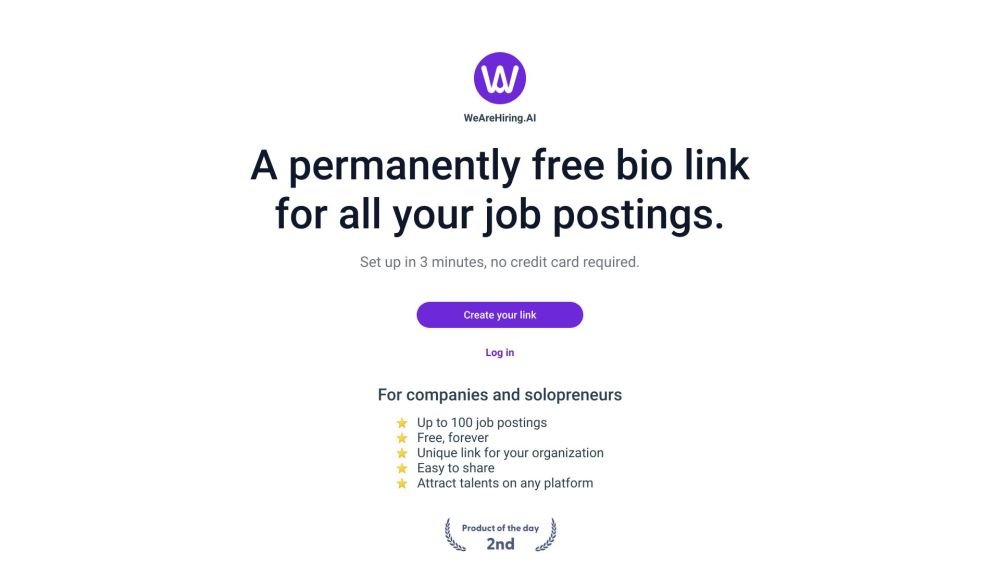
WeAreHiring.AI provides a free, shareable bio link that allows you to showcase up to 100 job postings. You can create your permanent bio link in just 3 minutes with no credit card required.
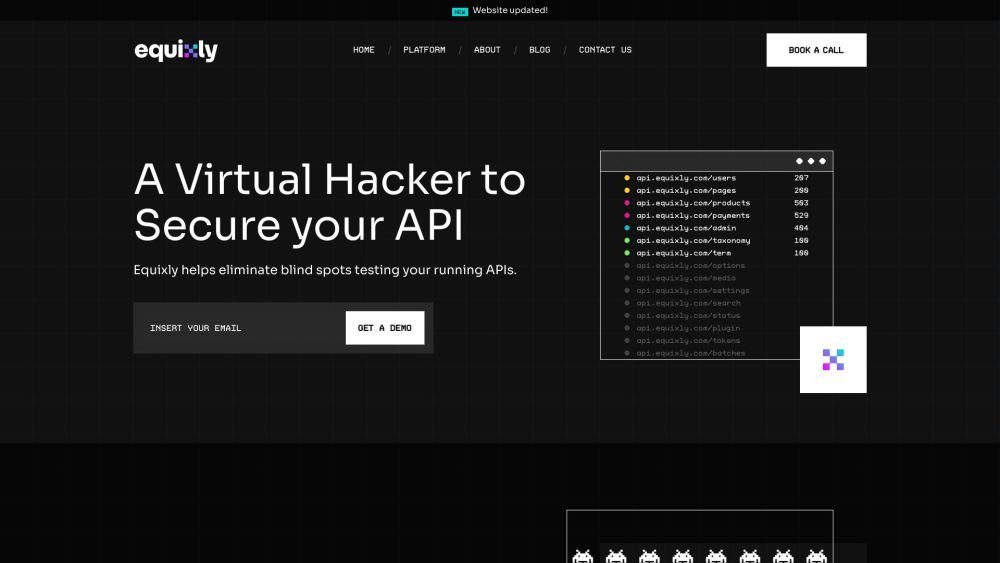
Equixly is a SaaS platform that integrates API security testing into the software development lifecycle (SDLC). It detects vulnerabilities, lowers bug-fixing costs, and scales penetration testing for every new feature release. By using AI-powered bots to scan APIs early, the platform enables faster, more efficient remediation and secure code deployment. Equixly also maps your attack surface by inventorying your API landscape, classifying operations, dependencies, and data flow. Additionally, it simplifies compliance by generating clear reports on security risks and sensitive data exposure to help meet regulatory requirements.
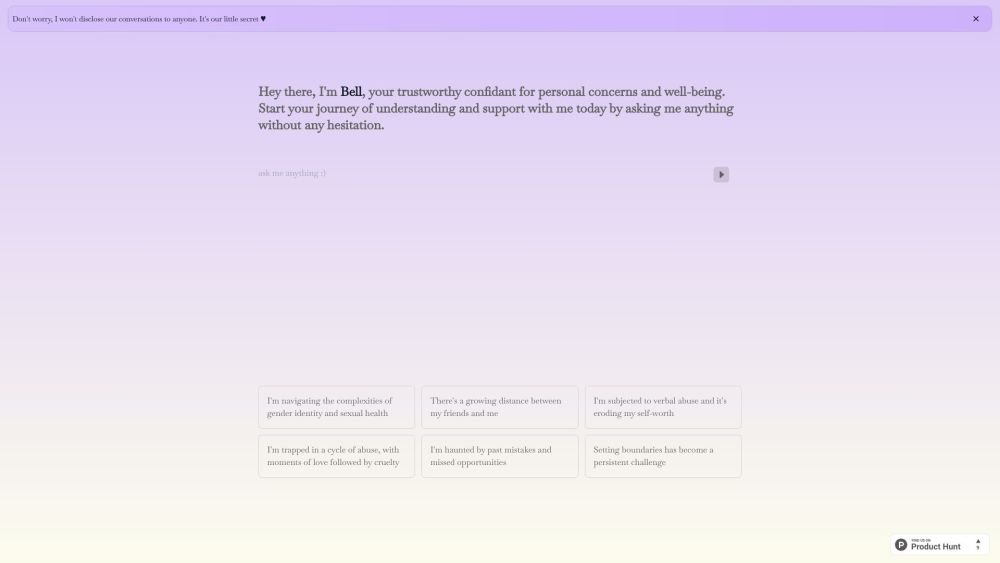
Bell serves as a personal confidant for navigating life's challenges, providing a judgment-free environment to discuss your concerns and questions. It is designed to help users gain self-awareness and support their well-being through private, confidential conversations.
Alrite is a developer of user-friendly AI applications, including Rizzpad and PetCoco. Rizzpad assists users in crafting high-quality responses for dating platforms, while PetCoco serves as a pet-focused Q&A app that provides quick, authentic answers to animal-related inquiries. Alrite focuses on integrating AI into daily life to make routine tasks simpler and more enjoyable.
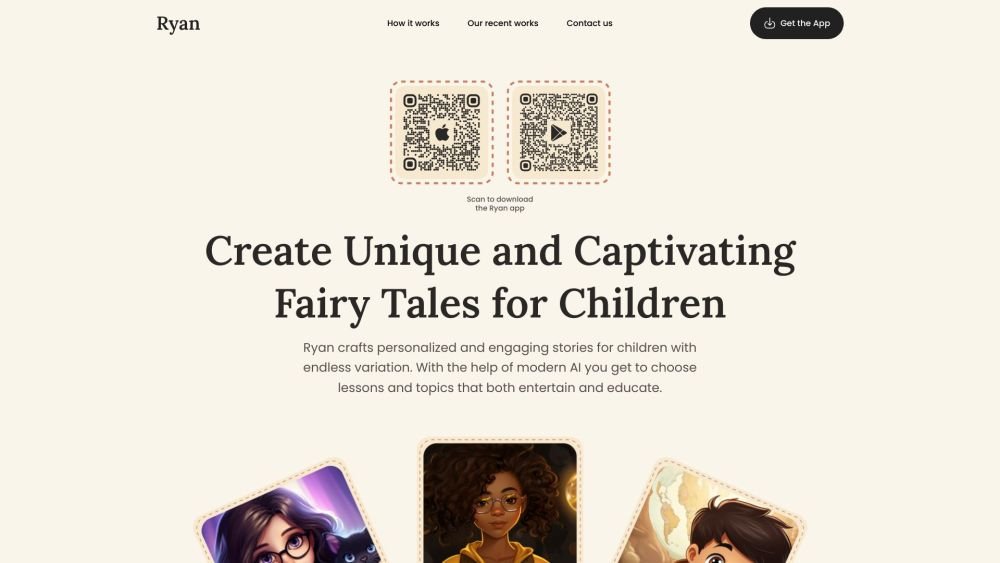
Ryan AI generates custom children's fairy tales tailored to specific preferences, including genres and characters. Featuring multilingual voice narration and background music, it provides an engaging experience for children while offering parents a convenient way to entertain them. By leveraging modern AI, you can select specific themes and educational lessons to create unique, personalized stories.
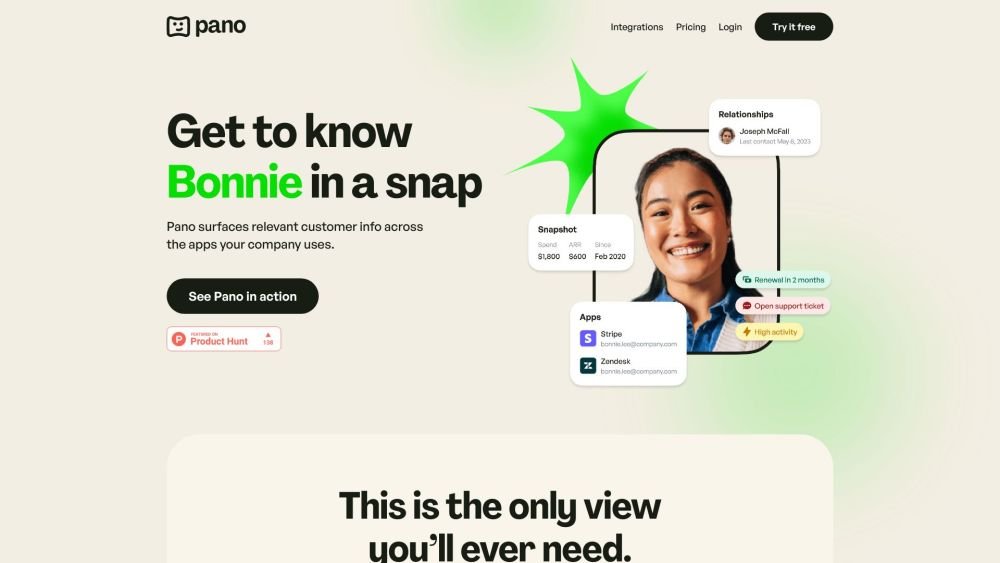
Pano aggregates essential customer data from your existing platforms into a concise, personalized snapshot. By integrating with your current applications, Pano provides a comprehensive view of the customer journey in seconds. It filters for relevant information and highlights key action items, allowing you to leverage your existing tech stack without manual data retrieval. Additionally, Pano tracks customer interactions, enabling your team to collaborate effectively for an improved customer experience.
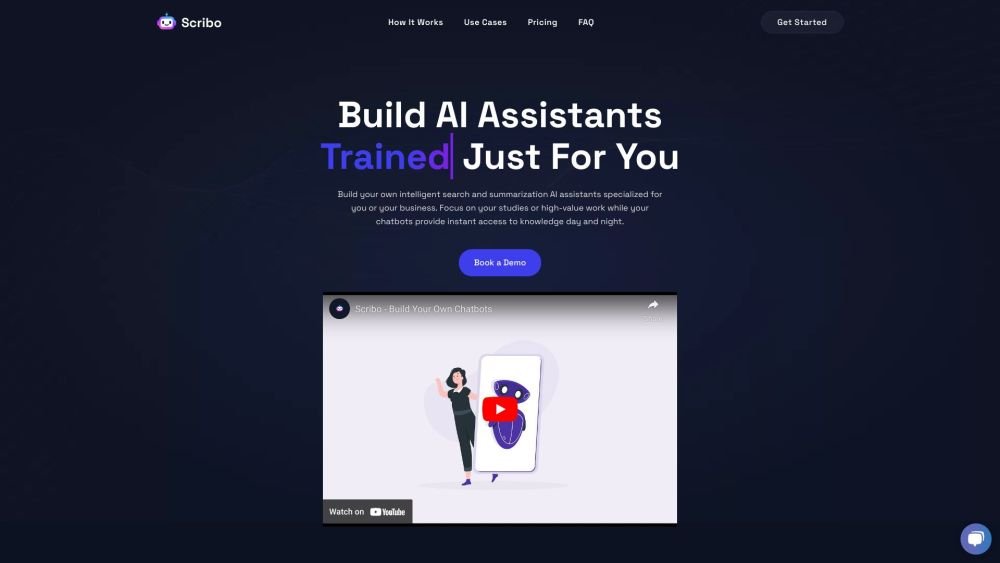
Scribo AI is a generative AI platform built for internal business knowledge sharing. It enables users to develop intelligent search and summarization assistants, helping teams access information quickly to prioritize high-value tasks. Additionally, Scribo AI supports the creation of generative chatbots that utilize company data to assist and engage customers.
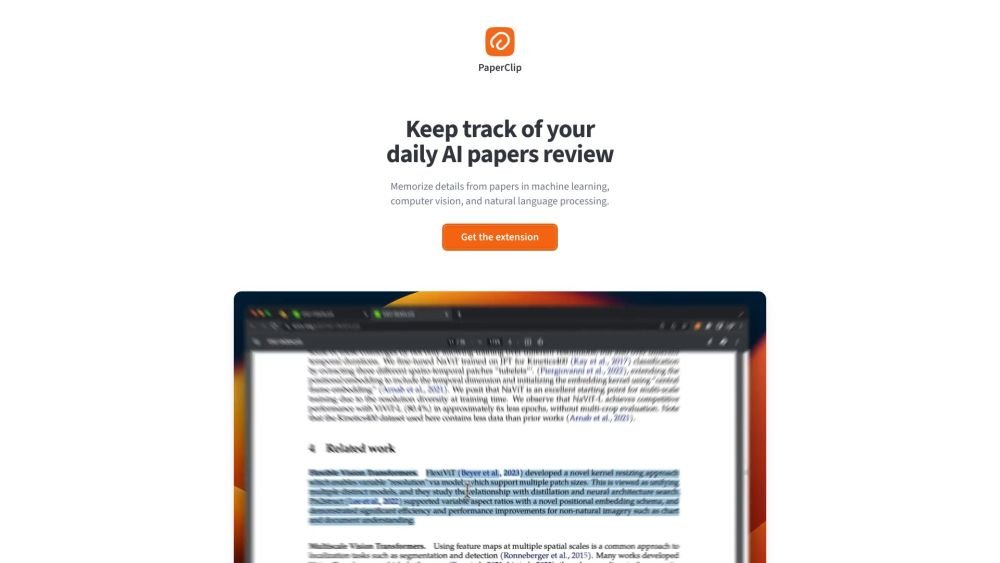
PaperClip is a free tool for AI researchers in machine learning, computer vision, and natural language processing to save and retrieve research findings. By utilizing on-device AI, it eliminates the need for API calls or server costs, helping users track daily paper reviews, memorize key details, and locate information from research papers, ML blog posts, and news.