
Free
$0Free plan available.
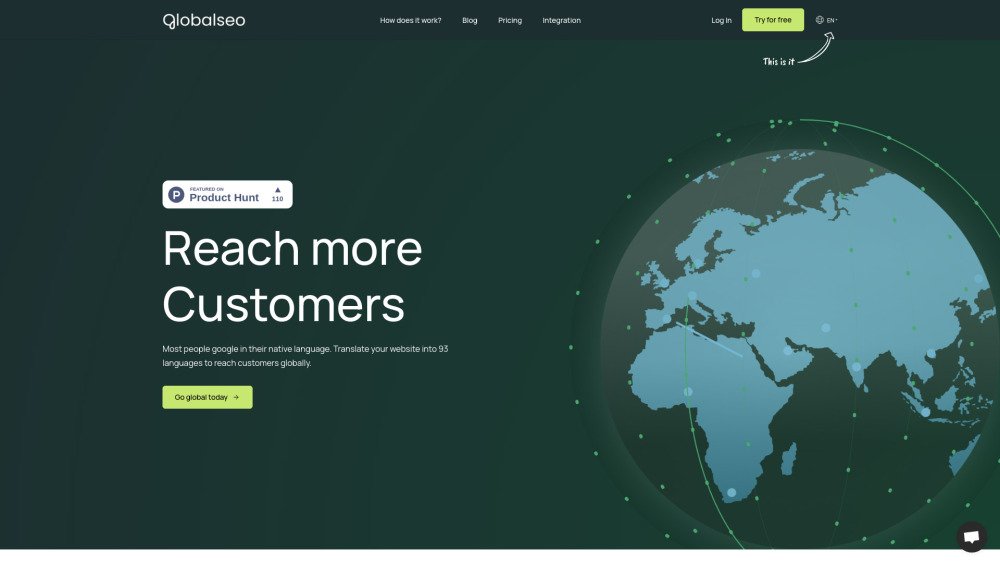
GlobalSeo is an AI-powered website translation and multilingual SEO platform that enables users to translate their websites into 93 languages. It offers automated translations, multilingual SEO features, and integration with various CMS and frameworks. GlobalSeo aims to help businesses reach a global audience and grow their organic traffic internationally.
To use GlobalSeo, add a small code snippet to your website. The platform then automatically translates your content into multiple languages while optimizing it for international SEO. You can choose between self-setup and managed options based on your technical expertise and business requirements.
Translated words refer to the total volume of content you can translate under your GlobalSeo plan. To determine your needs, calculate your website's total word count and multiply it by the number of target languages. You can use our Word Count Tool to find your total word count and receive a plan recommendation.
If you exceed your usage limit, you will receive an email notification. Translations will be paused until you either upgrade your plan or remove excess translations to remain within your current word count limit.
No. Because you have already paid for your current plan, you will only be charged the price difference for the remainder of your billing cycle.
You can edit any translation directly within the app. Simply sign in, select your project, and you will see all associated translations available for review and modification.
Yes. Your plan is linked to your account, allowing you to manage multiple websites under a single subscription.
All prices exclude VAT. VAT will be applied to EU customers unless a valid EU VAT number is provided.
Free plan available.

Similar AI tool in the AI Assistant category.
Similar AI tool in the AI Assistant category.
Similar AI tool in the AI Productivity Tools category.
Similar AI tool in the AI Marketing category.
Similar AI tool in the AI Assistant category.
Similar AI tool in the AI Assistant category.
Similar AI tool in the AI Assistant category.
Similar AI tool in the AI Assistant category.
Similar AI tool in the AI Chatbot category.
Similar AI tool in the AI Marketing category.
Similar AI tool in the AI Marketing category.
Similar AI tool in the AI Productivity Tools category.