
Free
$0Free plan available.
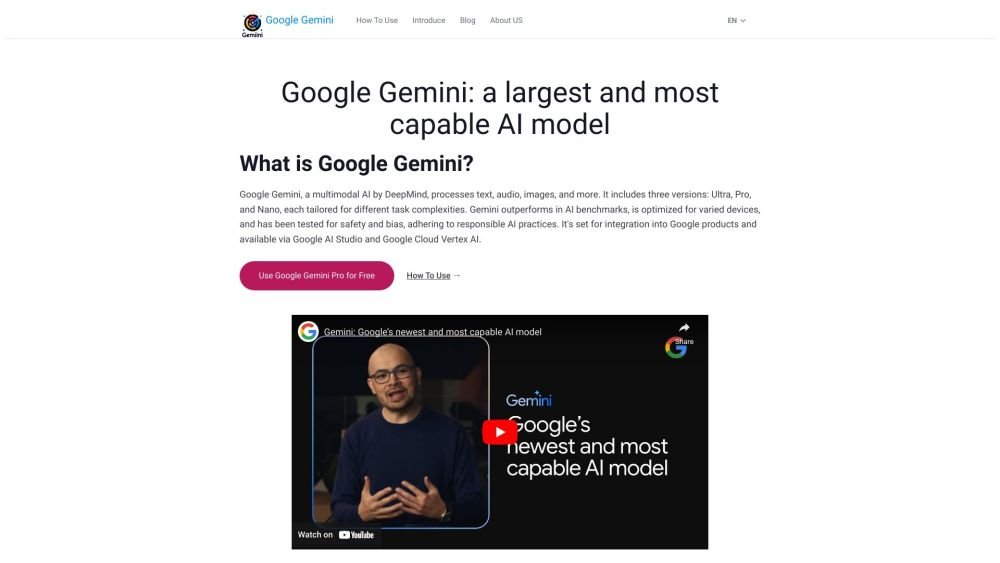
This is a free text and image interaction tool implemented based on the Google Gemini Pro API. You can use it conveniently without the need to set up your own server or call API interfaces. Google Gemini is a multimodal AI by DeepMind that processes text, audio, images, and more. Gemini outperforms in AI benchmarks, is optimized for varied devices, and has been tested for safety and bias, adhering to responsible AI practices.
Visit the website in your browser and log in with a Google account. If you are using a Google Workspace account, you may need to switch to a personal email account to access Gemini. Once logged in, you can begin interacting with Google Gemini by entering text or uploading images.
Google Gemini is a large language model (LLM) from Google AI with multimodal processing capabilities. It can understand, manipulate, and combine various types of information, including text, code, audio, images, and video.
The primary distinction of Google Gemini is its multimodal capability, which allows it to process diverse inputs such as text, audio, and images. Its versions—Ultra, Pro, and Nano—are tailored for different levels of complexity and specific devices, providing greater adaptability than typical single-modality models.
Accessing Gemini is as simple as visiting the website in your browser and logging in. Google requires an account to use the service. If you are using a Google Workspace account, you may need to switch to a personal email account to try Gemini.
Free plan available.
Use these comparison pages to understand the trade-offs between the models most relevant to googlegemini.co.
Compare Gemini 1.0 Pro Deprecated and Gemini 2.0 Flash across pricing, context window, capabilities, benchmarks, and API access to choose the better fit for long-context workloads versus long-context workloads.
Compare Gemini 1.0 Pro Deprecated and Gemini 2.5 Flash across pricing, context window, capabilities, benchmarks, and API access to choose the better fit for long-context workloads versus long-context workloads.
Compare Gemini 2.0 Flash Lite and Gemini 2.0 Flash across pricing, context window, capabilities, benchmarks, and API access to choose the better fit for long-context workloads versus long-context workloads.
Compare Gemini 2.5 Flash and Gemini 2.0 Flash across pricing, context window, capabilities, benchmarks, and API access to choose the better fit for long-context workloads versus long-context workloads.

Similar AI tool in the AI Image Generator category.
Similar AI tool in the AI Assistant category.
Similar AI tool in the AI Marketing category.
Similar AI tool in the AI Productivity Tools category.
Similar AI tool in the AI Writing Assistants category.
Similar AI tool in the AI Assistant category.
Similar AI tool in the AI Chatbot category.
Similar AI tool in the AI Writing Assistants category.
Similar AI tool in the AI Assistant category.
Similar AI tool in the AI Chatbot category.
Similar AI tool in the AI Assistant category.
Similar AI tool in the AI Assistant category.