
Free
$0Free plan available.
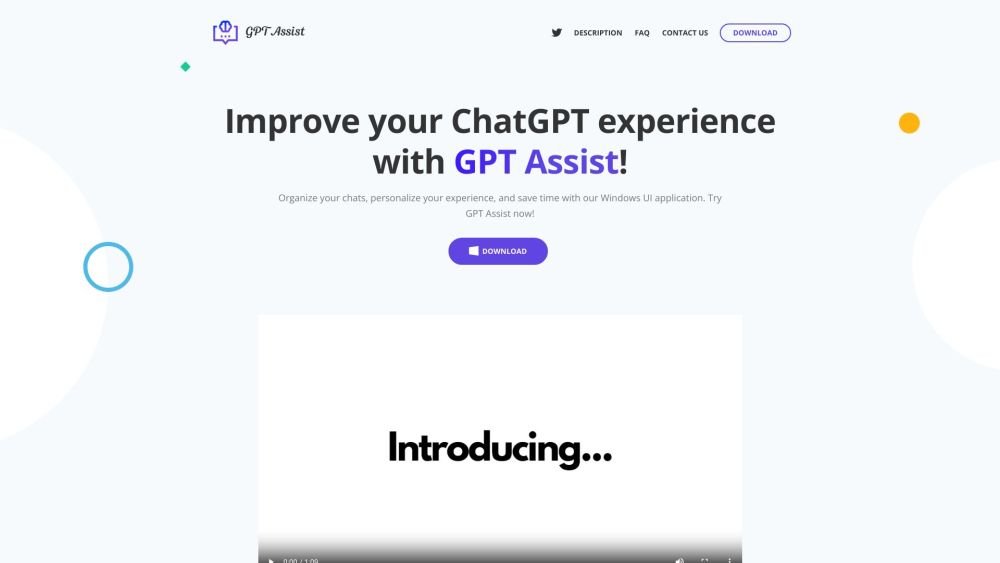
Chatotron is a Windows UI application designed to enhance the ChatGPT experience. It offers features such as customizable chat characters, color-coded groups, quick keys, and a fast command manager. It allows users to interact with ChatGPT quickly and easily, organize chats, personalize the experience, and save time. The application supports multi-language, document embedding, and local processing for privacy.
1. Download and install Chatotron from the Windows App Store. 2. Obtain an OpenAI API key and input it into the application's configuration settings. 3. Utilize customizable hotkeys, organize your chats into groups, and embed documents to optimize your ChatGPT workflow.
Chatotron is a Windows interface that provides direct access to ChatGPT without requiring you to navigate to the OpenAI website or log in. It enables you to engage in conversations and ask questions quickly.
You can download and install Chatotron via the Windows App Store. To use the application, you will need an OpenAI API key, which can be obtained from the OpenAI website.
Your ChatGPT Plus subscription is separate from API usage and does not cover API costs. API usage is billed based on consumption, typically at a rate of approximately $0.002 per 1,000 tokens.
Embeddings allow you to upload PDF files, Word documents, text files, or URLs for ChatGPT to analyze. Chatotron extracts and segments the text locally on your Windows system to ensure data privacy while enabling interaction with your documents.
Select your preferred language within the configuration window. The application will restart automatically to apply your changes. Supported languages include Spanish, German, French, Italian, and Portuguese.
Free plan available.
Use these comparison pages to understand the trade-offs between the models most relevant to Chatotron.
Compare GPT 5.4 and GPT 5.4 Pro across pricing, context window, capabilities, benchmarks, and API access to choose the better fit for long-context workloads versus long-context workloads.
Compare GPT 5.5 and GPT 5.4 across pricing, context window, capabilities, benchmarks, and API access to choose the better fit for long-context workloads versus long-context workloads.
Compare GPT 5.5 and Claude 4.6 Opus across pricing, context window, capabilities, benchmarks, and API access to choose the better fit for long-context workloads versus long-context workloads.
Compare GPT 5.5 and Claude 4.6 Sonnet across pricing, context window, capabilities, benchmarks, and API access to choose the better fit for long-context workloads versus long-context workloads.

Similar AI tool in the AI Assistant category.
Similar AI tool in the AI Assistant category.
Similar AI tool in the AI Productivity Tools category.
Similar AI tool in the AI Assistant category.
Similar AI tool in the AI Assistant category.
Similar AI tool in the AI Assistant category.
Similar AI tool in the AI Chatbot category.
Similar AI tool in the AI Chatbot category.
Similar AI tool in the AI Productivity Tools category.
Similar AI tool in the AI Assistant category.
Similar AI tool in the AI Assistant category.
Similar AI tool in the AI Assistant category.