
Free
$0Free plan available.
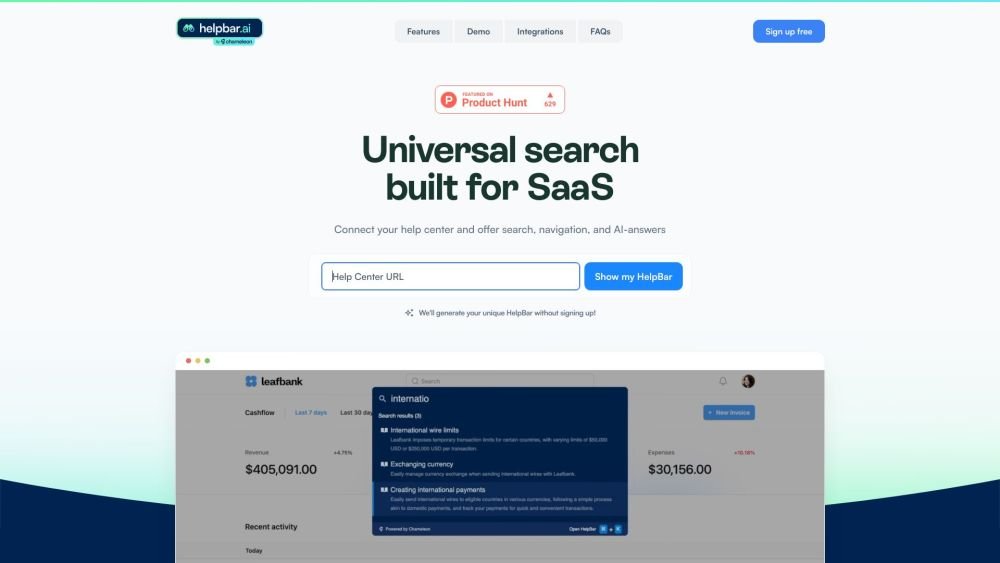
HelpBar enables users to search help resources, navigate your product, and launch other “actions” from within your product, helping them get answers and achieve success quickly. It's a universal search built for SaaS, connecting your help center and offering search, navigation, and AI-answers.
Connect your help center, configure your brand styles, create a trigger widget or define a keyboard shortcut, and select pinned items to display before going live.
HelpBar enables users to search help resources, navigate your product, and launch other “actions” from within your product, helping them get answers and achieve success quickly.
Setting up self-serve support is simple and free. You can connect your help center, customize your brand styles, build a trigger widget or set a keyboard shortcut, and choose pinned items to go live.
Free plan available.

Similar AI tool in the AI Assistant category.
Similar AI tool in the AI Assistant category.
Similar AI tool in the AI Assistant category.
Similar AI tool in the AI Writing Assistants category.
Similar AI tool in the AI Assistant category.
Similar AI tool in the AI Image Generator category.
Similar AI tool in the AI Writing Assistants category.
Similar AI tool in the AI Writing Assistants category.
Similar AI tool in the AI Assistant category.
Similar AI tool in the AI Chatbot category.
Similar AI tool in the AI Assistant category.
Similar AI tool in the AI Assistant category.