
Free
$0Free plan available.
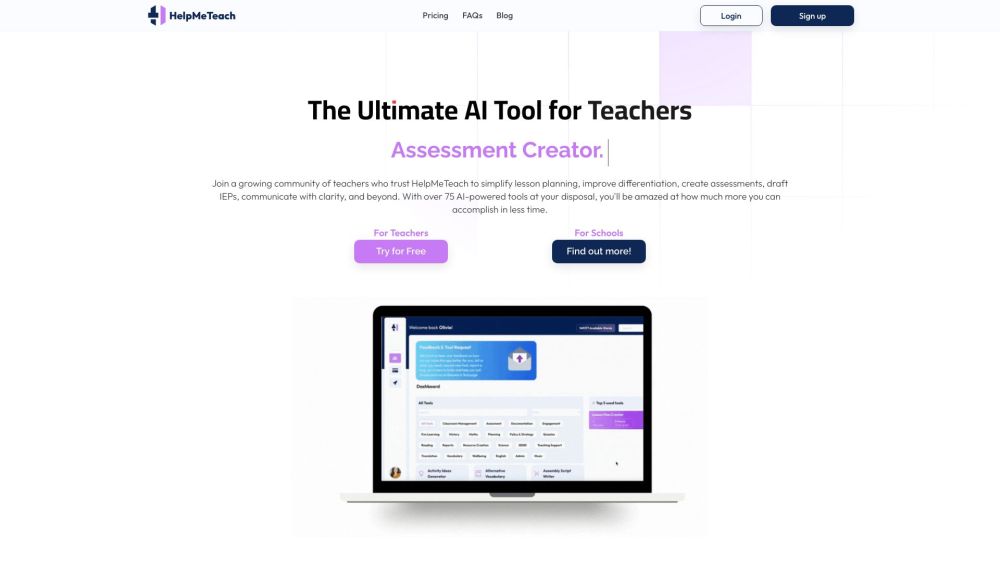
HelpMeTeach is an AI assistant designed for teachers to simplify lesson planning, assessments, and report writing. It offers over 75 AI-powered tools to enhance work-life balance and reduce workload, including features for lesson planning, assessment creation, report writing, worksheet generation, and more.
Select a tool, enter your requirements into the prompt, and click generate. The AI will produce content that you can then edit, copy, paste, or export.
HelpMeTeach utilizes OpenAI's models, which are refined through input optimization, parameter adjustments, and extensive testing. This fine-tuning process adapts GPT technology specifically for educational use.
Feel free to regenerate your results. If the initial output does not meet your needs, use the regeneration feature to try again.
Yes. If you have an idea for a new tool, submit it via the 'Request A Tool' feature on your dashboard. We are looking to expand our offerings and will review your suggestion.
To cancel, go to the ‘My Account’ page and select ‘Cancel, update card.’ Follow the instructions provided on the Stripe payment portal to complete the cancellation.
Yes, we provide premium packages for schools and educational institutions based on the number of staff members. We also offer customized AI tools tailored to specific requirements. Please visit our AI for Schools page or contact us at schools@helpmeteach.ai.
Free plan available.
Use these comparison pages to understand the trade-offs between the models most relevant to HelpMeTeach.
Compare GPT 5.4 and GPT 5.4 Pro across pricing, context window, capabilities, benchmarks, and API access to choose the better fit for long-context workloads versus long-context workloads.
Compare GPT 5.5 and GPT 5.4 across pricing, context window, capabilities, benchmarks, and API access to choose the better fit for long-context workloads versus long-context workloads.
Compare GPT 5.5 and Claude 4.6 Opus across pricing, context window, capabilities, benchmarks, and API access to choose the better fit for long-context workloads versus long-context workloads.
Compare GPT 5.5 and Claude 4.6 Sonnet across pricing, context window, capabilities, benchmarks, and API access to choose the better fit for long-context workloads versus long-context workloads.

Similar AI tool in the AI Image Generator category.
Similar AI tool in the AI Assistant category.
Similar AI tool in the AI Assistant category.
Similar AI tool in the AI Marketing category.
Similar AI tool in the AI Writing Assistants category.
Similar AI tool in the AI Assistant category.
Similar AI tool in the AI Chatbot category.
Similar AI tool in the AI Writing Assistants category.
Similar AI tool in the AI Writing Assistants category.
Similar AI tool in the AI Assistant category.
Similar AI tool in the AI Chatbot category.
Similar AI tool in the AI Chatbot category.