
Free
$0Free plan available.
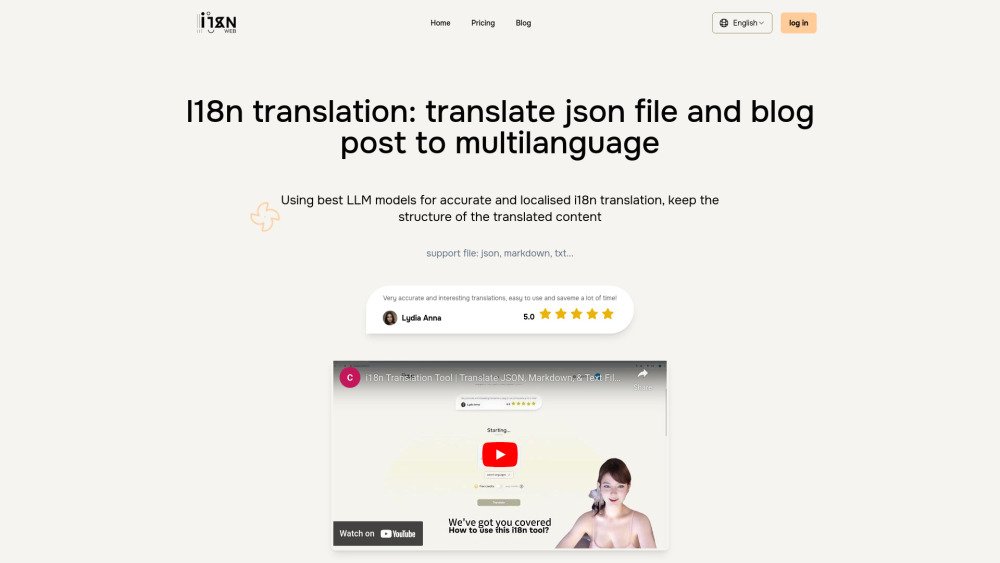
i18n Web simplifies translating JSON and Markdown files, ensuring high accuracy and structure preservation. It utilizes state-of-the-art LLM models for accurate localized language translation, preserving the structure of the translated content. It is ideal for developers and content creators looking to support multiple languages effortlessly. The tool supports file types such as JSON, Markdown, and TXT.
1. Upload your file (JSON, Markdown, or TXT). 2. Select your target languages and initiate the translation. 3. Review and edit the translated content directly in the editor. 4. Download your translated files individually or as a complete package.
i18n Web supports JSON, Markdown, and TXT files.
i18n Web utilizes large language models that incorporate contextual information, which is more costly than traditional translation methods. Usage limits are in place to manage these costs and maintain service stability.
Yes, you can cancel your subscription at any time via the dashboard page.
When using paid credits, a detailed summary is provided for your confirmation. Currently, each character costs 0.00004 credits, and each translation batch costs 0.0045 credits. The total number of batches depends on the length of your content.
The number of translation batches is determined by the length of your content. We segment the content appropriately to ensure translation quality and consistency.
Free plan available.