
Free
$0Free plan available.
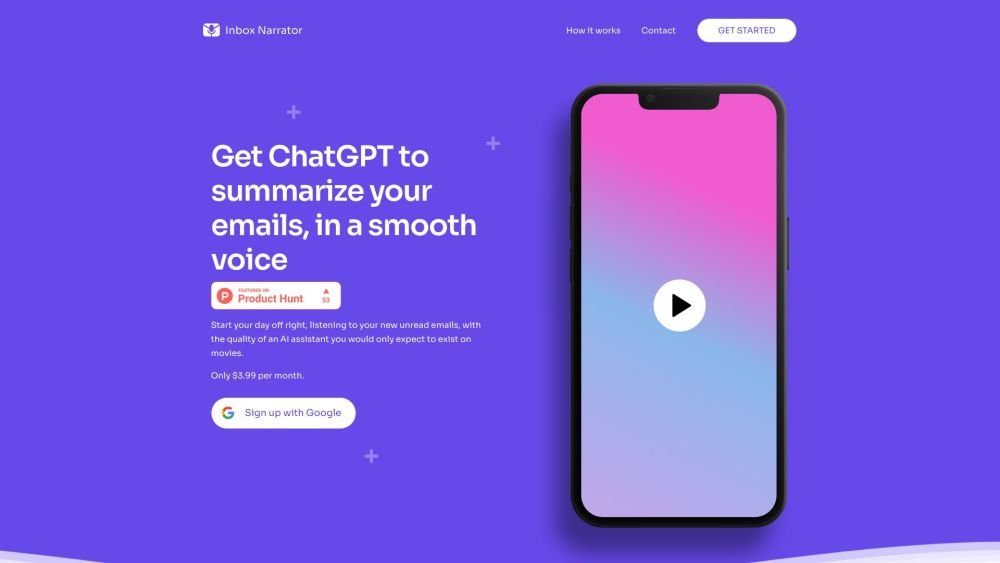
Inbox Narrator summarizes your Gmail emails using ChatGPT and delivers them in a human-like voice via Siri or Google Assistant every morning. It transforms your inbox into a short morning podcast, helping you stay informed while you get ready for your day.
Create an account, connect your Gmail, configure Siri or Google Assistant, and listen to your daily email summaries.
Inbox Narrator links to your Gmail account, uses AI to summarize new emails, and delivers these summaries to your voice assistant—such as Siri or Google Assistant—each morning. Simply create an account, connect your Gmail, set up your voice assistant, and begin receiving your daily summaries.
Yes. We prioritize your privacy and security by requesting only read-only access to your Gmail account. Your email content is not stored; our process is strictly limited to generating summaries from your new inbox messages.
Once you have signed up, you will receive clear, step-by-step instructions on how to configure Siri or Google Assistant to retrieve your email summaries every morning.
Inbox Narrator currently provides a general summary of your new inbox emails. We are actively working on service improvements and may introduce additional customization features in the future.
Inbox Narrator offers a 30-day free trial, followed by a subscription fee of $5 per month.
Yes, you can cancel your subscription at any time. Navigate to Settings > Manage Subscription to cancel. If your subscription was not processed through Stripe or you encounter any issues, please contact our support team at hello@inboxnarrator.com.
Inbox Narrator is currently optimized for Gmail. We may evaluate adding support for other email providers in the future based on user demand.
Yes, you can use Inbox Narrator on any device that supports Siri or Google Assistant.
You can reach our support team at hello@inboxnarrator.com for assistance or to share feedback. We welcome your input as we continue to improve our service.
Free plan available.
Use these comparison pages to understand the trade-offs between the models most relevant to Inbox Narrator.
Compare Gemini 1.0 Pro Deprecated and Gemini 1.5 Flash Deprecated across pricing, context window, capabilities, benchmarks, and API access to choose the better fit for long-context workloads versus general-purpose AI workloads.
Compare Gemini 1.0 Pro Deprecated and Gemini 1.5 Flash Vision Deprecated across pricing, context window, capabilities, benchmarks, and API access to choose the better fit for long-context workloads versus general-purpose AI workloads.
Compare Gemini 1.0 Pro Deprecated and Gemini 2.0 Flash across pricing, context window, capabilities, benchmarks, and API access to choose the better fit for long-context workloads versus long-context workloads.
Compare Gemini 1.0 Pro Deprecated and Gemini 2.5 Flash across pricing, context window, capabilities, benchmarks, and API access to choose the better fit for long-context workloads versus long-context workloads.

Similar AI tool in the AI Assistant category.
Similar AI tool in the AI Assistant category.
Similar AI tool in the AI Productivity Tools category.
Similar AI tool in the AI Assistant category.
Similar AI tool in the AI Assistant category.
Similar AI tool in the AI Assistant category.
Similar AI tool in the AI Chatbot category.
Similar AI tool in the AI Chatbot category.
Similar AI tool in the AI Productivity Tools category.
Similar AI tool in the AI Assistant category.
Similar AI tool in the AI Assistant category.
Similar AI tool in the AI Assistant category.