
Free
$0Free plan available.
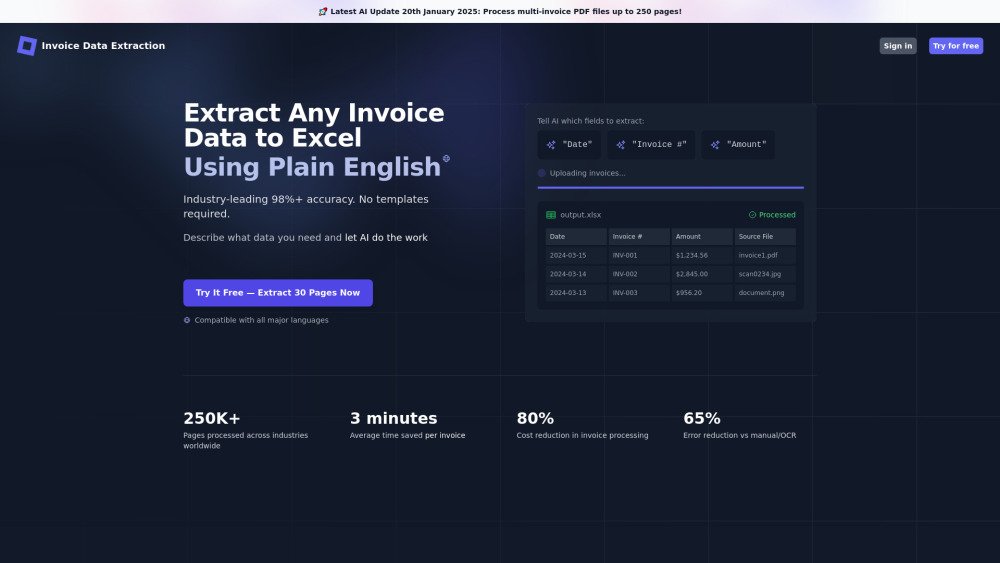
Invoice Data Extraction is an AI-powered tool designed to assist businesses of all sizes in slashing invoice processing time and boosting accuracy. It allows users to upload mixed-format invoices (PDFs, JPGs, PNGs) and describe their data needs in plain English. The specific data is then extracted to a custom spreadsheet (Excel/CSV) with 99%+ accuracy in seconds. The tool eliminates manual data entry, reduces errors, and offers template-free, multi-language compatible processing.
To use the Invoice Data Extraction tool, follow these three steps: 1. Upload your invoices (PDF, JPG, PNG) using the simple batch processing feature with no setup required. 2. Instruct the AI on which data to extract using natural language, including invoice details, line items, or custom fields. 3. Download your structured Excel file, which is ready for use and compatible with accounting software.
Our software automates the manual bookkeeping task of extracting specific data from large batches of invoices into Excel spreadsheets. It uses advanced AI to understand document context and intelligently extract data regardless of format or layout, without requiring templates.
Our solution supports PDF files (native and scanned) up to 20MB and 250 pages, as well as images (JPG and PNG) up to 5MB. It handles multi-page documents, PDFs containing multiple invoices, and line-item extraction. Custom accommodations are available for larger files.
Our AI-powered software achieves 99%+ accuracy across diverse invoice formats, significantly outperforming traditional OCR (typically 60-80% accuracy) by interpreting invoice semantics rather than just recognizing text.
Our template-free AI adapts to any invoice layout, removing the need to create and maintain templates for every vendor or format. This allows for the immediate processing of new vendor invoices without workflow disruptions caused by format changes.
It can extract virtually any information, including header data (invoice numbers, dates), vendor/customer details (names, addresses), financial data (subtotals, taxes, totals), line items, payment details, and custom fields. You define your requirements using plain language instructions.
The software automatically detects when line item data is required, identifies and captures individual line items regardless of table complexity, and outputs each line as a separate row in your spreadsheet with the corresponding data.
Yes. You upload PDFs, specify the data in plain language, and the AI processes them (approximately 12 seconds per page). You then download a structured .xlsx spreadsheet ready for financial analysis or accounting system import.
Yes. It processes invoices in any major language (including Asian character sets), handles mixed-language documents, accepts instructions in your preferred language, and can standardize outputs, dates, or currencies.
Use natural language: name the data clearly (e.g., 'Invoice reference number') and optionally add AI guidance (e.g., 'Extract in DD MONTH YYYY format' or 'Look for this in the footer area').
It processes documents at approximately 12 seconds per page. For example, 100 single-page invoices take about 17 minutes, and a 25-page PDF takes 4-5 minutes.
The AI uses advanced reasoning to identify table structures, maintain relationships between headers and values, handle multi-page tables without data loss, and accurately extract nested or hierarchical data.
When data cannot be confidently extracted, it is marked with a '--' value (or a custom marker) in the spreadsheet. We recommend that users review these, along with alerts for failed pages or warnings for files with no extracted data.
You receive clear alerts for problematic files or pages. Failed pages do not consume credits, and you can re-attempt extraction on those specific files.
It is a transparent credit system: 1 credit per PDF page or image (JPG/PNG). Only successful extractions consume credits. You receive 50 free credits monthly, and purchased credits are valid for 18 months. Prices range from $0.07 to $0.095 per page based on volume.
Yes, security is a priority. Measures include enterprise-grade encryption, secure cloud storage on U.S.-based servers, Cloudflare security, automatic deletion of source documents after 48 hours (for problem investigation), user access controls, and no third-party data sharing.
Yes, you can use it for free after creating an account, with no credit card required. You can process 50 pages per month for free to experience its features and accuracy.
Start with a small test batch, use clear and descriptive data names, add specific format instructions when needed, and utilize the 're-use instructions' feature for consistent processing.
Businesses typically see an 80% reduction in processing costs, 65% fewer errors, 90% time savings for staff, faster payments, and the ability to scale without adding headcount. For 1,000 invoices monthly, this equates to approximately 160 hours and significant cost savings.
While valuable across all sectors, strong results are seen in accounting firms, manufacturing, healthcare, professional services, distribution/retail, and charities/non-profits due to their diverse invoice requirements.
It eliminates human transcription errors, maintains consistent extraction patterns, understands context for poorly formatted data, clearly marks uncertain data, and provides audit trails, typically reducing error rates by 65%.
Free plan available.
Use these comparison pages to understand the trade-offs between the models most relevant to Invoice Data Extraction.
Compare Gemini 1.0 Pro Deprecated and Gemini 2.0 Flash across pricing, context window, capabilities, benchmarks, and API access to choose the better fit for long-context workloads versus long-context workloads.
Compare Gemini 1.0 Pro Deprecated and Gemini 2.5 Flash across pricing, context window, capabilities, benchmarks, and API access to choose the better fit for long-context workloads versus long-context workloads.
Compare Gemini 2.0 Flash Lite and Gemini 2.0 Flash across pricing, context window, capabilities, benchmarks, and API access to choose the better fit for long-context workloads versus long-context workloads.
Compare Gemini 2.5 Flash and Gemini 2.0 Flash across pricing, context window, capabilities, benchmarks, and API access to choose the better fit for long-context workloads versus long-context workloads.

Discute is a tool that enables users to interact with various data formats, ranging from standard documents to complex databases. By functioning as a virtual assistant that accesses your knowledge base, it helps you retrieve information and resolve issues more efficiently. The platform currently supports PDF, DOCX, TXT, and CSV files, with future updates planned for database and website integration.
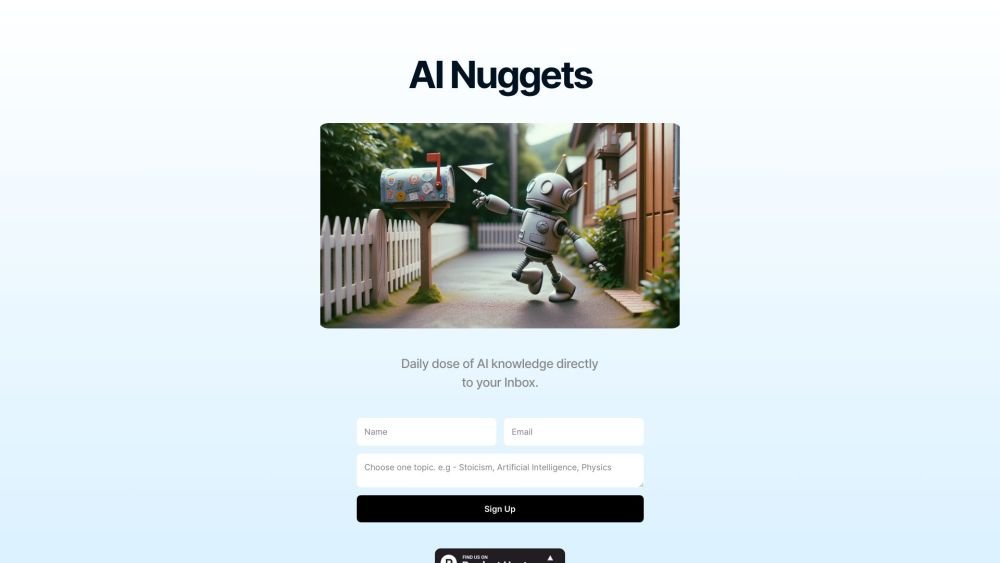
AI Nuggets is an AI-driven daily newsletter that provides concise insights on your selected topics, accompanied by prompts for further exploration. It offers a personalized learning experience designed to foster creativity and broaden your knowledge across subjects ranging from historical facts to modern technology.
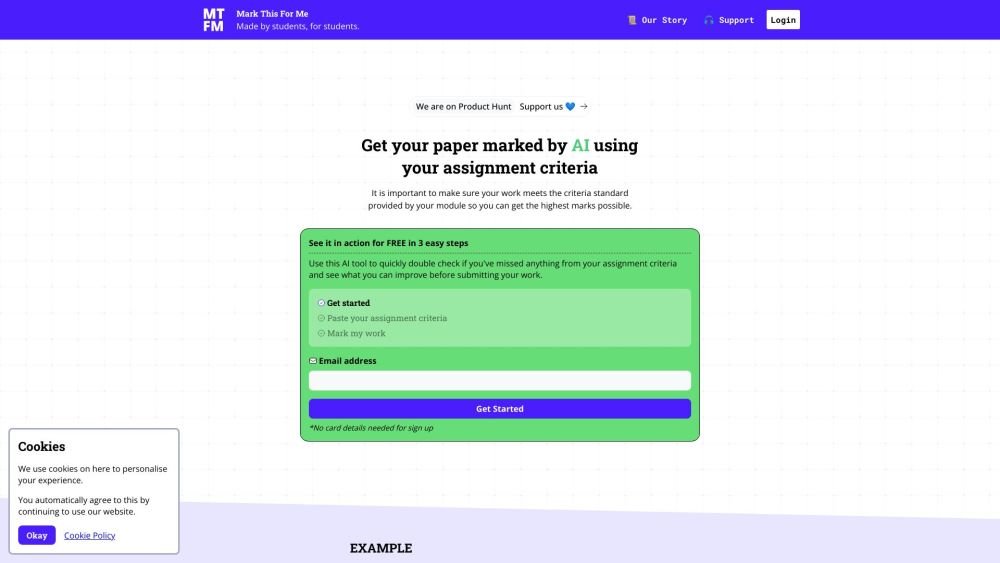
Mark This For Me is an AI-powered platform that provides students with instant, personalized feedback on their assignments. By leveraging OpenAI's GPT models, the tool evaluates work against specific criteria to offer insights that boost motivation and support academic success. The platform provides constructive guidance to help students refine their critical thinking and identify areas for improvement.
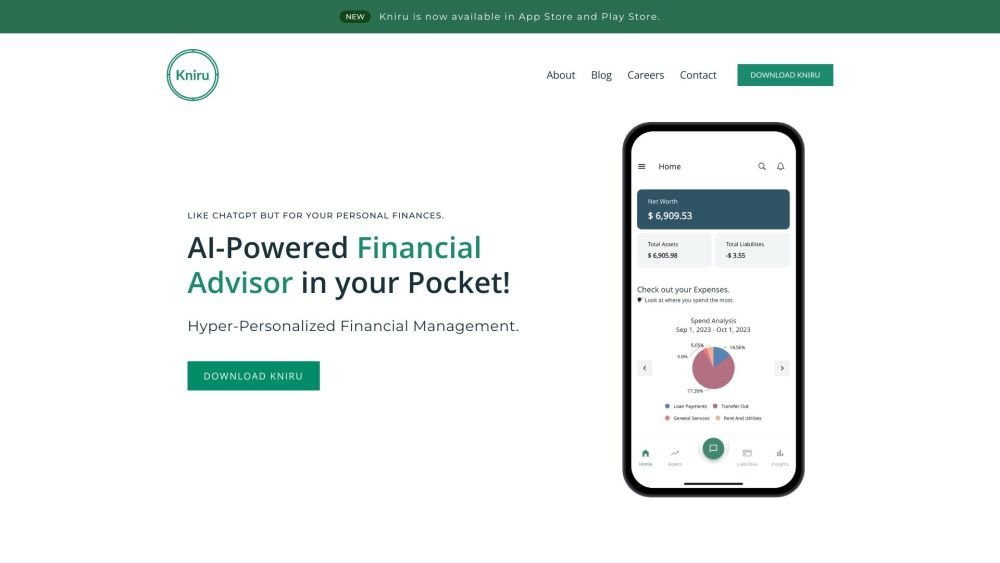
Kniru is a mobile application designed to help you manage your personal finances using AI. Through a chat-based interface, it provides precise, personalized, and actionable insights while answering your questions regarding investments, taxes, retirement, and spending. The platform allows users to track, manage, and optimize transactions, investments, and loans to support smarter financial decision-making in a secure environment.
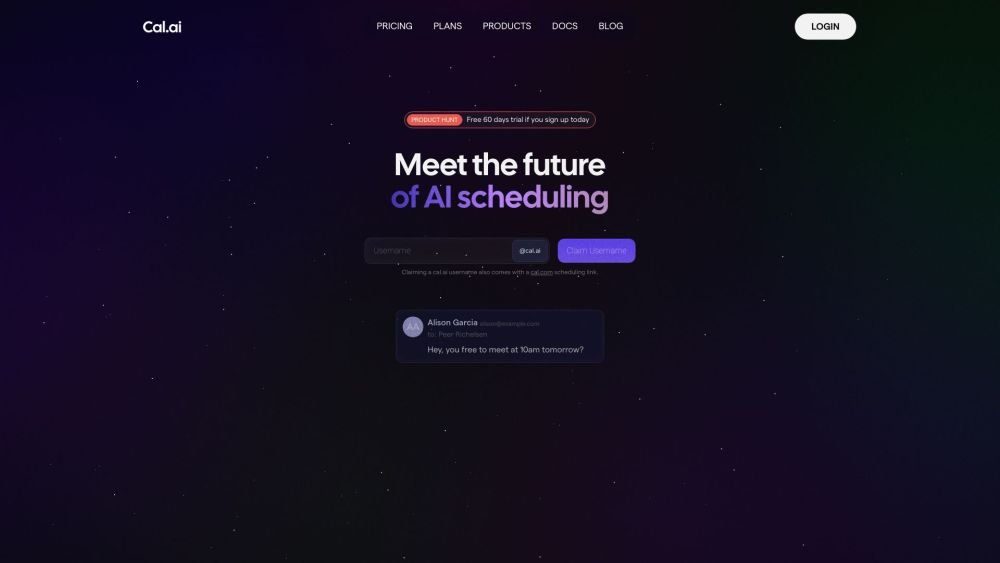
Cal.com is an open-source scheduling infrastructure offering fully customizable software for individuals, businesses, and developers building scheduling platforms. It provides flexible deployment options, including self-hosted and SaaS solutions, alongside features like routing, a unified calendar API, a desktop application, and an enterprise API. Additionally, Cal.com integrates AI-powered scheduling assistance via Cal.ai, which includes AI Phone Agents.
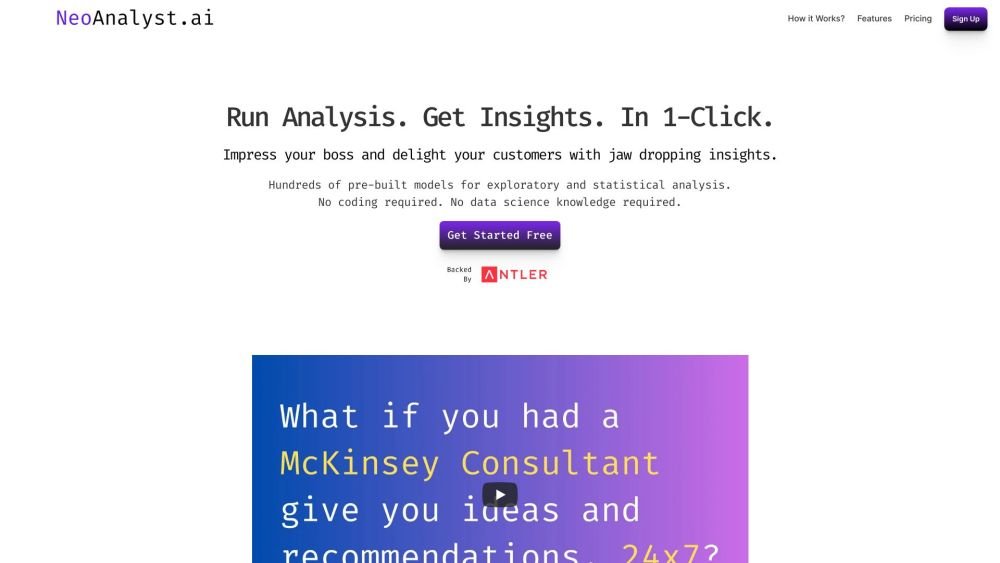
NeoAnalyst.ai simplifies data analysis by making complex insights accessible to everyone. Users can upload datasets and select from 25 suggested questions to generate clear visualizations and actionable findings. Designed for business leaders, this platform requires no coding or data science expertise.
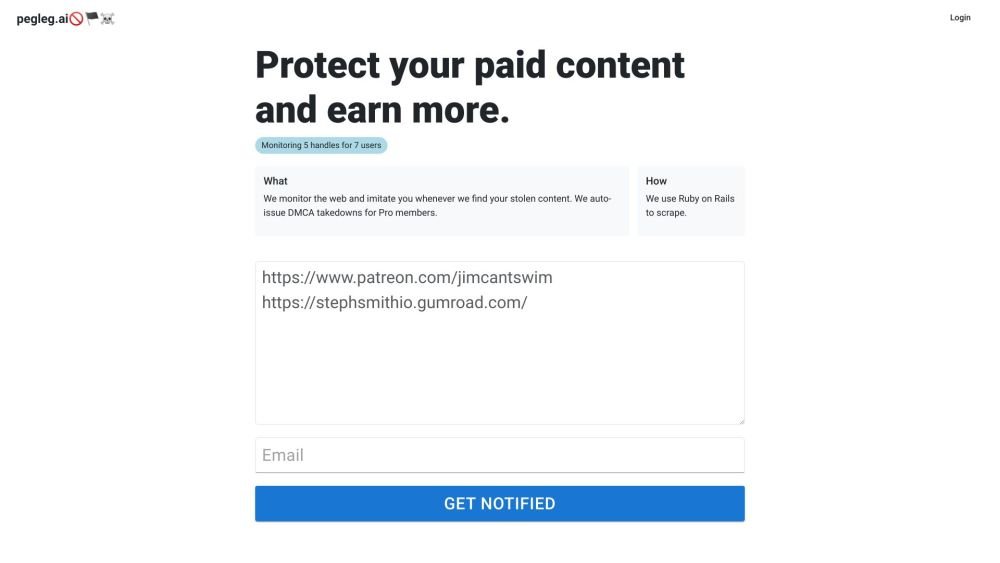
Pegleg.ai monitors the web for unauthorized copies of your content by scanning Patreon and Gumroad links. It helps protect your paid work and revenue by identifying stolen material and, for Pro members, automatically issuing DMCA takedown notices.

Chisquares is an AI-driven research platform providing end-to-end support for study design, data collection, analysis, and reporting. The platform includes tools for generating representative samples, calculating sample sizes, building custom surveys, and managing data collection. Additionally, it offers features for scientific writing, code-free data analysis, and integrated journal selection and submission.
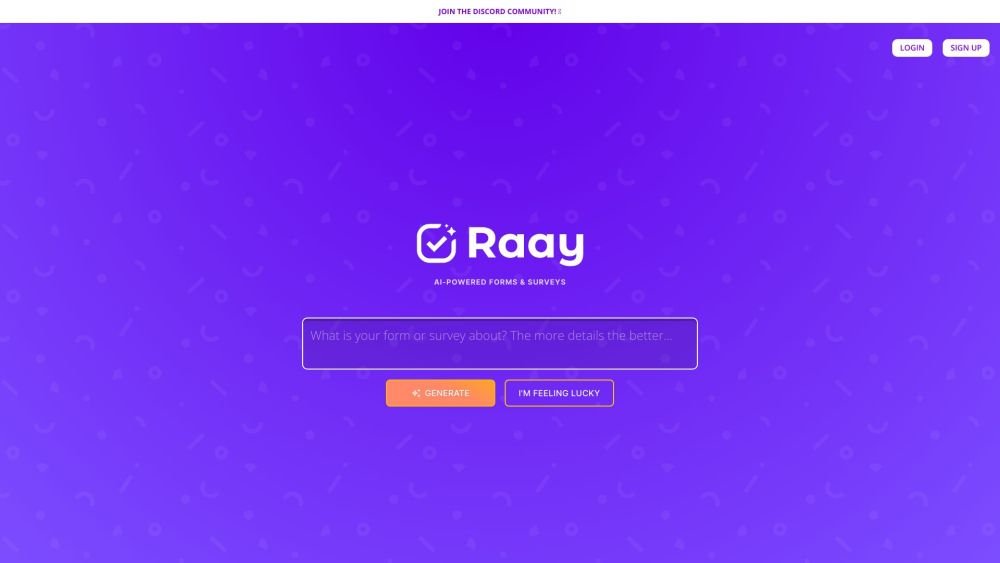
Raay is an AI-powered platform designed to streamline the creation of forms and surveys. By entering a simple prompt, users can generate forms in seconds. The platform also provides interactive summaries of responses and offers seamless integrations to support data-driven decision-making, allowing users to create, share, and analyze data efficiently.
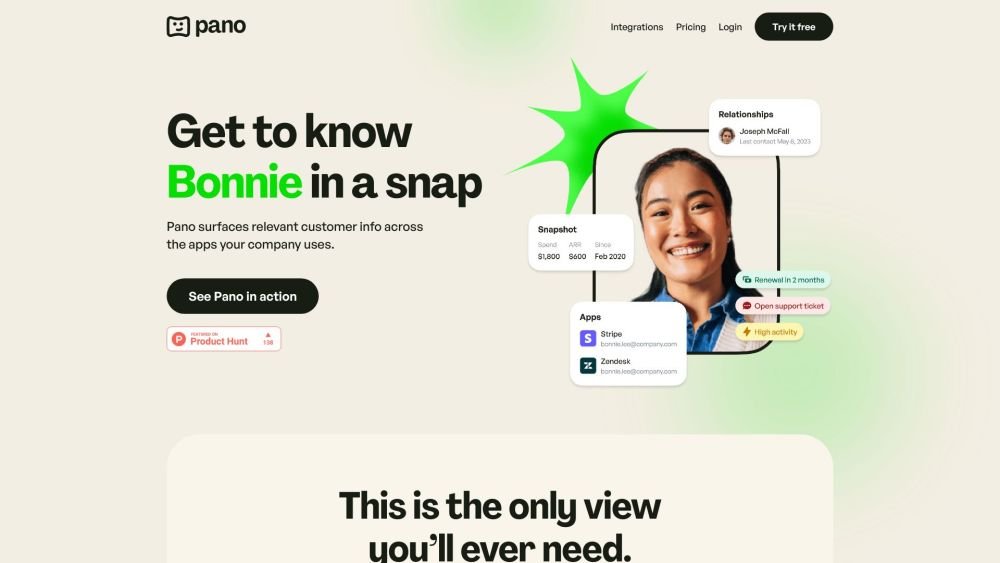
Pano aggregates essential customer data from your existing platforms into a concise, personalized snapshot. By integrating with your current applications, Pano provides a comprehensive view of the customer journey in seconds. It filters for relevant information and highlights key action items, allowing you to leverage your existing tech stack without manual data retrieval. Additionally, Pano tracks customer interactions, enabling your team to collaborate effectively for an improved customer experience.
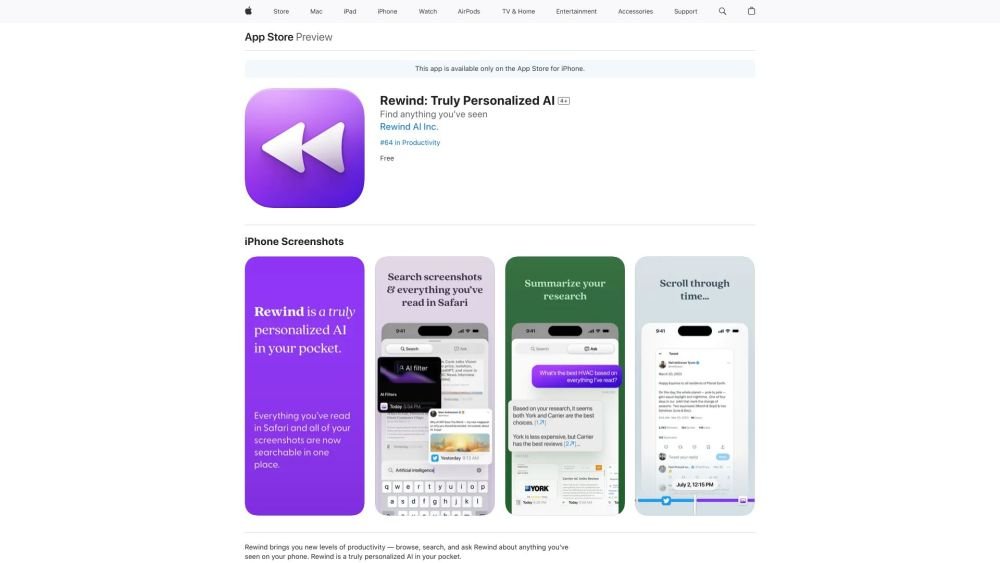
Rewind is a personalized AI application for iPhone that captures your Safari browsing activity and imports your screenshots. It enables you to search, browse, and query information you have previously viewed on your device, offering AI-generated summaries and immediate access to your past activity.
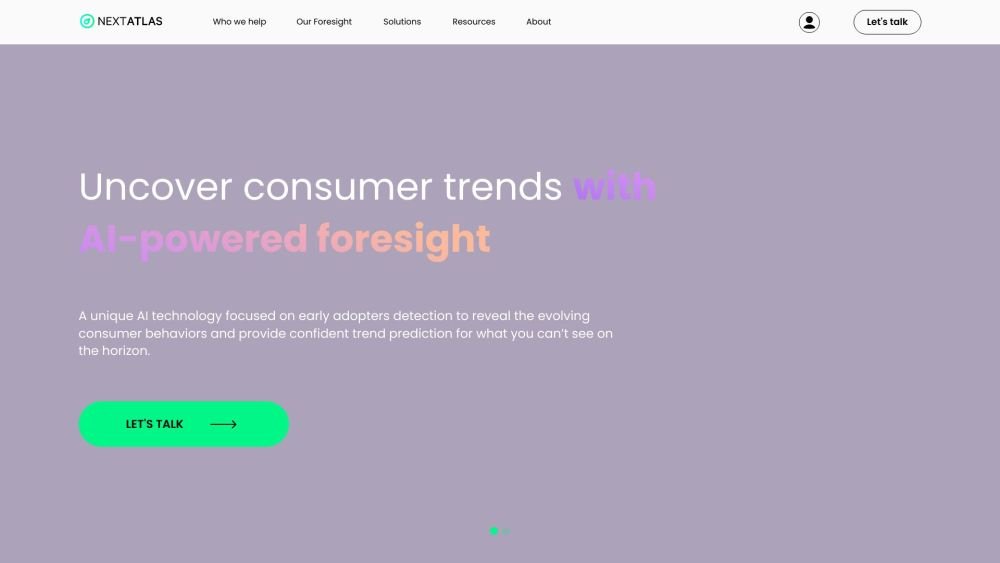
Nextatlas is a generative trend forecasting service that utilizes large language models and its proprietary engine to provide AI-driven market research, consumer insights, and data analytics. The platform helps businesses conduct predictive market studies by identifying early adopters and uncovering evolving consumer behaviors to deliver actionable trend predictions.