
Free
$0Free plan available.
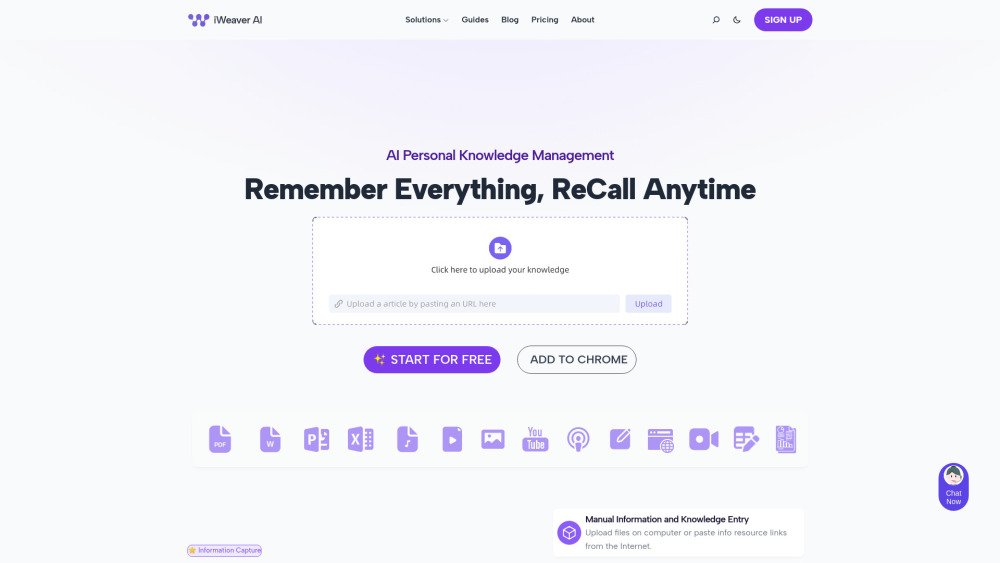
iWeaver is an AI-powered platform designed for workflow automation and knowledge management. It offers a suite of AI tools, including AI summarizers for various media types (video, documents, PDFs, images, webpages, audio), AI mind map generation, AI writing assistance, and AI analysis tools. iWeaver aims to automate tasks, supercharge productivity, and provide precision insights for fast decisions.
iWeaver enables users to automate tasks using pre-built workflows. For instance, users can input a podcast link to generate an audio output. The platform also features conversational AI and one-click summarization to simplify interactions and save time.
Your documents are protected with high-level security to ensure your data remains safe. For complete control, you can use our services locally on your PC without an internet connection. This offline mode keeps your data entirely on your device, providing an additional layer of privacy. Whether working online or offline, we are committed to safeguarding your documents.
iWeaver supports various file formats, including: Images (PNG, JPG, JPEG), Audio (MP3), Video (MP4), and Documents (PDF, DOC, DOCX, PPTX).
Response times for queries are typically 3-5 seconds, while document parsing takes approximately 10 seconds. Generally, you can expect the process to be completed within 7 seconds.
You can access iWeaver AI via a web browser or by using the Windows local client for seamless integration.
For international payments, we accept methods supported by Airwallex, our third-party payment provider.
Free plan available.
Use these comparison pages to understand the trade-offs between the models most relevant to iWeaver.
Compare Gemini 1.0 Pro Deprecated and Gemini 2.0 Flash across pricing, context window, capabilities, benchmarks, and API access to choose the better fit for long-context workloads versus long-context workloads.
Compare Gemini 1.0 Pro Deprecated and Gemini 2.5 Flash across pricing, context window, capabilities, benchmarks, and API access to choose the better fit for long-context workloads versus long-context workloads.
Compare Gemini 2.0 Flash Lite and Gemini 2.0 Flash across pricing, context window, capabilities, benchmarks, and API access to choose the better fit for long-context workloads versus long-context workloads.
Compare Gemini 2.5 Flash and Gemini 2.0 Flash across pricing, context window, capabilities, benchmarks, and API access to choose the better fit for long-context workloads versus long-context workloads.