
Free
$0Free plan available.
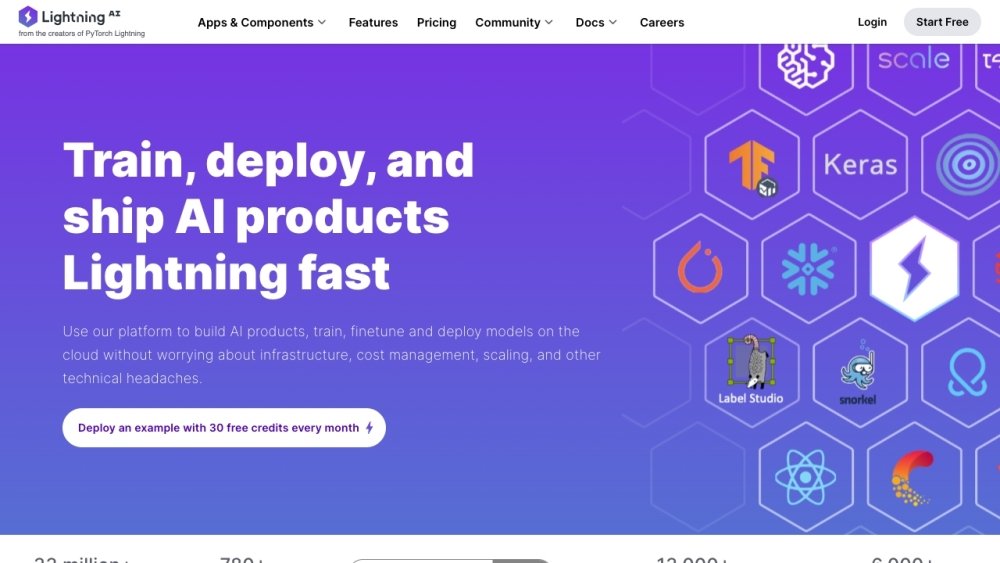
Lightning AI is an all-in-one platform for AI development, offering tools to build models and full-stack AI applications quickly. It provides cloud GPUs, DevBoxes, training, deployment, and more with zero setup. From prototype to production AI, Lightning AI supports data platforms, training, GPU clusters, development, and deployment, enabling users to code together, prototype, train, scale, and serve AI models from their browser.
Use Lightning AI by coding on cloud GPUs directly in your browser or via your preferred local IDE. Configure your environment on CPUs, execute tasks on GPUs, and utilize DevBoxes that maintain your workspace across sessions. You can start from a template, deploy no-code APIs, or edit full-code Studio templates in the browser with zero setup required.
Lightning Credits are used to pay for GPU hours or additional running Studios. Each credit is equivalent to $1 USD.
Lightning AI provides 15 free credits every month. These credits expire if unused and can be applied toward running additional Studios or GPU hours.
Free credits expire at the end of each month, so be sure to use them.
Purchased credits expire after 12 months.
You must upgrade to the enterprise tier to utilize your AWS or GCP credits.
Lightning currently supports AWS and GCP, with Azure support planned for the future.
You can create an unlimited number of Studios. You may run one CPU-based Studio for free at any time. To run multiple Studios simultaneously, you must use your monthly free credits or purchase additional credits.
Free plan available.
Use these comparison pages to understand the trade-offs between the models most relevant to Lightning AI.
Compare Amazon Nova Pro and Amazon Nova Lite across pricing, context window, capabilities, benchmarks, and API access to choose the better fit for tool-augmented workflows versus tool-augmented workflows.
Compare Amazon Nova Lite and Amazon Nova Micro across pricing, context window, capabilities, benchmarks, and API access to choose the better fit for tool-augmented workflows versus tool-augmented workflows.
Compare Amazon Nova Lite and Mistral Medium 3 across pricing, context window, capabilities, benchmarks, and API access to choose the better fit for tool-augmented workflows versus tool-augmented workflows.
Compare Amazon Nova Lite and Mistral Small 3.1 (25.03) across pricing, context window, capabilities, benchmarks, and API access to choose the better fit for tool-augmented workflows versus cost-efficient scale.

Similar AI tool in the AI Image Generator category.
Similar AI tool in the AI Assistant category.
Similar AI tool in the AI Assistant category.
Similar AI tool in the AI Marketing category.
Similar AI tool in the AI Productivity Tools category.
Similar AI tool in the AI Writing Assistants category.
Similar AI tool in the AI Chatbot category.
Similar AI tool in the AI Writing Assistants category.
Similar AI tool in the AI Writing Assistants category.
Similar AI tool in the AI Assistant category.
Similar AI tool in the AI Chatbot category.
Similar AI tool in the AI Chatbot category.