

Free
$0Free plan available.
Luminar Brush is a professional illumination drawing tool that transforms visuals with stunning lighting effects and precise control. Developed by Illyasviel, the creator of ControlNet, it is an AI-powered image editing tool designed specifically for enhancing lighting effects in photographs. It utilizes a two-stage processing framework that allows users to transform images with uniform lighting and apply interactive lighting effects based on user inputs. This tool is particularly beneficial for artists, photographers, and anyone involved in visual content creation, providing a seamless way to manipulate lighting conditions in images.
1. Upload Image: Upload the image you wish to edit to the Luminar Brush platform. 2. Initial Processing: The tool automatically processes your image to establish a uniform lighting base by removing complex lighting variations. 3. Interactive Editing: Use the brush tool to apply directional lighting by doodling over areas where you want to enhance or modify the light. Adjust settings such as light intensity, color, and direction to suit your needs. 4. Preview Changes: Monitor real-time updates as you make adjustments to achieve your desired result. 5. Save and Export: Once you are satisfied with your edits, save your work and export the final image in your preferred format.
The provided information does not specify supported image formats.
Yes, Luminar Brush is designed to be suitable for both beginners and professionals.
While the documentation does not specify a dedicated undo function, the real-time preview feature allows you to make immediate adjustments to your work.
The provided information does not specify any limits on image size.
Yes, Luminar Brush is available as a free online tool.
Luminar Brush is capable of enhancing a wide variety of photographs.
The provided information does not specify whether Lumina Brush supports offline use.
To begin, upload the image you want to edit directly to the Lumina Brush platform.
The provided information does not specify the types of images compatible with Lumina Brush.
Free plan available.
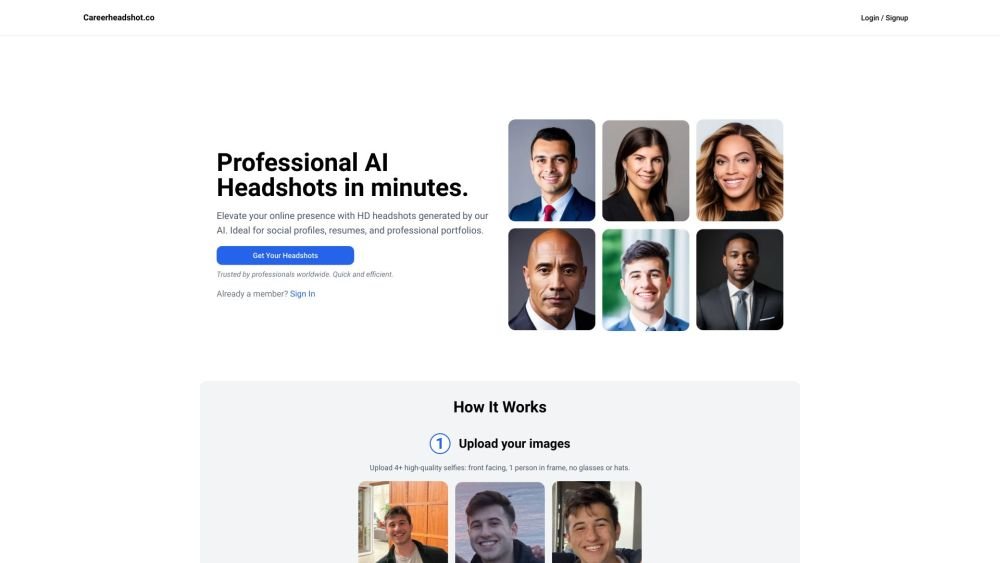
Careerheadshot.co is an AI-powered headshot generator that produces professional-quality portraits in minutes. By uploading your selfies, the platform generates a variety of headshots suitable for professional portfolios, resumes, and social media profiles. It provides tailored plans designed to help you update your LinkedIn presence, improve job application outcomes, and refresh company website imagery.
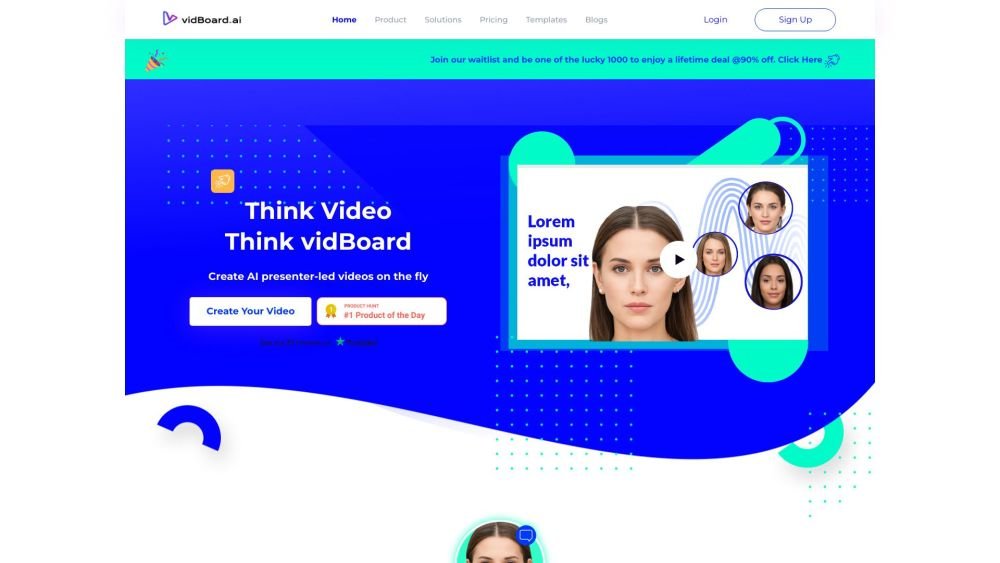
vidBoard.ai is an AI-powered platform designed to help users create studio-quality videos in minutes. By converting documents, links, or text into engaging content, the platform utilizes AI avatars, voiceovers, and multimedia assets. With built-in features like AI script generation, captioning, and voice cloning, it enables video creation for users without prior editing experience.
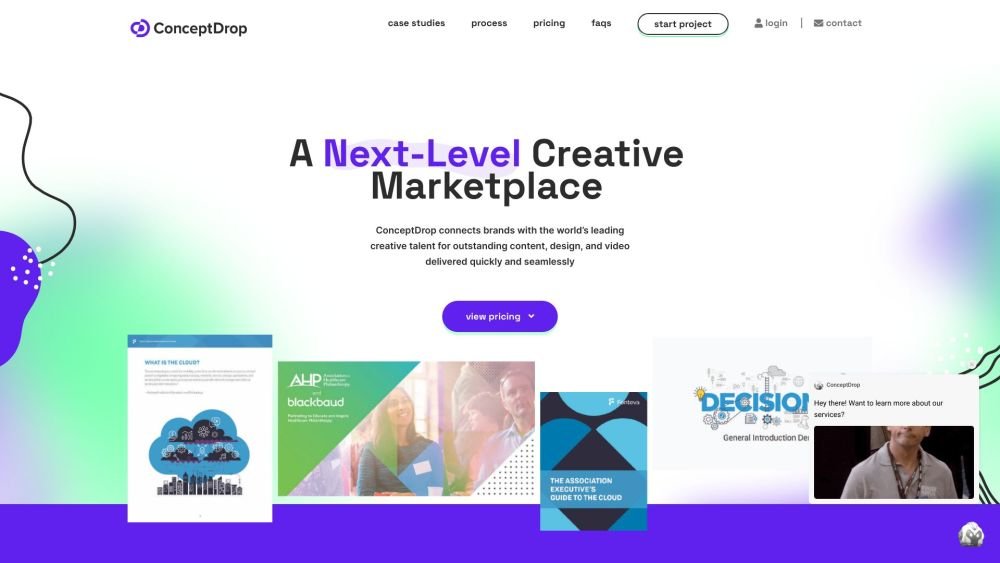
Source (formerly ConceptDrop) is an all-in-one freelancing platform that connects businesses with vetted creative, digital, and consulting professionals. It simplifies the process of sourcing, managing, and paying freelancers by providing a single contract and dedicated account managers to ensure project consistency and client satisfaction.
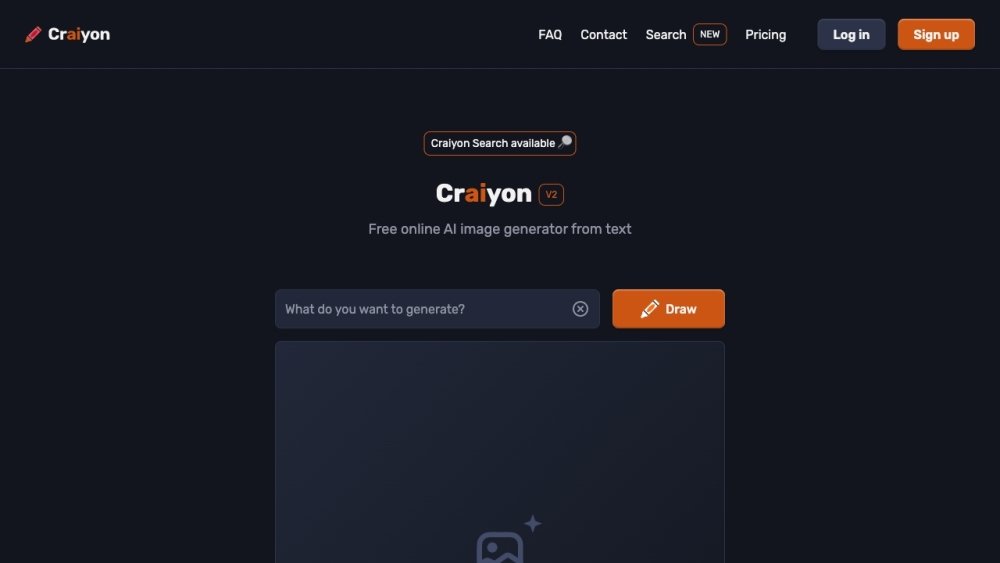
Craiyon is a free AI image generator that creates artwork from text prompts. Users enter keywords to generate images, with both free and paid subscription tiers available. Paid plans offer benefits such as improved image quality, faster generation speeds, and additional features.
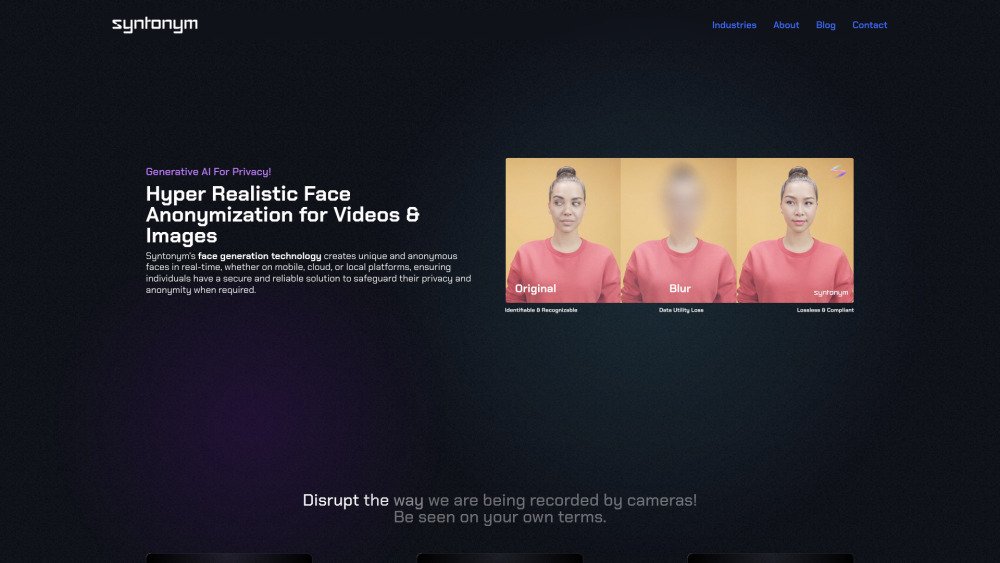
Syntonym utilizes generative AI to create unique, anonymous faces in real-time across mobile, cloud, and local platforms, providing a secure solution for privacy and anonymity. By offering hyper-realistic face anonymization for images and videos, it allows individuals to manage their visual identity. Syntonym functions as a privacy layer for video platforms, enabling secure communication and open exchange. It ensures regulatory compliance by removing biometric data, facilitating real-time, lossless anonymization, and allowing for the processing of recordings for analytics and training in a GDPR-compliant manner.
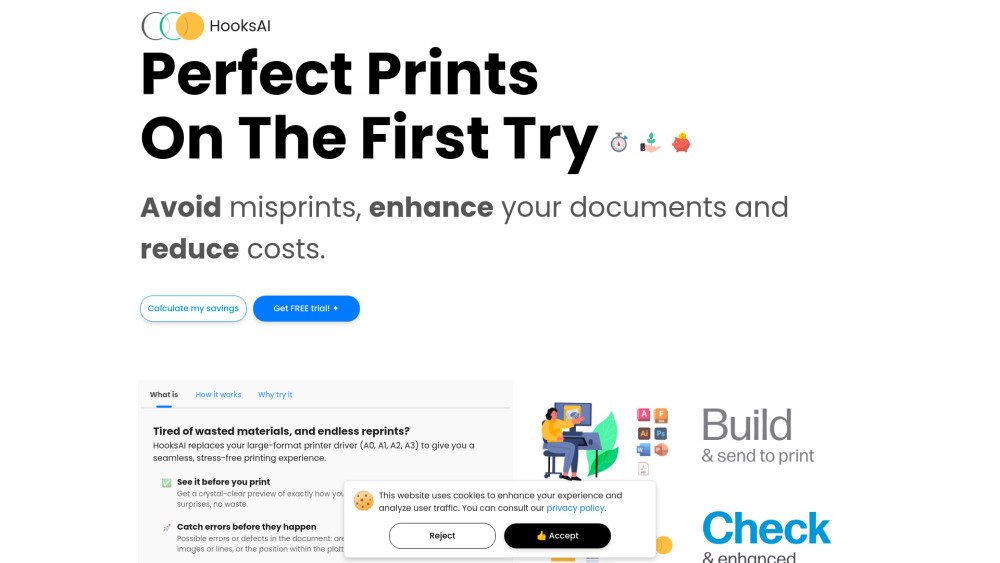
HooksAI optimizes and rescales files without quality loss to ensure flawless prints on the first attempt. By preventing misprints, it helps save paper, ink, time, and costs. The tool features lossless scaling, detail correction, and automatic error detection. It includes a driver for direct printing from Windows 11 programs, as well as a dedicated application for Windows and Mac that provides real-time print previews.
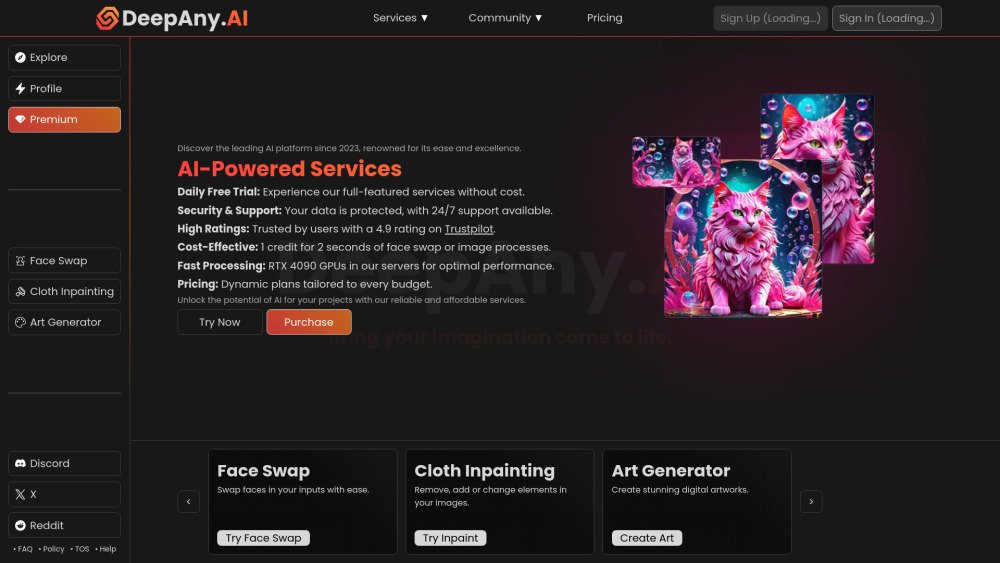
DeepAny.AI is a platform offering advanced AI solutions, including face swapping, video generation, cloth inpainting, and art generation. It provides various pricing plans to suit different requirements, ensuring access to AI tools at competitive rates. The platform is designed for ease of use and includes 24/7 customer support.
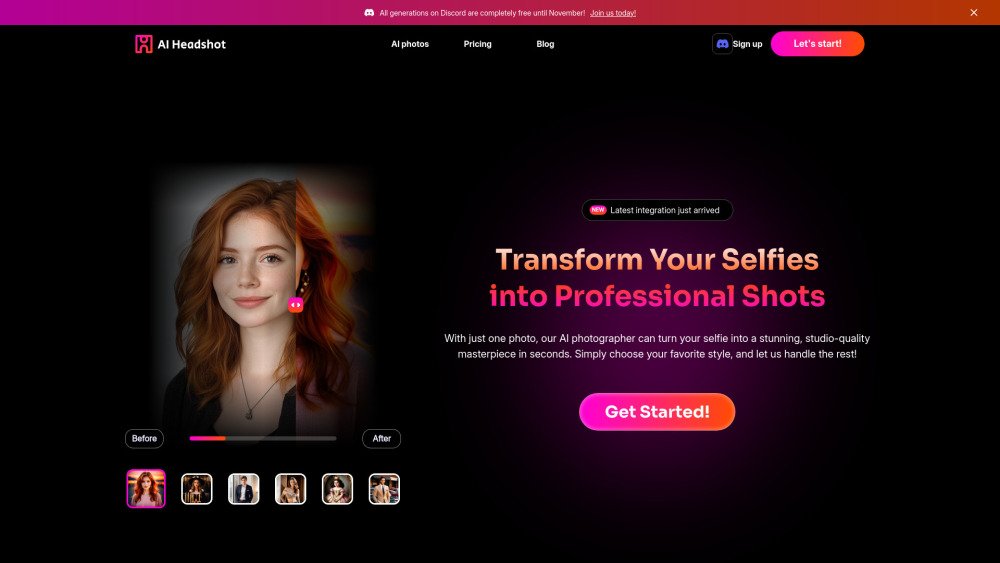
AI Headshot Generator is an online platform that leverages artificial intelligence to convert selfies into professional-quality headshots and portraits in seconds. Trusted by over 25,000 users, it offers a variety of styles suitable for LinkedIn, resumes, and acting portfolios. The service provides studio-quality images at a fraction of the cost of traditional photography, featuring options for customization and high-resolution downloads.
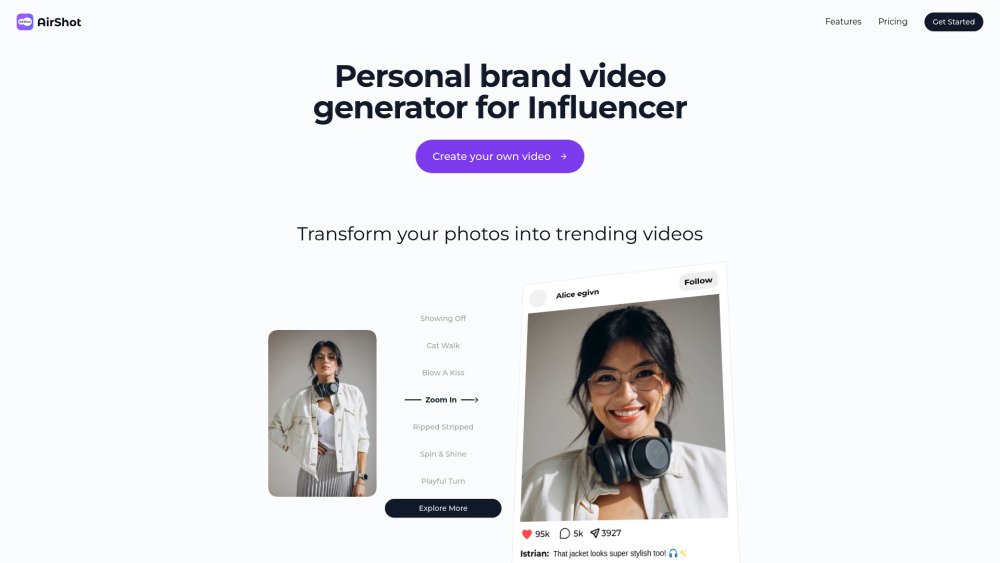
AirShot is an AI video generator built for influencers to produce viral-ready content. It converts photos and avatars into trending videos in seconds, eliminating the need for traditional camera equipment. The platform provides a variety of templates, including sensual and diverse themes, and utilizes advanced AI to create realistic, vertical-format videos optimized for social media platforms like TikTok and Instagram.
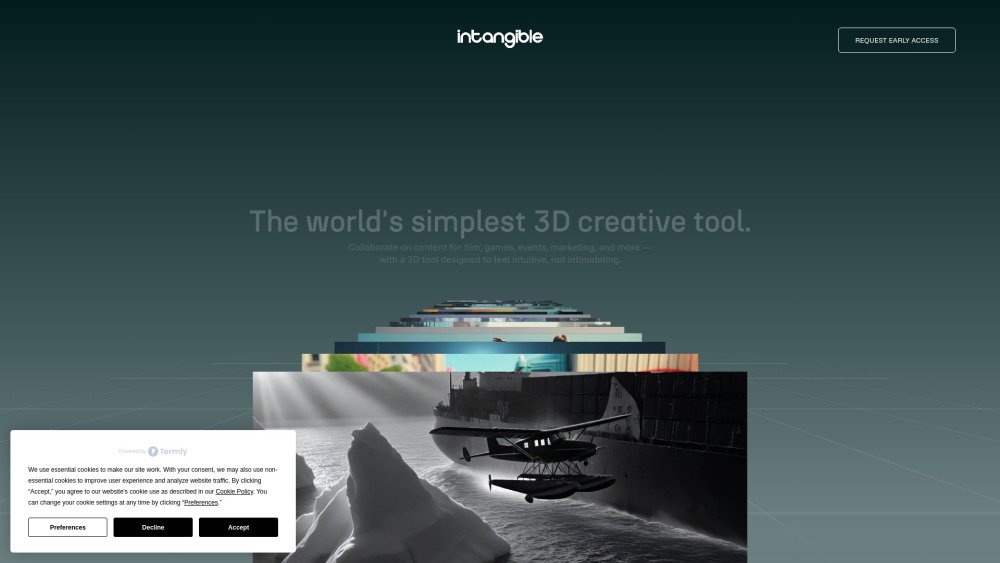
Intangible.ai enables teams to generate 3D content efficiently. Build cinematic scenes, marketing visuals, and game environments directly in your browser using AI. Collaborate, animate, and export your projects without the need for coding. This visual canvas is designed for creatives to bring cinematic, event, and interactive 3D concepts to life.
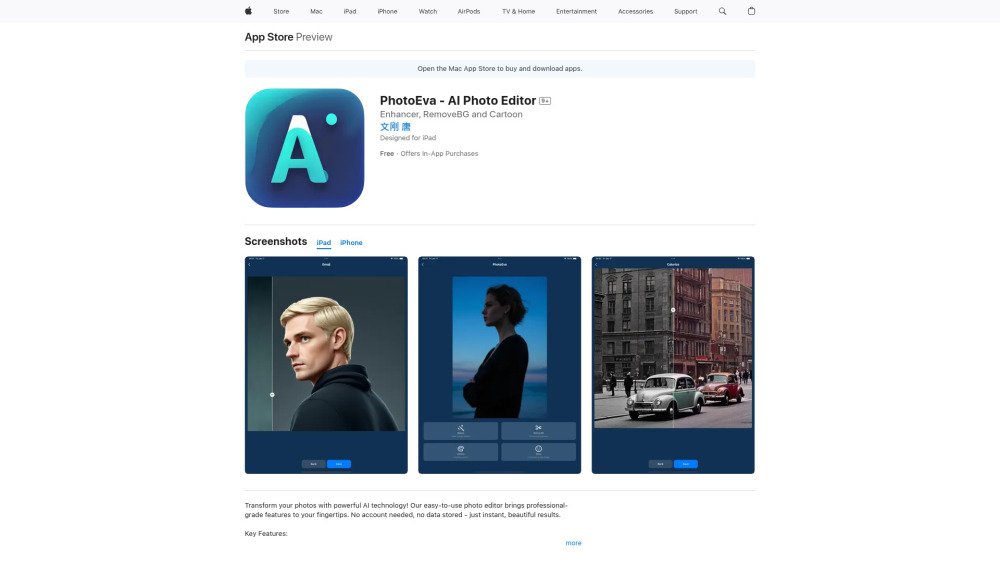
PhotoEva is an AI-powered photo editor available on the App Store, offering tools such as AI photo restoration, smart background removal, colorization, and face-to-emoji conversion. Designed for users of all skill levels, the app prioritizes ease of use, instant processing, and user privacy by requiring no account and storing no personal data.
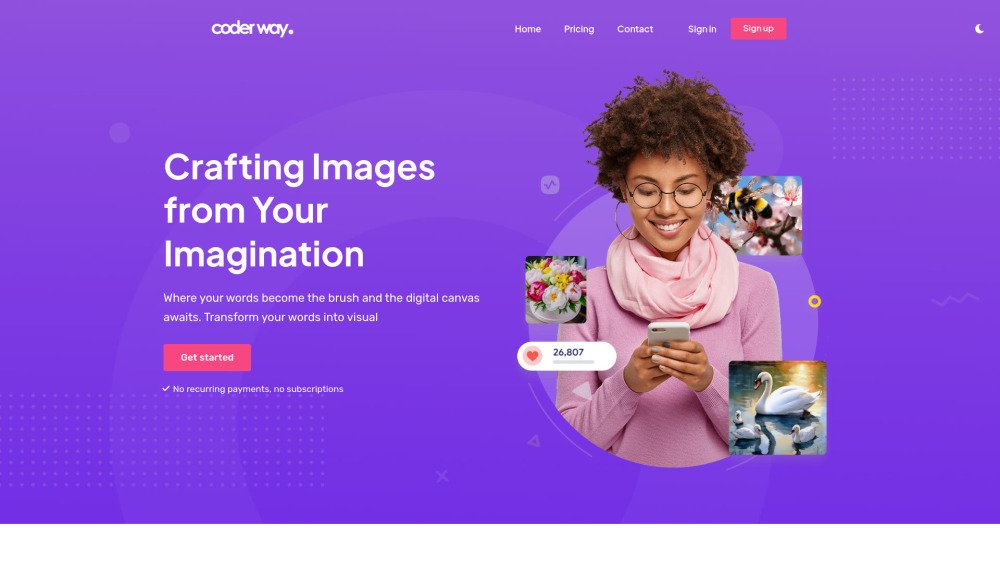
Coderway AI image generator is a platform that converts text prompts into visual images. It features two distinct models, Basic-2023 (v1.5) and Turbo-2024 (v2.0), to provide varied styles and levels of detail. Users can create an account, configure image parameters, enter detailed prompts, apply specific visual styles, and download their results for creative or social media use. The platform focuses on ease of use and rapid generation without requiring recurring payments or subscriptions.