
Free
$0Free plan available.
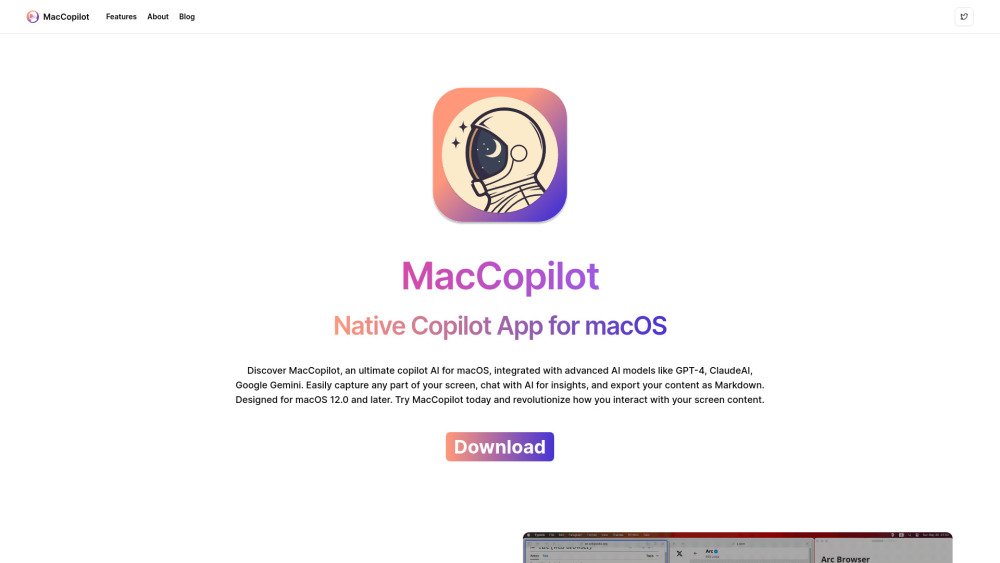
MacCopilot is a native copilot app for macOS that smartly interacts with your screen content. It integrates with AI models like GPT-4o or Gemini, captures flexible screenshots, and seamlessly connects to various AI platforms for enhanced productivity and creativity.
To use MacCopilot, activate your license in Preferences > General. Add AI models in Preferences > Models > Add Model. Capture screen content using 'Capture' or 'Capture previous area' from the menu. Press 'ESC' to exit selection.
Go to System Preferences > Security & Privacy > Screen Recording, and ensure MacCopilot is enabled.
Navigate to Preferences > Models > Add Model. Select the 'OpenAI' format, enter your API key, and choose the desired model name.
The chatgpt-4o model is an alias for gpt-4o; you can use it by adding an OpenAI model and selecting 'gpt-4o' as the model name.
MacCopilot requires macOS 12.0 or later, including Monterey, Ventura, and Sonoma.
Copilot AI refers to applications that integrate the capabilities of Large Language Models (LLMs) with tools like text editors and chatbots to provide intelligent assistance and insights.
Free plan available.
Use these comparison pages to understand the trade-offs between the models most relevant to MacCopilot.
Compare GPT 5.4 and GPT 5.4 Pro across pricing, context window, capabilities, benchmarks, and API access to choose the better fit for long-context workloads versus long-context workloads.
Compare GPT 5.5 and GPT 5.4 across pricing, context window, capabilities, benchmarks, and API access to choose the better fit for long-context workloads versus long-context workloads.