

Free
$0Free plan available.
This innovative Gmail extension uses advanced Text-to-Speech (TTS) technology to simplify email management. It allows users to dictate emails and have messages read aloud, improving overall productivity and convenience.
To dictate emails, enable the dictation feature in the pop-up, open a new message window, and begin speaking; the extension will convert your speech into text. To have emails read aloud, select the desired text, right-click and select "Read selected," or click the icon located next to each email.
Enable the dictation option in the pop-up, open a new message window, and start speaking. The extension will automatically convert your speech into text.
Select the text you wish to hear, right-click and choose "Read selected," or click the icon displayed next to each email.
Yes, you can adjust the narrator's volume and select between a male or female voice directly within the pop-up menu.
Free plan available.
Use these comparison pages to understand the trade-offs between the models most relevant to Gmail Extension - Chrome Extension.
Compare Gemini 1.0 Pro Deprecated and Gemini 2.0 Flash across pricing, context window, capabilities, benchmarks, and API access to choose the better fit for long-context workloads versus long-context workloads.
Compare Gemini 1.0 Pro Deprecated and Gemini 2.5 Flash across pricing, context window, capabilities, benchmarks, and API access to choose the better fit for long-context workloads versus long-context workloads.
Compare Gemini 2.0 Flash Lite and Gemini 2.0 Flash across pricing, context window, capabilities, benchmarks, and API access to choose the better fit for long-context workloads versus long-context workloads.
Compare Gemini 2.5 Flash and Gemini 2.0 Flash across pricing, context window, capabilities, benchmarks, and API access to choose the better fit for long-context workloads versus long-context workloads.
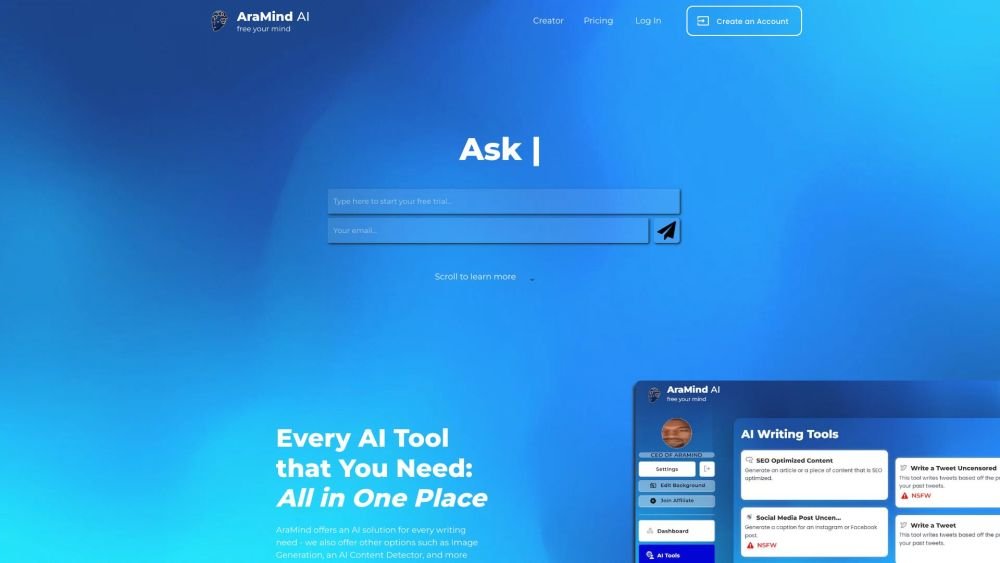
AraMind AI is an all-in-one platform designed to support various writing tasks. It provides a suite of AI-powered tools, including image generation and an AI content detector, to help users produce creative, human-like content. By automating the creation process and assisting with AI detection, AraMind AI helps users save time and minimize the need for extensive manual editing.
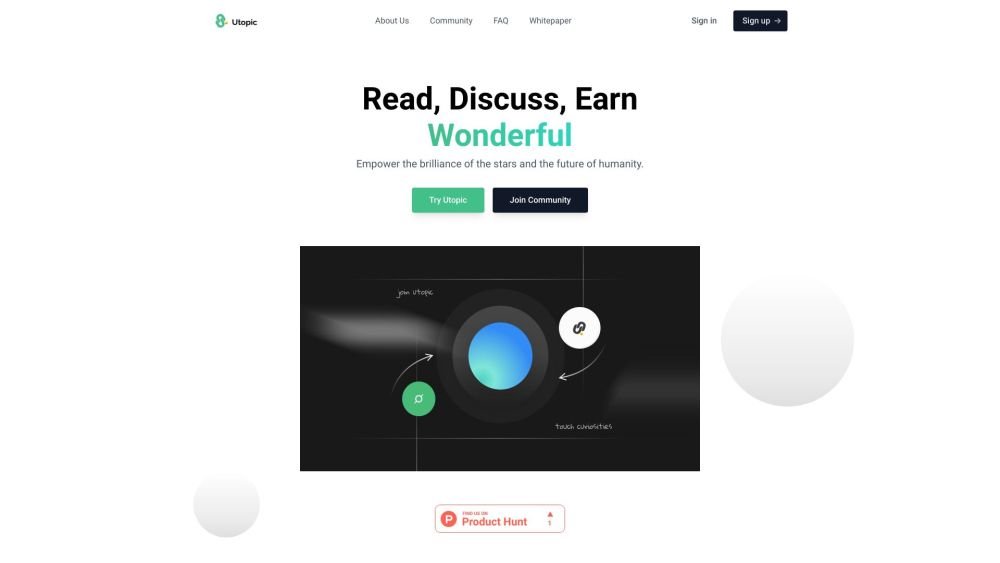
Utopic.ai is a Web3 platform that leverages AI to facilitate discussions, connect users with peers, and reward contributions. Designed as a social community for technology enthusiasts, it allows members to share knowledge, experiences, and perspectives while earning cryptocurrency for asking questions, providing answers, reading, and creating content.
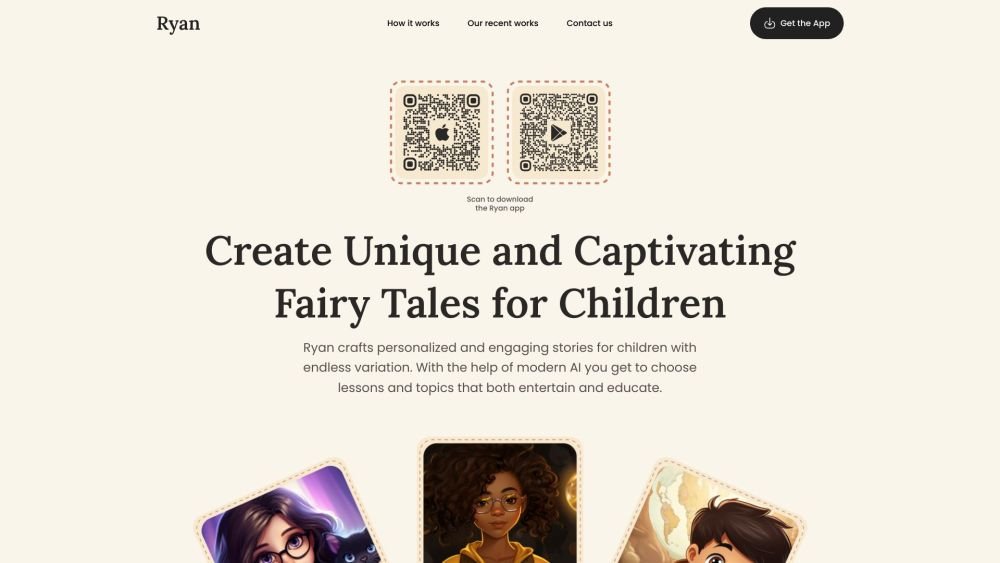
Ryan AI generates custom children's fairy tales tailored to specific preferences, including genres and characters. Featuring multilingual voice narration and background music, it provides an engaging experience for children while offering parents a convenient way to entertain them. By leveraging modern AI, you can select specific themes and educational lessons to create unique, personalized stories.

WriteTurbo is an AI-powered platform designed to help users generate high-quality content for diverse marketing and creative needs. It provides tools for crafting Facebook, Instagram, and Google ads, social media posts, SEO-optimized articles, and blog content. WriteTurbo focuses on delivering affordable and efficient AI-driven content generation.
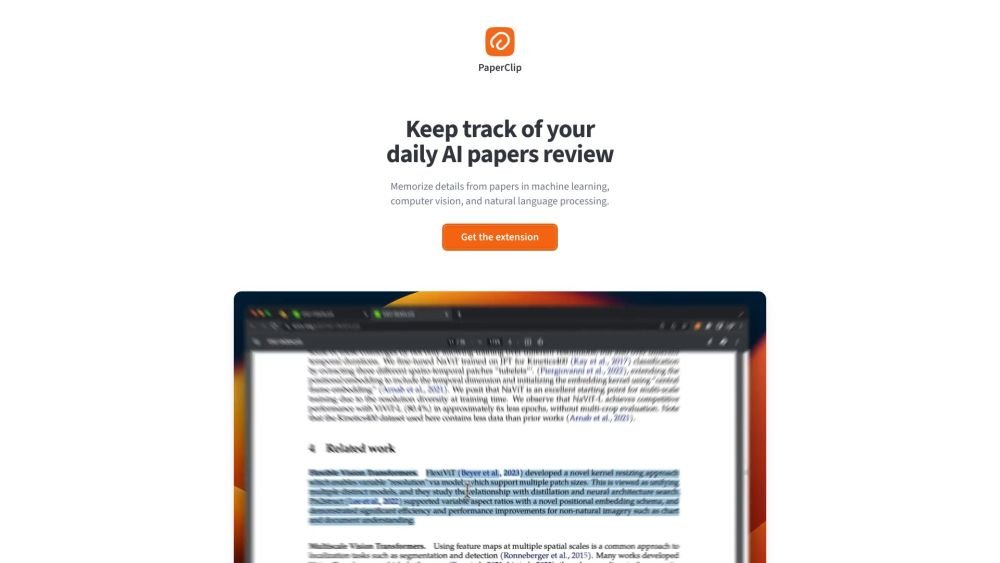
PaperClip is a free tool for AI researchers in machine learning, computer vision, and natural language processing to save and retrieve research findings. By utilizing on-device AI, it eliminates the need for API calls or server costs, helping users track daily paper reviews, memorize key details, and locate information from research papers, ML blog posts, and news.
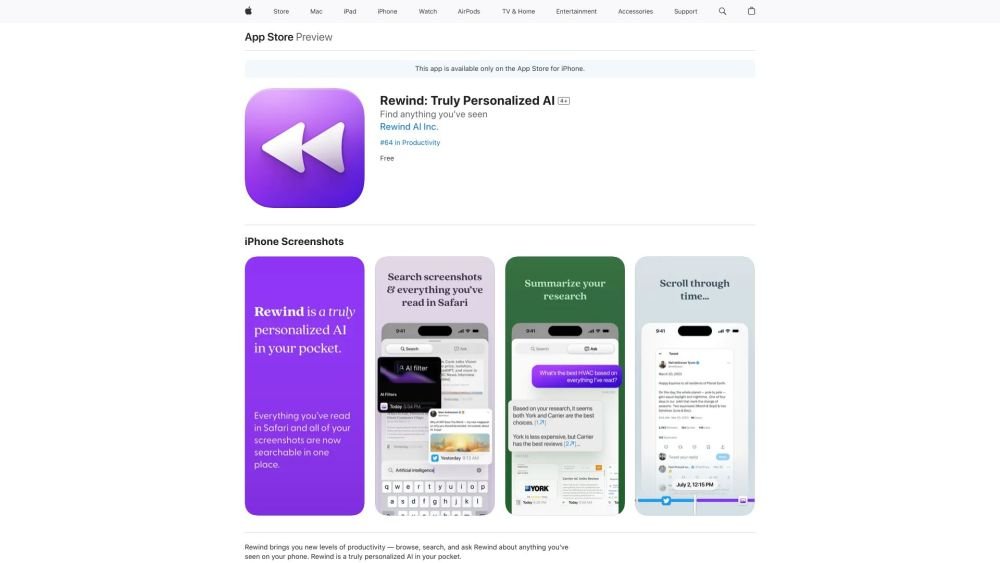
Rewind is a personalized AI application for iPhone that captures your Safari browsing activity and imports your screenshots. It enables you to search, browse, and query information you have previously viewed on your device, offering AI-generated summaries and immediate access to your past activity.
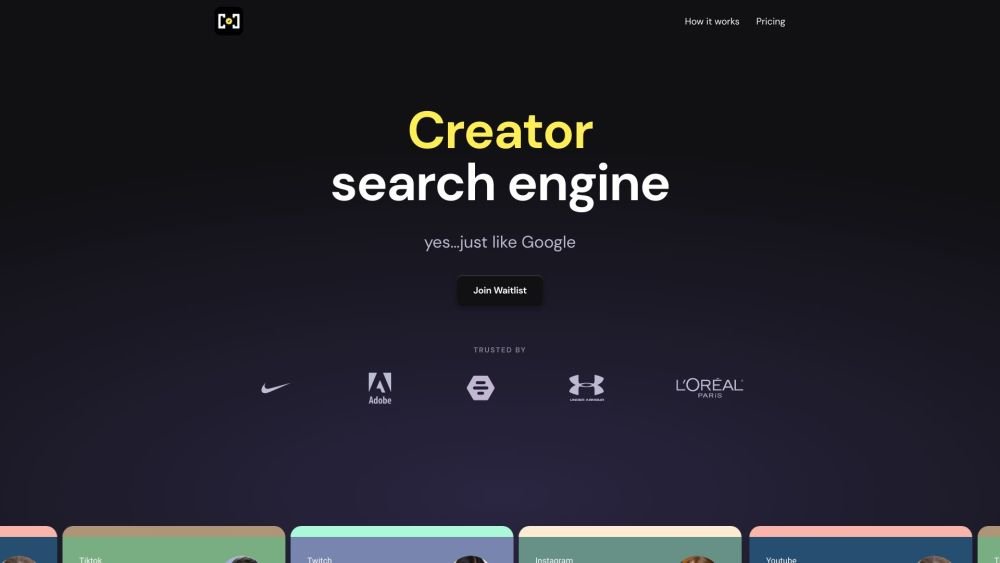
Creator Check is an email management platform built for influencer agencies. It streamlines operations by centralizing all creator emails, helping teams manage brand deals, track payments, and capture opportunities efficiently. Key features include a smart inbox, a brand book, and an AI assistant designed to simplify agency workflows.
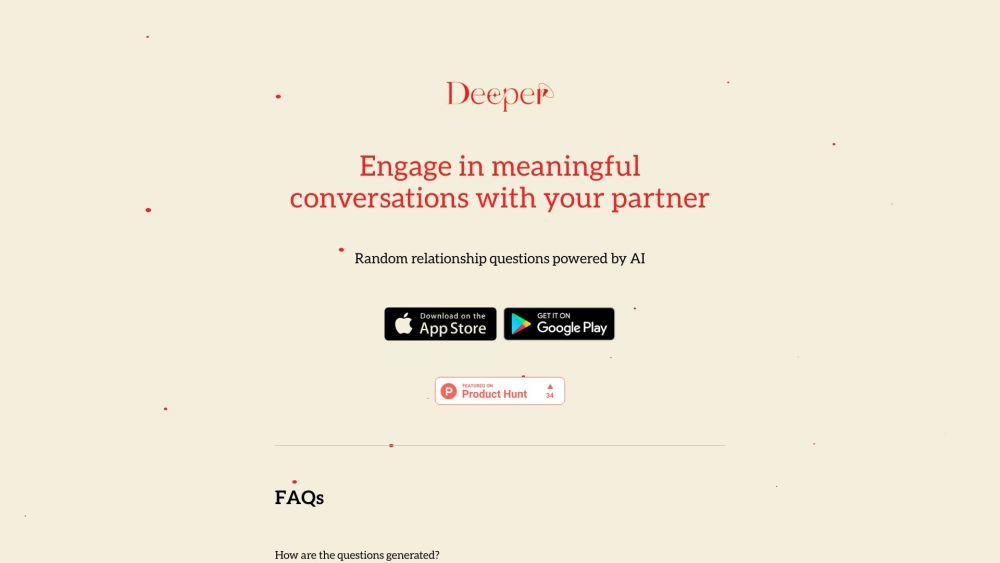
Deeper is an application that generates random relationship questions for couples to help foster meaningful conversation. Powered by OpenAI's GPT-4o model, the app provides dynamic and engaging prompts perfect for date nights, staycations, or casual time at home.
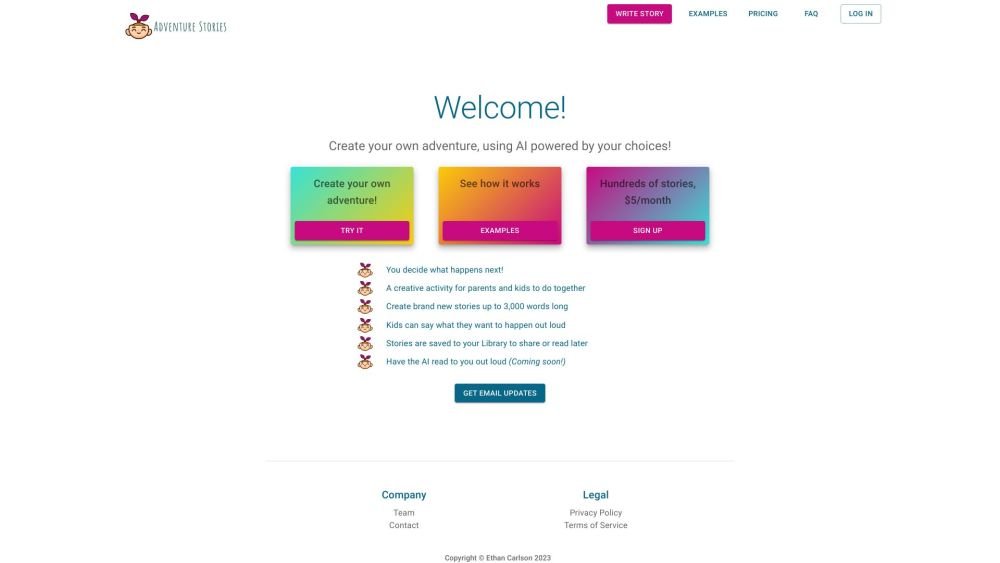
Adventure Stories is a ChatGPT-powered application designed for children and parents to collaboratively create choose-your-own-adventure stories. Users actively shape the narrative by deciding what happens next, resulting in a creative, AI-assisted storytelling experience.
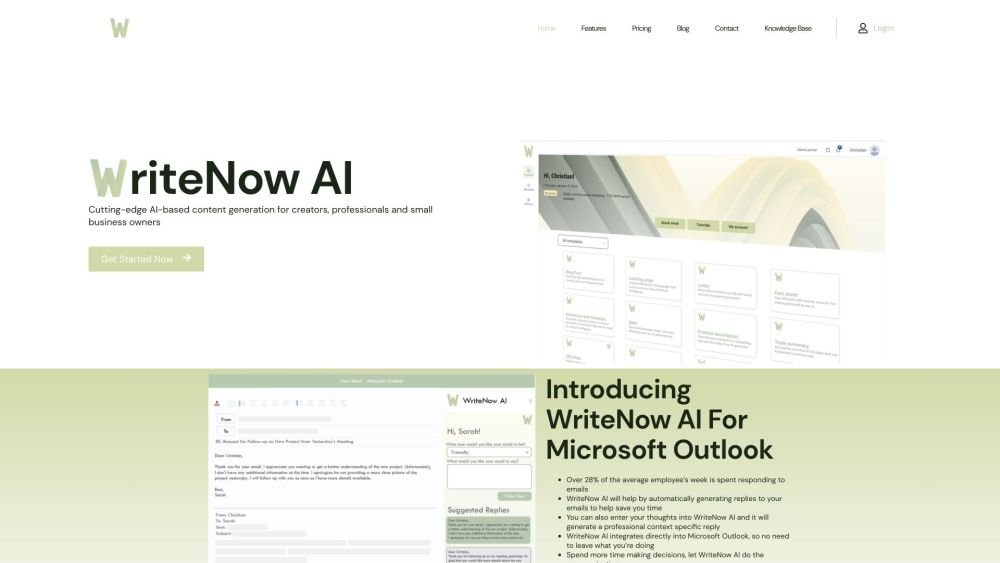
WriteNow AI is an AI-powered Microsoft Outlook add-in designed to generate email responses and various types of content. Leveraging OpenAI GPT-3 technology, it provides natural language generation for both individuals and businesses. The platform includes features such as business profiling, content templates, and marketing tools to assist in creating blog posts, essays, Google Ads, and SEO plans.

Plug In Useful provides SEO applications for Shopify stores aimed at increasing organic sales and profitability. These tools enable users to drive traffic, optimize content, and perform comprehensive SEO audits independently. Key features include broken link resolution, guided tutorials, and automated SEO enhancements for product and collection descriptions.
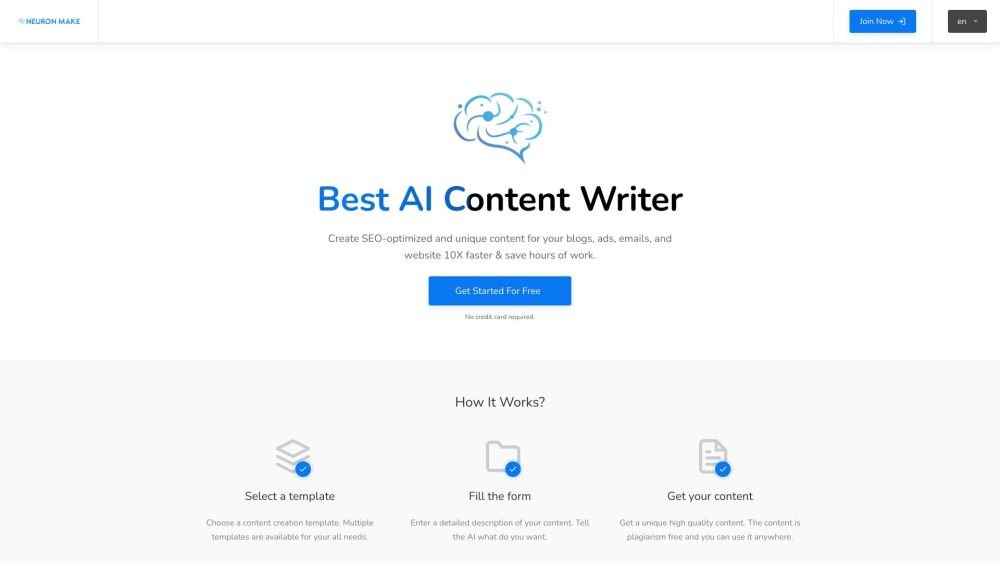
Neuron Make is an all-in-one AI platform for businesses, providing accessible and cost-effective machine learning tools. It serves as a comprehensive solution for generating AI-powered text, images, and code using pre-built templates. The platform assists in producing unique, SEO-optimized content for blogs, advertisements, emails, and websites to improve efficiency.