
Free
$0Free plan available.
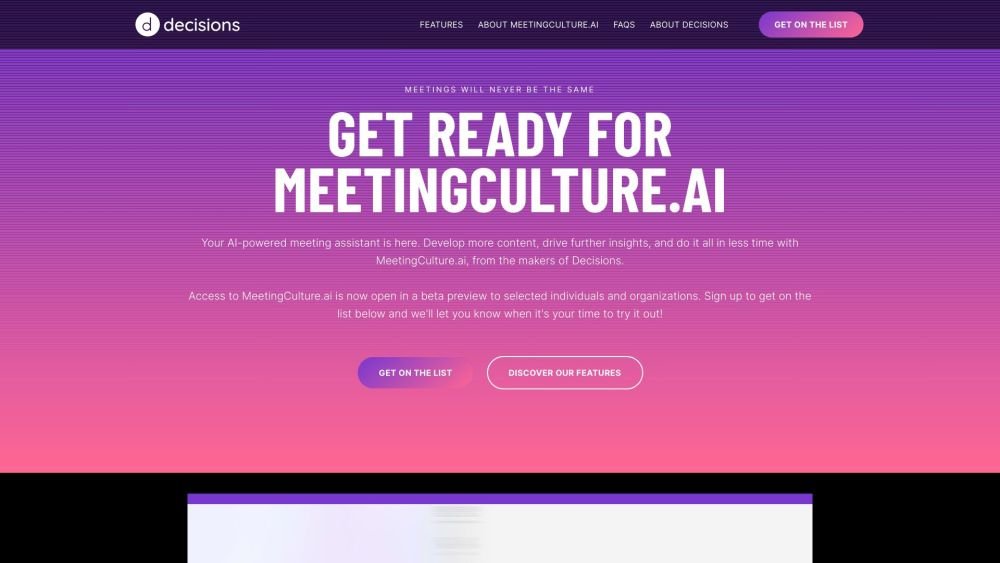
Decisions is a meeting management platform that uses AI to help people plan, run, and drive more outcomes from their meetings. It integrates with Microsoft Teams and Office 365 to supercharge the pre-meeting planning process, eliminate tedious manual tasks, and extract more insights from meeting data and content. It offers features like agenda creation, collaboration tools, one-click meeting minutes, and Meeting Engagement Score™.
Organizations must have an approved version of Decisions installed on their Microsoft tenant. Once configured, users can access the platform to build agendas, collaborate on meeting materials, generate minutes, and analyze meeting engagement metrics.
It is simple: book a demo through our website, and your dedicated account manager will contact you to schedule a convenient time.
No, you do not need to provide a credit card number until you are ready to purchase licenses for your team.
The free trial lasts 14 days, providing full access to Decisions' functionality, including the agenda builder, collaboration tools, one-click meeting minutes, meeting books, and the Meeting Engagement Score™. The trial begins once your organization's IT administrators approve the app. For details on this process, please visit our support documentation.
You will receive an in-app notification before the trial expires, and a member of our team will reach out to discuss purchasing options if you wish to continue using our meeting management tools.
The free trial includes full access to nearly all Decisions tools and features. Certain premium add-ons, such as secure voting and eSignature, are reserved for large team plans.
Pricing is per user, per month, based on the number of licenses and location, with additional fees for Decisions AI and premium features. Organizations with fewer than 30 users are eligible for five free licenses. Please refer to our pricing page or request a quote for large teams.
All users who create or interact with the core Decisions application require a license, including meeting organizers and attendees. External guests do not require a license. For the AI add-on, only users who need to create content beyond the 100-credit monthly limit require an additional license. Note that Decisions AI users cannot create content for meetings where they are not an organizer, co-author, or delegate, though attendees can generate meeting recaps.
Yes, we offer bulk discounts for organizations purchasing 50 or more licenses, as well as discounts for officially recognized non-profits. Please contact your account manager or reach out to us for more information.
Yes. Decisions is designed to enhance meetings with multiple participants, and we encourage you to invite colleagues to start their own free trials to test the functionality together.
You can get assistance by speaking with your dedicated account manager, requesting a demo, visiting our self-service support center, or submitting a request to our customer success team.
AI Meeting Recaps provide concise summaries synthesized from chat logs and transcripts. AI Meeting Minutes generate a draft of meeting minutes for editing and sharing. The AI Agenda Assistant helps you craft agendas in seconds. We are also developing future features, including AI Assistant scheduling and daily briefs.
During your trial, you have free access to Decisions AI features. To continue using these features after the trial, you must hold a current license for the core Decisions platform. To remove credit restrictions, you must upgrade to a premium AI license. Note that access to Decisions AI is managed at the user level, though some tenant-level adjustments—such as granting access to meeting transcripts—are required for full functionality.
While AI permission scopes are primarily managed at the user level, you will need to adjust certain tenant-level settings to maximize all features. For example, enabling meeting recap functionality requires an M365 admin to reauthenticate the application to grant access to meeting transcripts.
Each paid Decisions license includes 100 AI credits per month. Different AI activities consume different amounts of credits. On average, 100 credits allow for the creation of 3-5 AI-generated agendas and 1-2 meeting recaps or sets of minutes for a 60-minute meeting. Learn more about credit costs on our website.
Credits cannot be purchased individually. You must upgrade your license to a Premium AI license, which requires an annual commitment.
You can purchase a license by contacting us directly or through AppSource.
Decisions AI utilizes Microsoft Azure OpenAI services, hosted in the EU or the United States, with a focus on data security. Data is isolated, meaning inputs and outputs are not shared with other customers, OpenAI, or used to improve Microsoft or third-party models. The models are stateless, ensuring no prompts or generations are stored or used for training. Contact us for a full security review.
Decisions AI is an extension of the Decisions platform and requires the core application to function. It is not currently available as a standalone application, though we continue to develop how the two platforms integrate.
Free plan available.
Use these comparison pages to understand the trade-offs between the models most relevant to Decisions.
Compare GPT 5.4 and GPT 5.4 Pro across pricing, context window, capabilities, benchmarks, and API access to choose the better fit for long-context workloads versus long-context workloads.
Compare GPT 5.5 and GPT 5.4 across pricing, context window, capabilities, benchmarks, and API access to choose the better fit for long-context workloads versus long-context workloads.
Compare GPT 5.5 and Claude 4.6 Opus across pricing, context window, capabilities, benchmarks, and API access to choose the better fit for long-context workloads versus long-context workloads.
Compare GPT 5.5 and Claude 4.6 Sonnet across pricing, context window, capabilities, benchmarks, and API access to choose the better fit for long-context workloads versus long-context workloads.

Similar AI tool in the AI Assistant category.
Similar AI tool in the AI Assistant category.
Similar AI tool in the AI Productivity Tools category.
Similar AI tool in the AI Assistant category.
Similar AI tool in the AI Assistant category.
Similar AI tool in the AI Chatbot category.
Similar AI tool in the AI Assistant category.
Similar AI tool in the AI Productivity Tools category.
Similar AI tool in the AI Assistant category.
Similar AI tool in the AI Assistant category.
Similar AI tool in the AI Assistant category.
Similar AI tool in the AI Assistant category.