
Free
$0Free plan available.
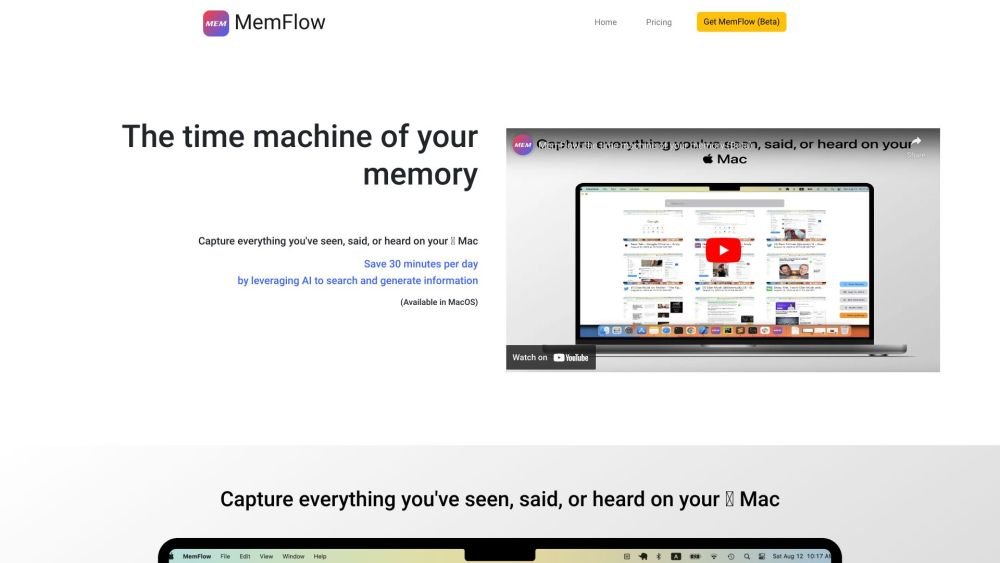
MemFlow is a memory assistant for Mac users. It automatically records screenshots and sounds in chronological order, allowing users to find memories through semantic search. It captures everything seen, said, or heard on the Mac, leveraging AI to search and generate information, saving users up to 30 minutes per day.
MemFlow captures data from your Mac's screen, speakers, and microphone. Screenshots and audio are converted into text using OCR and ASR technologies. Users can then search these texts or send them to ChatGPT to generate new content. To install, visit https://memflow.ai and click the "Join Alpha Test" button.
Visit https://memflow.ai and click the "Join Alpha Test" button to get started.
Currently, MemFlow is only compatible with macOS (Ventura 13.0 or later). Support for Windows, iOS, and Android is coming soon.
MemFlow requires three permissions: Screen Recording, Accessibility, and Microphone. These are used to collect the necessary data locally.
Data privacy is our top priority. All data is stored and processed locally on your device, and text data is encrypted in the local database using industry-standard practices.
Typically, MemFlow utilizes approximately 5-10% of total CPU and 200MB of system memory.
MemFlow compresses recordings significantly. In regular mode, it requires about 10GB of disk space per month, while low storage mode requires only 3GB per month.
Free plan available.
Use these comparison pages to understand the trade-offs between the models most relevant to MemFlow.
Compare GPT 5.4 and GPT 5.4 Pro across pricing, context window, capabilities, benchmarks, and API access to choose the better fit for long-context workloads versus long-context workloads.
Compare GPT 5.5 and GPT 5.4 across pricing, context window, capabilities, benchmarks, and API access to choose the better fit for long-context workloads versus long-context workloads.

Similar AI tool in the AI Assistant category.
Similar AI tool in the AI Assistant category.
Similar AI tool in the AI Productivity Tools category.
Similar AI tool in the AI Assistant category.
Similar AI tool in the AI Assistant category.
Similar AI tool in the AI Chatbot category.
Similar AI tool in the AI Assistant category.
Similar AI tool in the AI Productivity Tools category.
Similar AI tool in the AI Assistant category.
Similar AI tool in the AI Assistant category.
Similar AI tool in the AI Assistant category.
Similar AI tool in the AI Assistant category.