

Free
$0Free plan available.
Messaging Assistant helps users generate replies in WhatsApp conversations and rewrite selected text to sound better and more concise. It offers shortcuts for quick access to these features and allows users to customize settings for auto-generation.
To generate replies in WhatsApp, use the shortcut CTRL + Q. To rewrite selected text, use the shortcut ALT + R or right-click and select 'Rewrite Selected Text'. You can enable auto-generation features within the extension's settings menu.
You can use the CTRL + Q shortcut to generate replies within WhatsApp. Additionally, you can enable auto-generation features in the extension settings.
You can rewrite selected text by using the ALT + R shortcut or by right-clicking the text and selecting 'Rewrite Selected Text'.
No, the Messaging Assistant does not store or read your personal data. It communicates directly with the OpenAI API and operates without a backend.
Free plan available.
Use these comparison pages to understand the trade-offs between the models most relevant to Messaging Assistant - Chrome Extension.
Compare Gemini 1.0 Pro Deprecated and Gemini 1.5 Flash Vision Deprecated across pricing, context window, capabilities, benchmarks, and API access to choose the better fit for long-context workloads versus general-purpose AI workloads.
Compare Gemini 1.5 Pro Vision Deprecated and Gemini 1.0 Pro Deprecated across pricing, context window, capabilities, benchmarks, and API access to choose the better fit for general-purpose AI workloads versus long-context workloads.
Compare Gemini 1.0 Pro Vision Deprecated and Gemini 1.5 Flash Vision Deprecated across pricing, context window, capabilities, benchmarks, and API access to choose the better fit for general-purpose AI workloads versus general-purpose AI workloads.
Compare Gemini 1.5 Pro Vision Deprecated and Gemini 1.0 Pro Vision Deprecated across pricing, context window, capabilities, benchmarks, and API access to choose the better fit for general-purpose AI workloads versus general-purpose AI workloads.

AraMind AI is an all-in-one platform designed to support various writing tasks. It provides a suite of AI-powered tools, including image generation and an AI content detector, to help users produce creative, human-like content. By automating the creation process and assisting with AI detection, AraMind AI helps users save time and minimize the need for extensive manual editing.
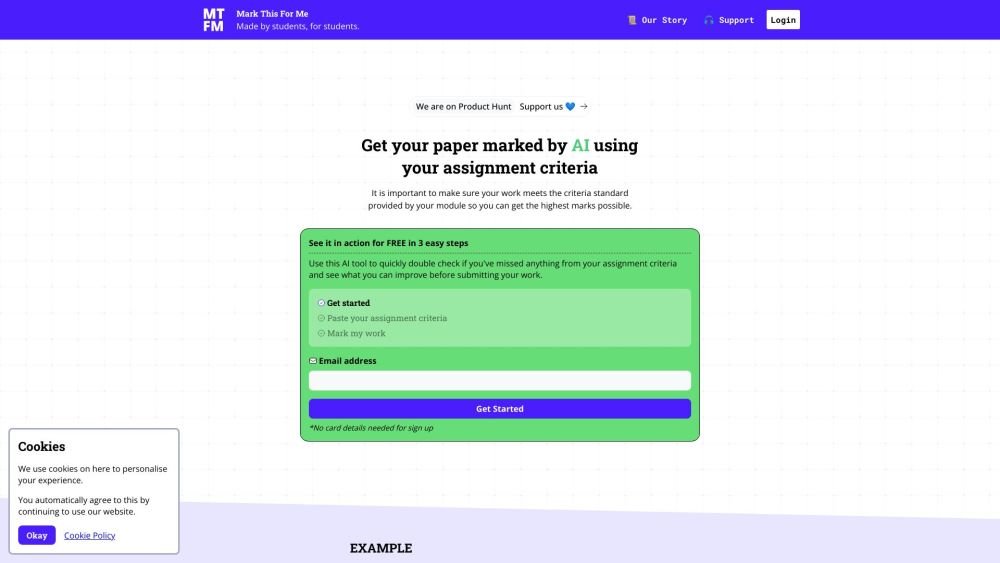
Mark This For Me is an AI-powered platform that provides students with instant, personalized feedback on their assignments. By leveraging OpenAI's GPT models, the tool evaluates work against specific criteria to offer insights that boost motivation and support academic success. The platform provides constructive guidance to help students refine their critical thinking and identify areas for improvement.

Utopic.ai is a Web3 platform that leverages AI to facilitate discussions, connect users with peers, and reward contributions. Designed as a social community for technology enthusiasts, it allows members to share knowledge, experiences, and perspectives while earning cryptocurrency for asking questions, providing answers, reading, and creating content.
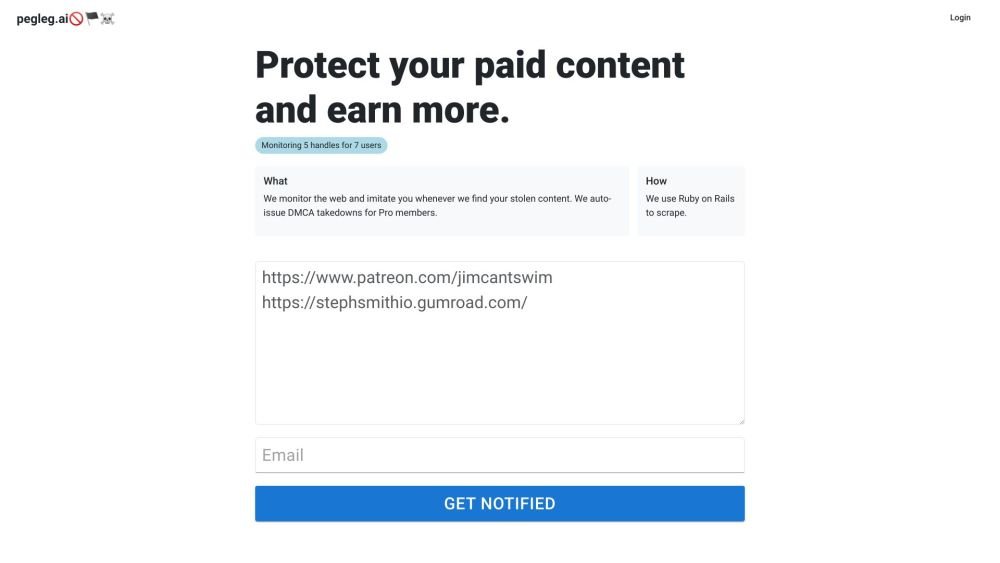
Pegleg.ai monitors the web for unauthorized copies of your content by scanning Patreon and Gumroad links. It helps protect your paid work and revenue by identifying stolen material and, for Pro members, automatically issuing DMCA takedown notices.

WeAreHiring.AI provides a free, shareable bio link that allows you to showcase up to 100 job postings. You can create your permanent bio link in just 3 minutes with no credit card required.
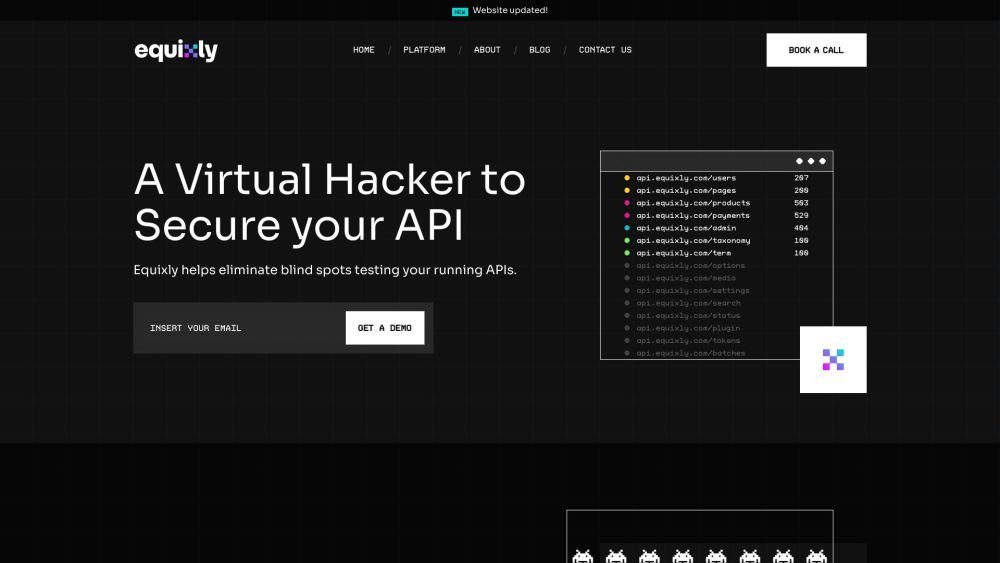
Equixly is a SaaS platform that integrates API security testing into the software development lifecycle (SDLC). It detects vulnerabilities, lowers bug-fixing costs, and scales penetration testing for every new feature release. By using AI-powered bots to scan APIs early, the platform enables faster, more efficient remediation and secure code deployment. Equixly also maps your attack surface by inventorying your API landscape, classifying operations, dependencies, and data flow. Additionally, it simplifies compliance by generating clear reports on security risks and sensitive data exposure to help meet regulatory requirements.

Chisquares is an AI-driven research platform providing end-to-end support for study design, data collection, analysis, and reporting. The platform includes tools for generating representative samples, calculating sample sizes, building custom surveys, and managing data collection. Additionally, it offers features for scientific writing, code-free data analysis, and integrated journal selection and submission.

Ryan AI generates custom children's fairy tales tailored to specific preferences, including genres and characters. Featuring multilingual voice narration and background music, it provides an engaging experience for children while offering parents a convenient way to entertain them. By leveraging modern AI, you can select specific themes and educational lessons to create unique, personalized stories.

WriteTurbo is an AI-powered platform designed to help users generate high-quality content for diverse marketing and creative needs. It provides tools for crafting Facebook, Instagram, and Google ads, social media posts, SEO-optimized articles, and blog content. WriteTurbo focuses on delivering affordable and efficient AI-driven content generation.

GPTBot Checker is a tool for website owners and developers to verify if their site is accessible to AI crawlers. As AI technologies like GPTBot evolve, this tool helps you confirm whether your content is available for ChatGPT training.
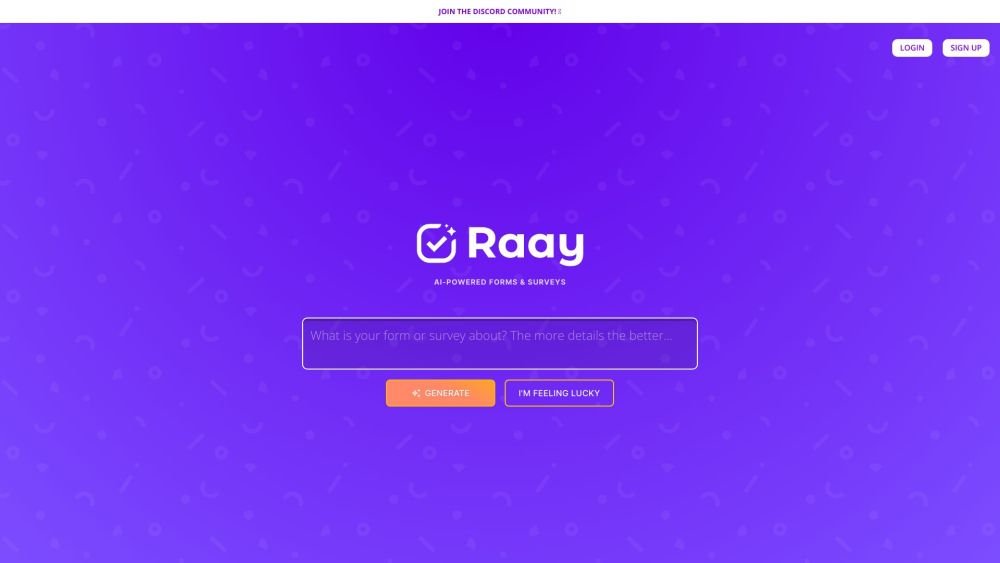
Raay is an AI-powered platform designed to streamline the creation of forms and surveys. By entering a simple prompt, users can generate forms in seconds. The platform also provides interactive summaries of responses and offers seamless integrations to support data-driven decision-making, allowing users to create, share, and analyze data efficiently.

Pano aggregates essential customer data from your existing platforms into a concise, personalized snapshot. By integrating with your current applications, Pano provides a comprehensive view of the customer journey in seconds. It filters for relevant information and highlights key action items, allowing you to leverage your existing tech stack without manual data retrieval. Additionally, Pano tracks customer interactions, enabling your team to collaborate effectively for an improved customer experience.