
Free
$0Free plan available.
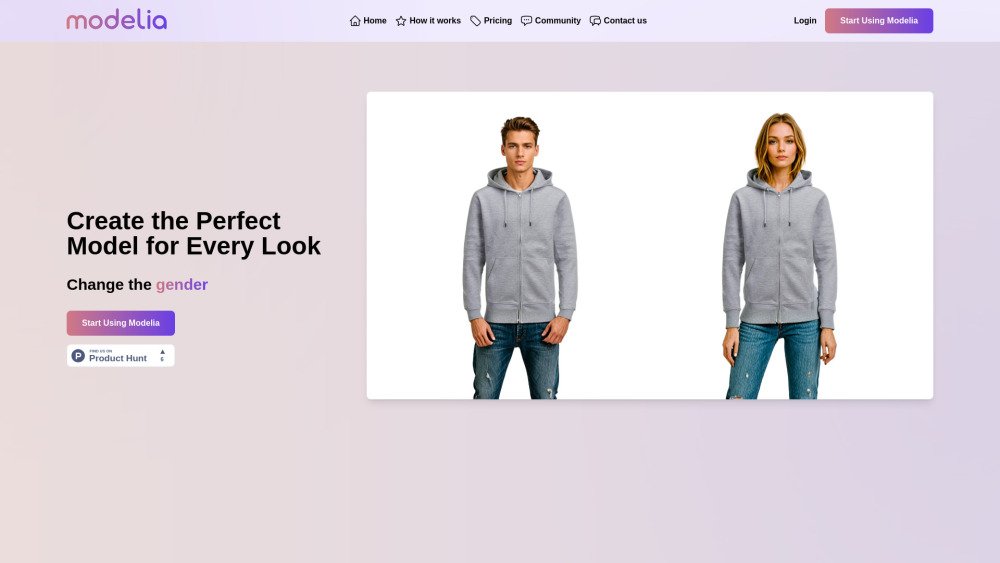
Modelia is an AI fashion model generator that transforms clothing images into stunning visuals with AI-generated models. It helps fashion retailers reduce photo production expenses and increase sales by generating realistic AI fashion models, backgrounds, and product images. Modelia offers tools like Flatlay to Model AI, Mannequin to Model AI, Model to Model AI, AI Video Generator, and AI Outfit Generator.
To create AI models wearing your designs, upload your garment image, specify your preferences (such as age, gender, ethnicity, and background), and then generate and download your AI-enhanced fashion images.
A credit is a unit used to generate images or perform other actions on our platform. Each tool or feature consumes a specific number of credits per use.
Credits are deducted from your balance whenever you generate an image or use a feature. The amount consumed depends on the specific tool or action. In Basic and Pro plans, credits are shared across both web and API access.
In the Starter plan, credits reset monthly and do not carry over. In Basic and Pro plans, unused credits roll over to the next month.
Yes, in the Pro plan, all users associated with the same corporate account share a single pool of credits.
You can either wait for your credits to reset at the start of the next billing cycle (for subscription plans) or purchase additional pay-as-you-go credits to continue generating images without interruption.
Yes. You can purchase additional pay-as-you-go credits at any time by logging into your account and visiting the billing section.
Pay-as-you-go credits allow you to purchase usage as needed without a monthly subscription. These credits include all Basic plan features and are valid for both web and API access. If you have an active subscription, these credits are added to your existing balance.
Starter plan credits do not roll over. Credits from Basic and Pro plans roll over to the next month if they remain unused, as they do not expire.
Yes, the Starter plan is free forever. It includes 100 credits per month, a daily limit of 20 credits, full access to all tools, and community support.
The Starter plan limits usage to 20 credits per day. Once this limit is reached, you must wait until the following day for your credits to reset.
Each plan provides access to AI tools such as garment color changes, background removal, expression editing, and HD image generation. Credit limits, seat counts, API access, and support levels vary by plan.
Yes, all yearly paid plans include a 20% discount.
Free tools are available to all users via the Starter plan, which is free forever and includes 100 monthly credits. These tools are also included in all other subscription plans.
Web access allows you to generate and manage images through our online interface, while API access enables you to integrate AI features into your own applications and automate workflows.
Yes, you can upgrade or downgrade your plan at any time via your account settings. Changes take effect immediately, subject to your plan’s billing cycle.
Starter and Basic plans provide 1 seat for individual use. The Pro plan includes unlimited seats, which is ideal for team collaboration.
Training the AI for 'Clone Garment' costs 50 credits. 'Clone Garment' (Inference), 'Flatlay To Model', 'Mannequin To Model', 'Model To Model', 'Change Background', and 'Sketch To Image' cost 1 credit per generated image. The AI Video Generator costs 21 credits for a 5-second video and 40 credits for a 10-second video.
If you cancel, you will retain access to your credits and plan features until the end of your current billing cycle. You will not be charged for the next cycle.
No, there are no hidden fees. Costs are limited to your monthly subscription fee and any optional pay-as-you-go credits you choose to purchase.
Free plan available.
Use these comparison pages to understand the trade-offs between the models most relevant to Modelia.
Compare Gemini 1.0 Pro Deprecated and Gemini 2.0 Flash across pricing, context window, capabilities, benchmarks, and API access to choose the better fit for long-context workloads versus long-context workloads.
Compare Gemini 1.0 Pro Deprecated and Gemini 2.5 Flash across pricing, context window, capabilities, benchmarks, and API access to choose the better fit for long-context workloads versus long-context workloads.
Compare Gemini 2.0 Flash Lite and Gemini 2.0 Flash across pricing, context window, capabilities, benchmarks, and API access to choose the better fit for long-context workloads versus long-context workloads.
Compare Gemini 2.5 Flash and Gemini 2.0 Flash across pricing, context window, capabilities, benchmarks, and API access to choose the better fit for long-context workloads versus long-context workloads.